Latent Finds

Home / UX/UI

UX/UI

8 tools

Fig 10Design layers
press a layerlayer 3 ยท components

Free + paid extrasWeb app

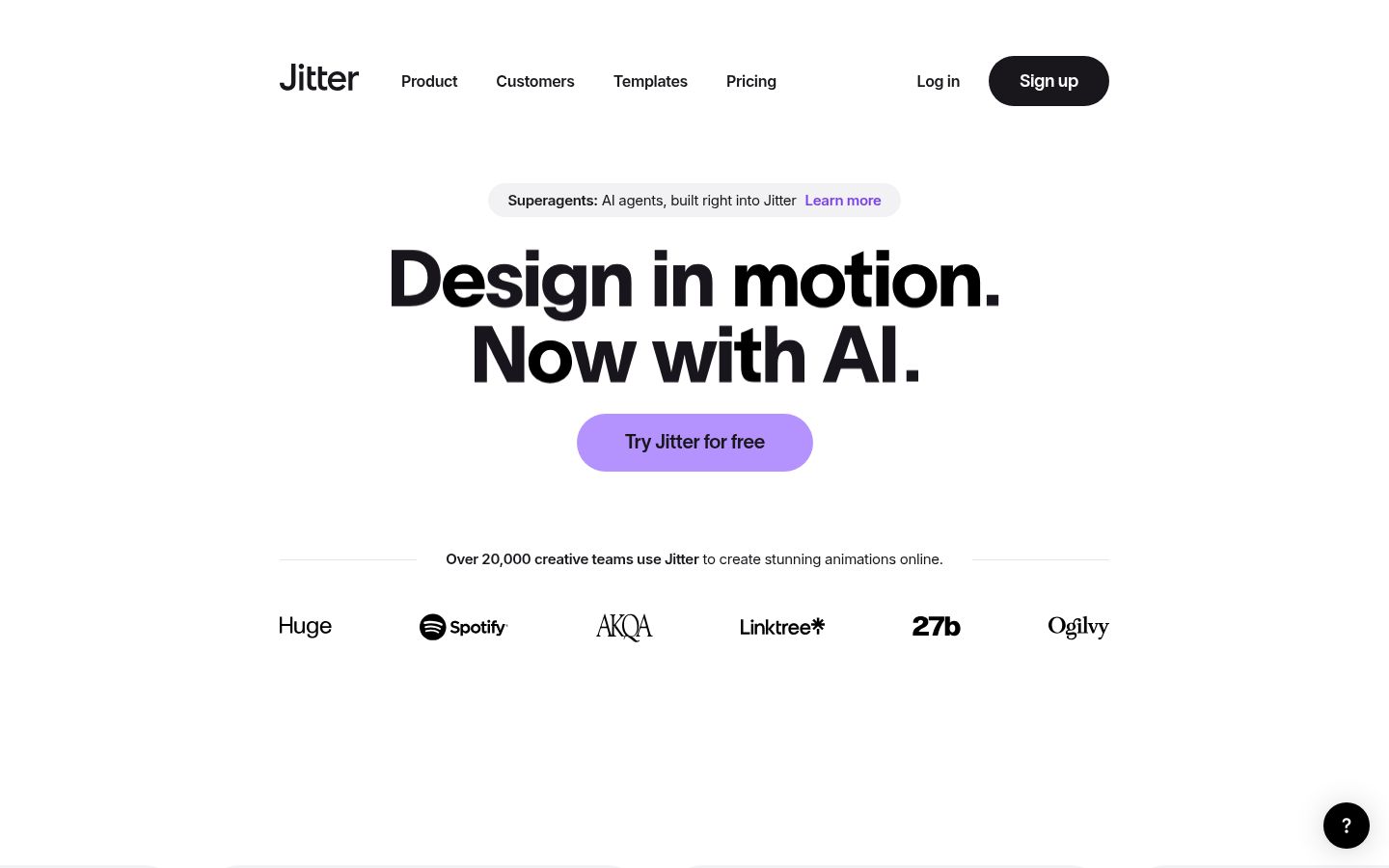
www.Jitter.video

Start from an animated template, then use the timeline or AI to change it for your project.

Quick look

Jitter is a browser motion editor for animating designs, importing Figma work, turning images into videos and collaborating in shared workspaces. Start from a template or your own design, then adjust motion manually or describe it to AI; generated scenes stay editable. AI can also resize, translate and vary animations for campaigns.

Read the how-to
Free + paid extrasWeb app

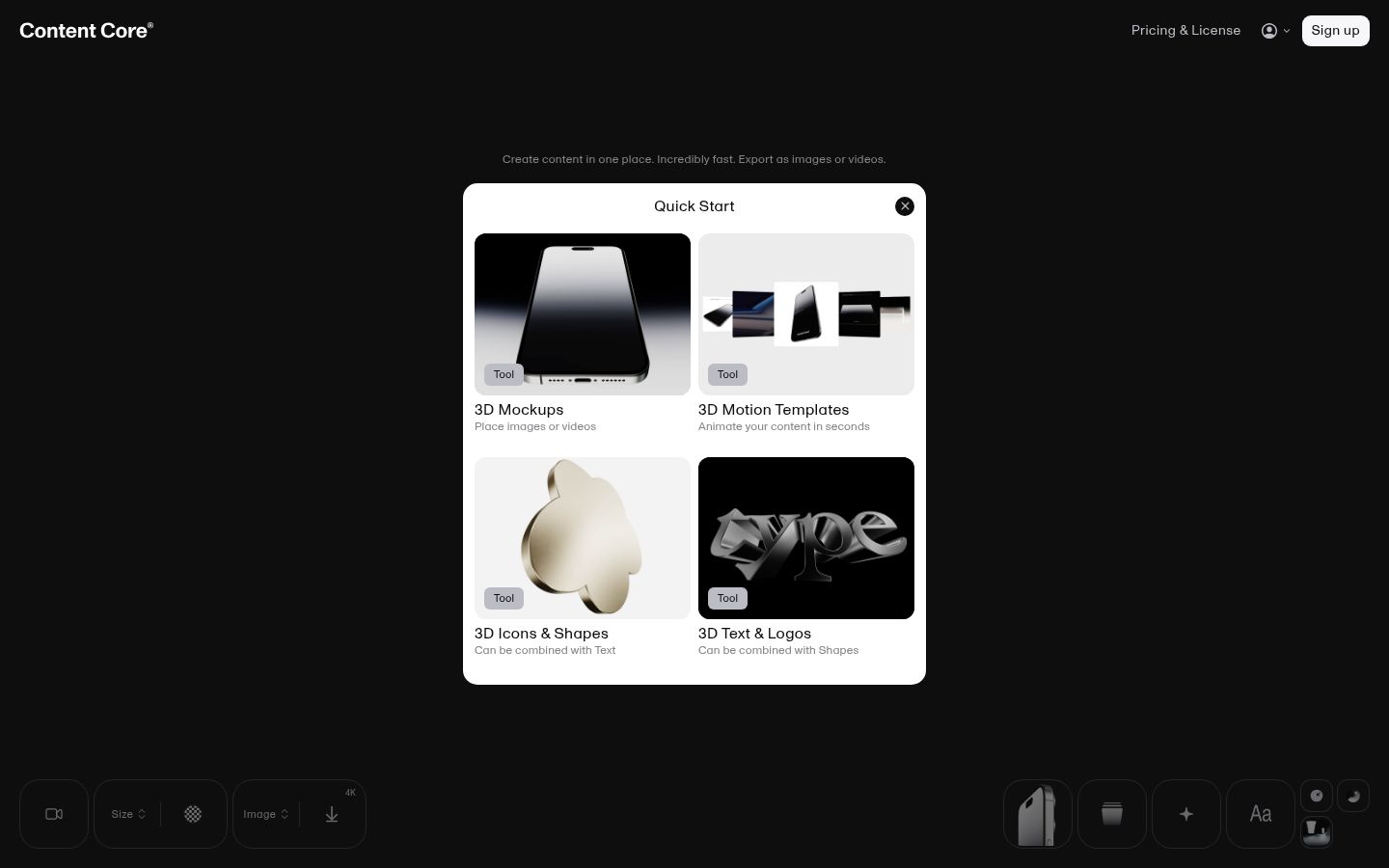
www.ContentCore.xyz

Download rendered images and videos with a free non-commercial license or a paid commercial license.

Quick look

ContentCore runs in your browser: place your images or videos in 3D mockups, animate them with motion templates, or combine 3D icons, shapes, text and logos. Work with the included fonts, materials and environments, then download an image or video.

Read the how-to

Free + paid extrasWeb appPlugin

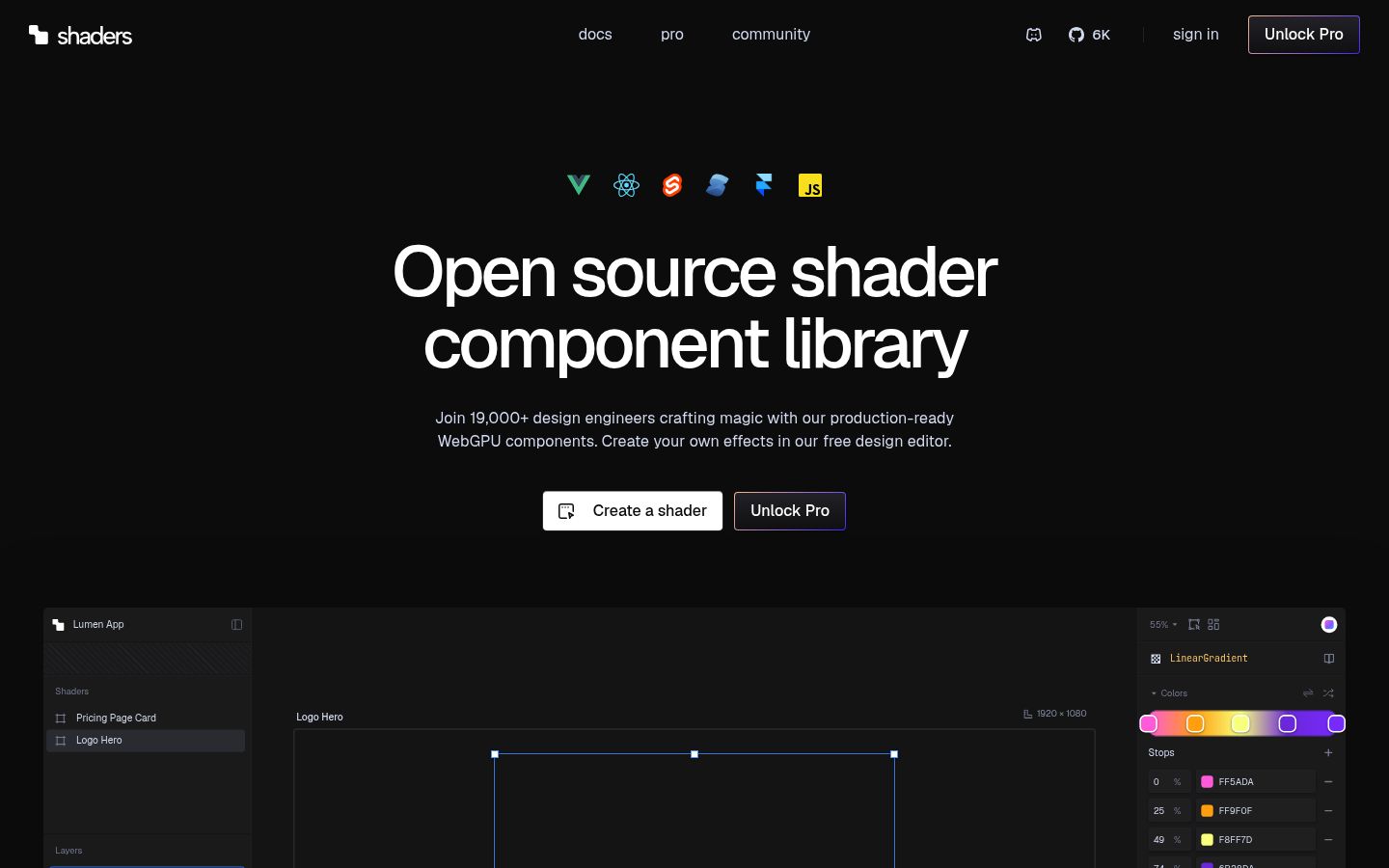
www.Shaders.com

Developers can build effects in a visual editor, then export code for React, Vue, Svelte, Solid or JavaScript.

Quick look

Shaders combines a browser editor with WebGPU components for interactive website effects. Layer components or import images, video and SVGs, then export code for your framework. Its CLI, MCP integration and Framer plugin offer other ways to add designs to projects.

Read the how-to

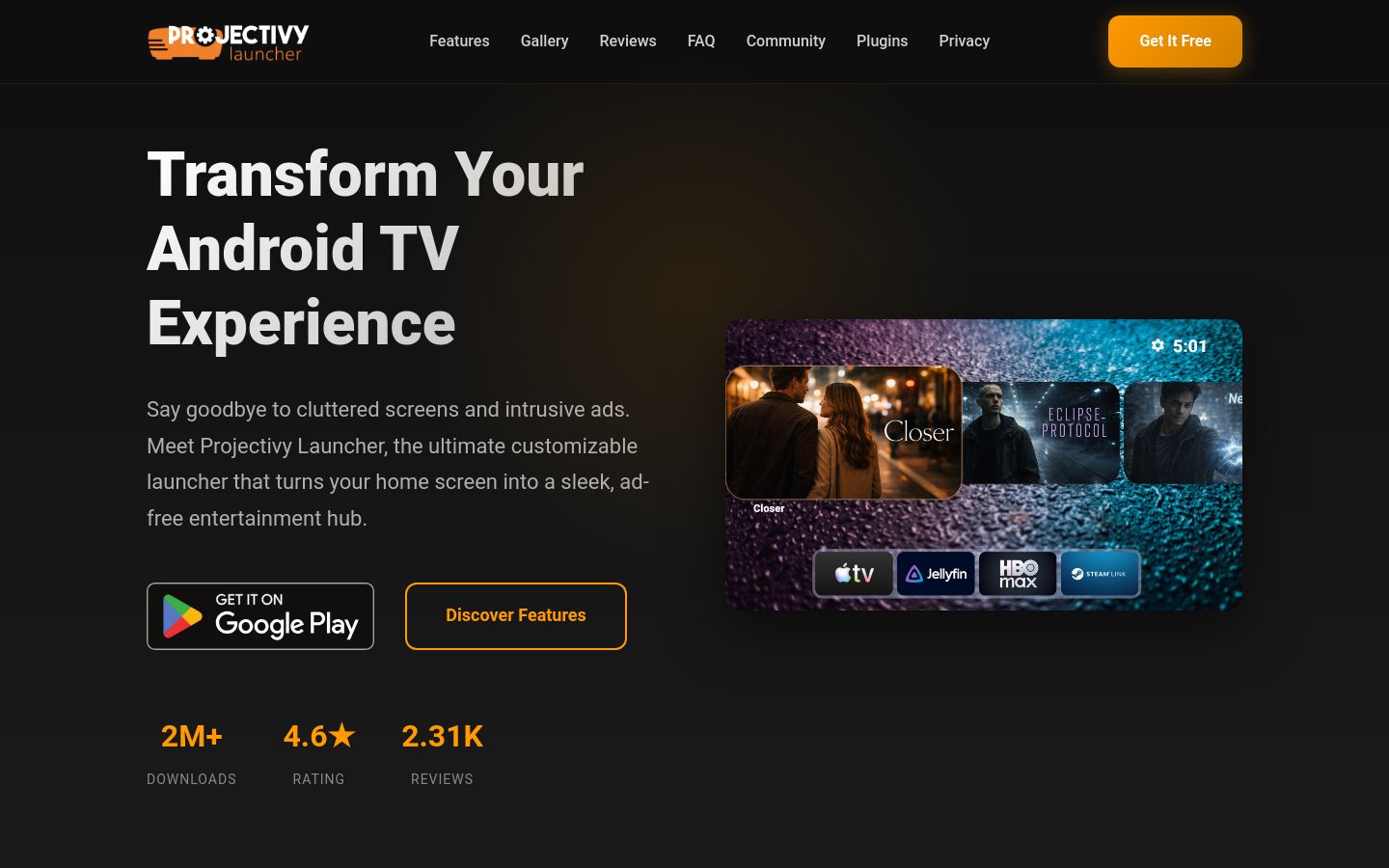
Free + paid extrasApp to install

www.ProjectivyLauncher.com

The core app is free; a one-time Premium upgrade adds custom wallpapers, icons and parental controls.

Quick look

Projectivy Launcher installs on Android TV televisions, projectors and boxes from Google Play or an APK. It provides an ad-free home screen with app categories, channels and shortcuts, plus wallpaper and icon customization, parental/accessibility controls, backups, boot launching, display test patterns and supported engineering menus.

Read the how-to

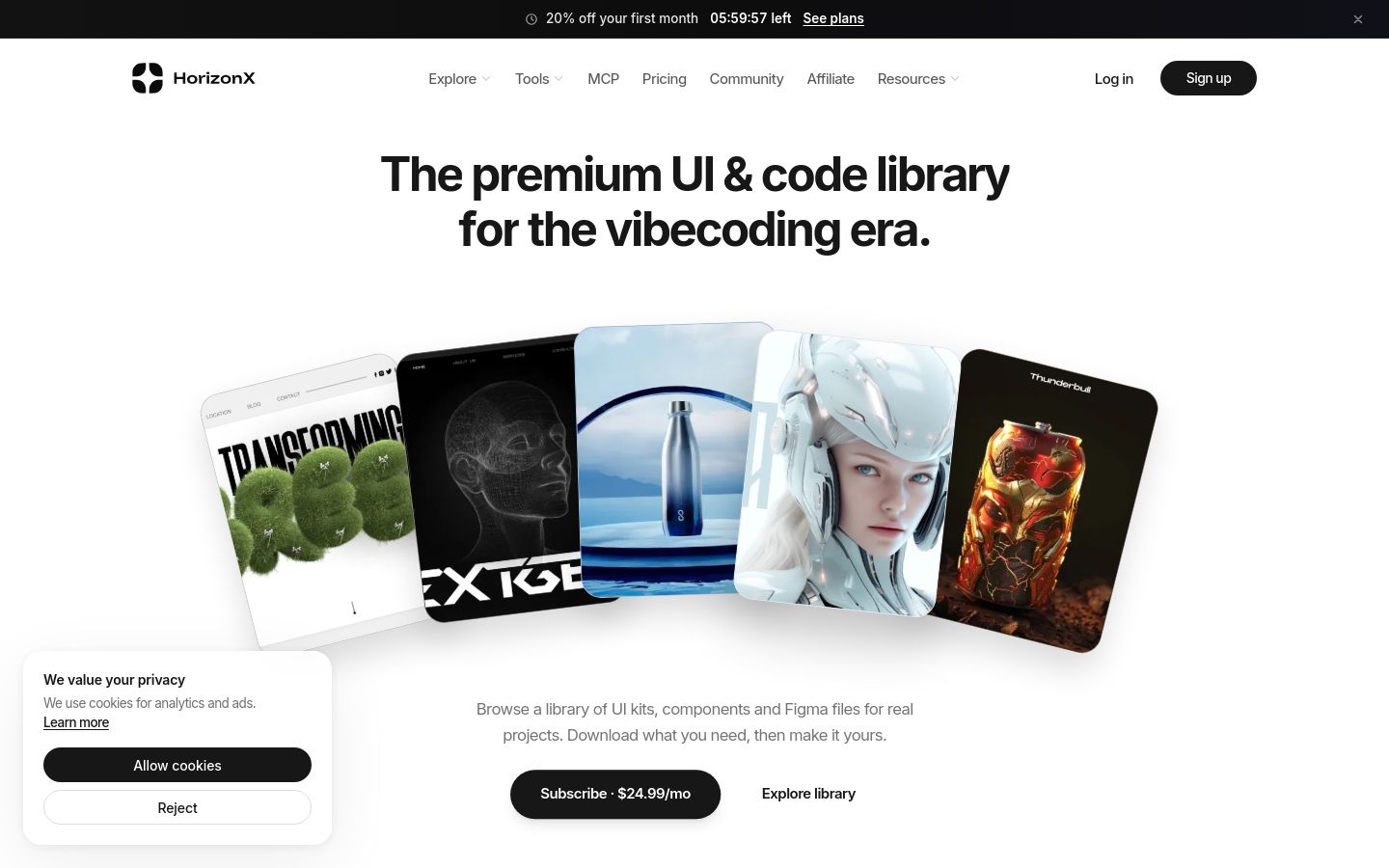
PaidWeb appOnline service

www.HorizonX.so

Designers and developers can adapt existing layouts, interactive components and mockups rather than begin with an empty canvas.

Quick look

HorizonX combines a design library of templates, sections and UI components with browser editors for interactive elements, image and video textures, animated shaders and device mockups. You adapt an existing design or bring your own media, adjust its appearance and export code, editable Figma content, images or video, depending on the asset.

Read the how-to

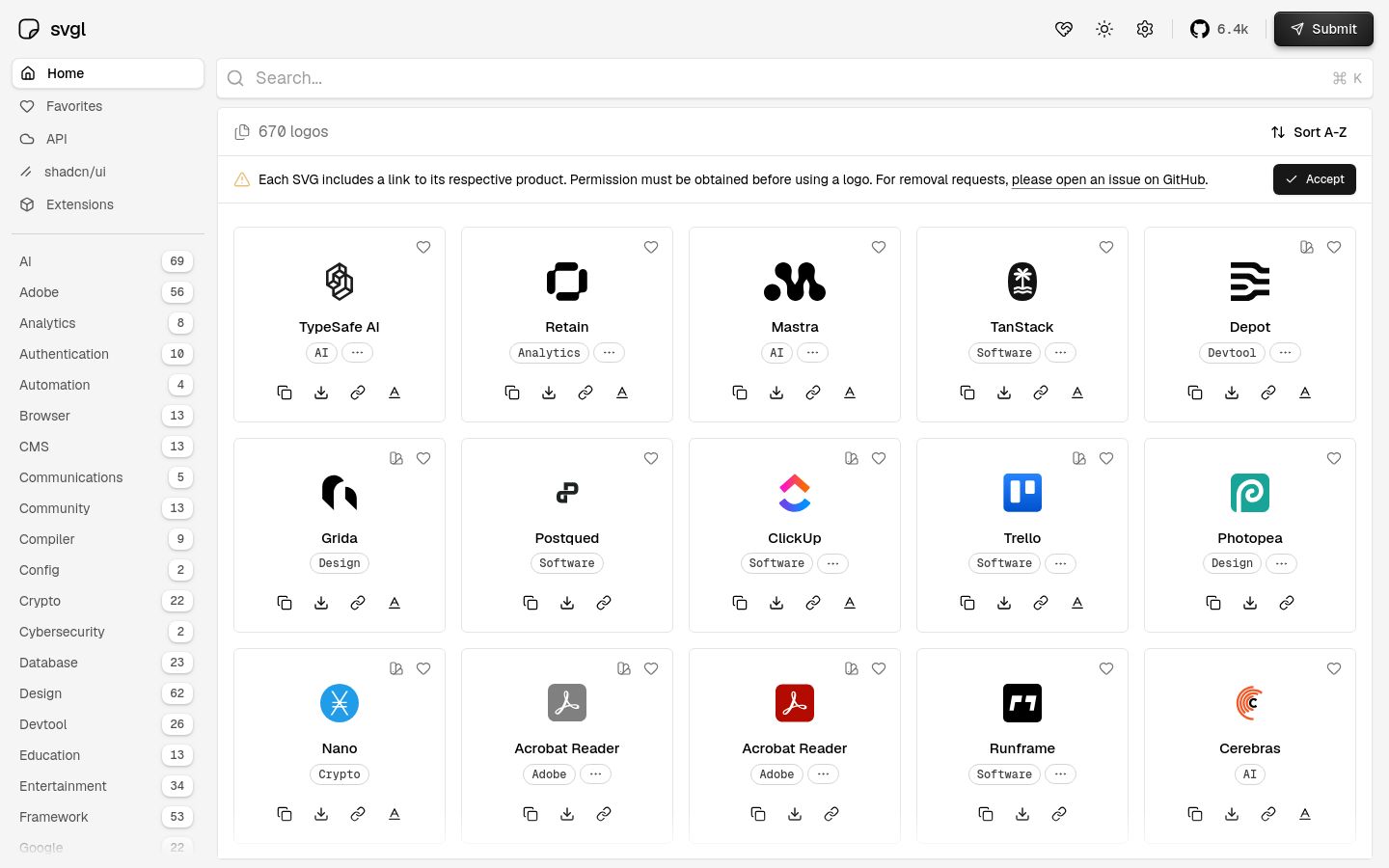
UnknownWeb appOnline service

www.SVGL.app

Choose an icon or wordmark from the results, with permission required before using the logo.

Quick look

SVGL is a browser library for finding brand logos, saving favorites and downloading SVG icons or wordmarks. You can search by brand or browse categories; developers can retrieve logo details and SVG code through its API. The sidebar also includes shadcn/ui, Extensions and Submit SVG.

Read the how-to

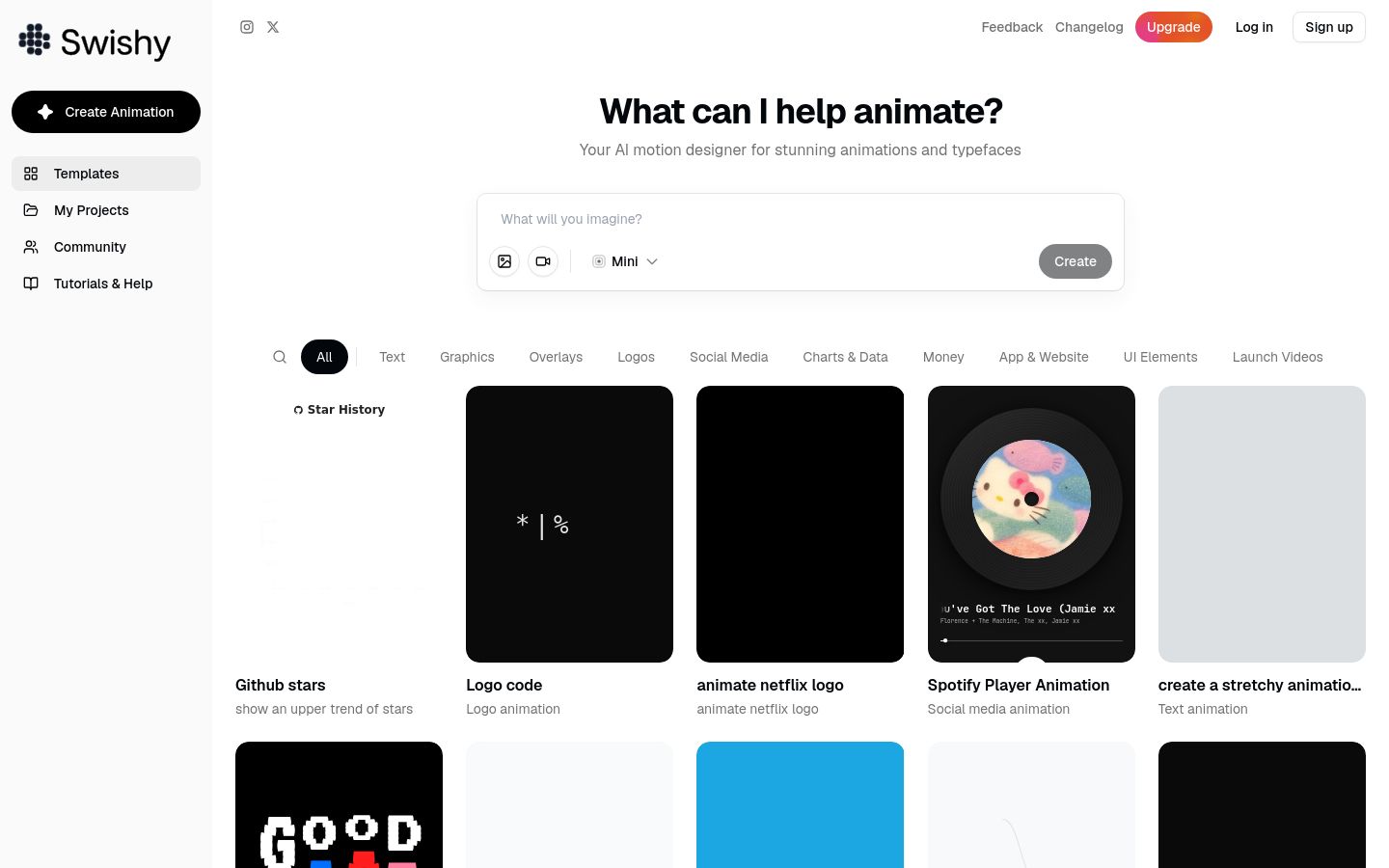
UnknownWeb app

www.Swishy.ai

Templates cover logos, charts and social posts, while text effects include typing, fading and bouncing.

Quick look

Swishy makes animations in your browser from a written request or template, with desktop use recommended. It covers text, graphics, overlays, logos, social posts, charts, money effects, app and website demos, interface elements and launch videos. The text-animation page lists previews and MP4, MOV and GIF exports.

Read the how-to

UnknownPlugin

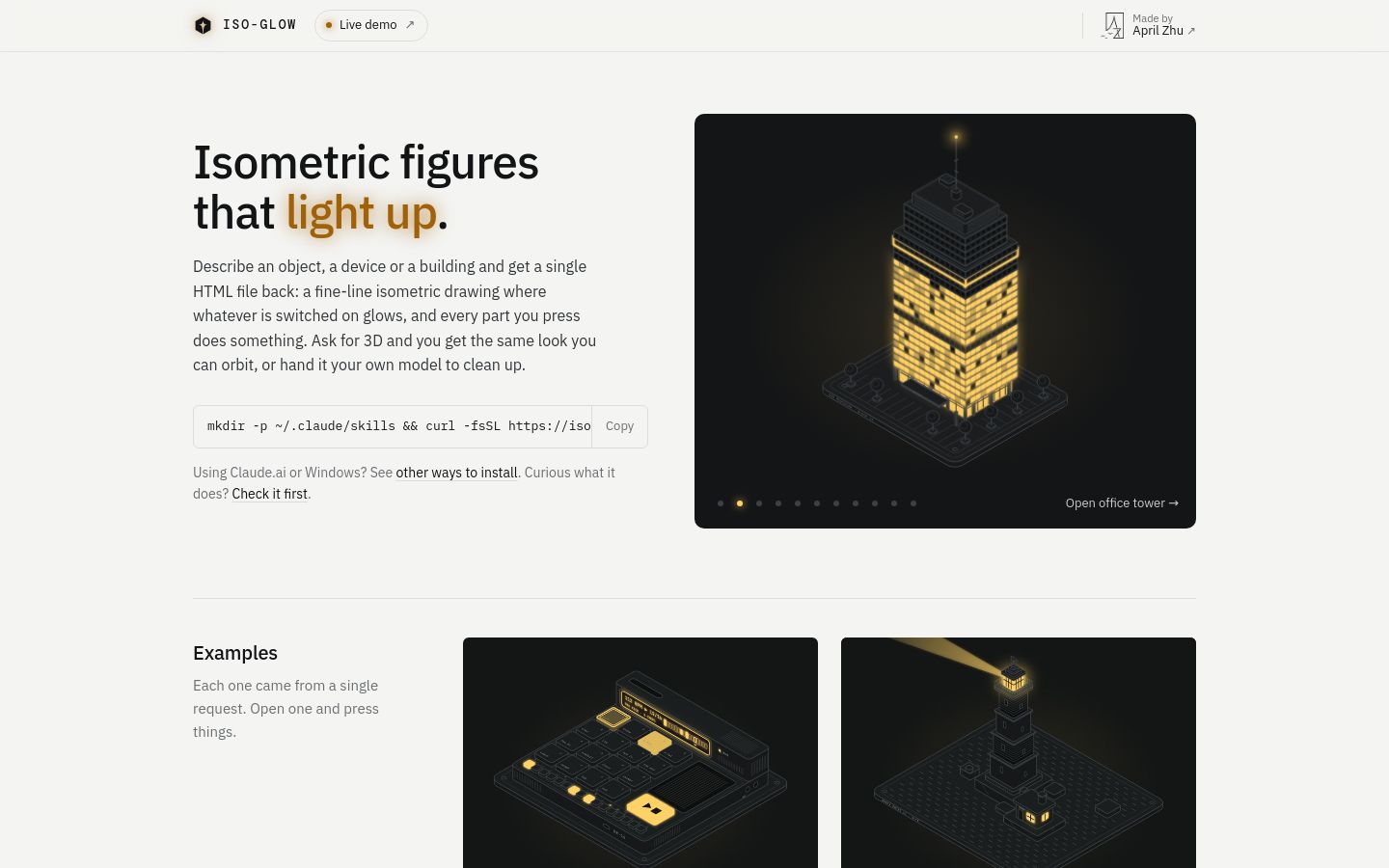
www.isoglow.dev

Install the skill files, describe a scene, and open the generated page to try its lights and controls.

Quick look

ISO-GLOW is a downloadable skill for Claude Code or Claude.ai that turns descriptions into interactive isometric HTML drawings with glowing parts. It also makes orbitable 3D scenes, restyles your own .glb models, and offers Lumen illustrations with solid shapes and lighting.

Read the how-to