
Latent Finds

Home / Creators

Creators

16 tools

Fig 5Camera
024
press the shutter24 shots

FreeApp to install

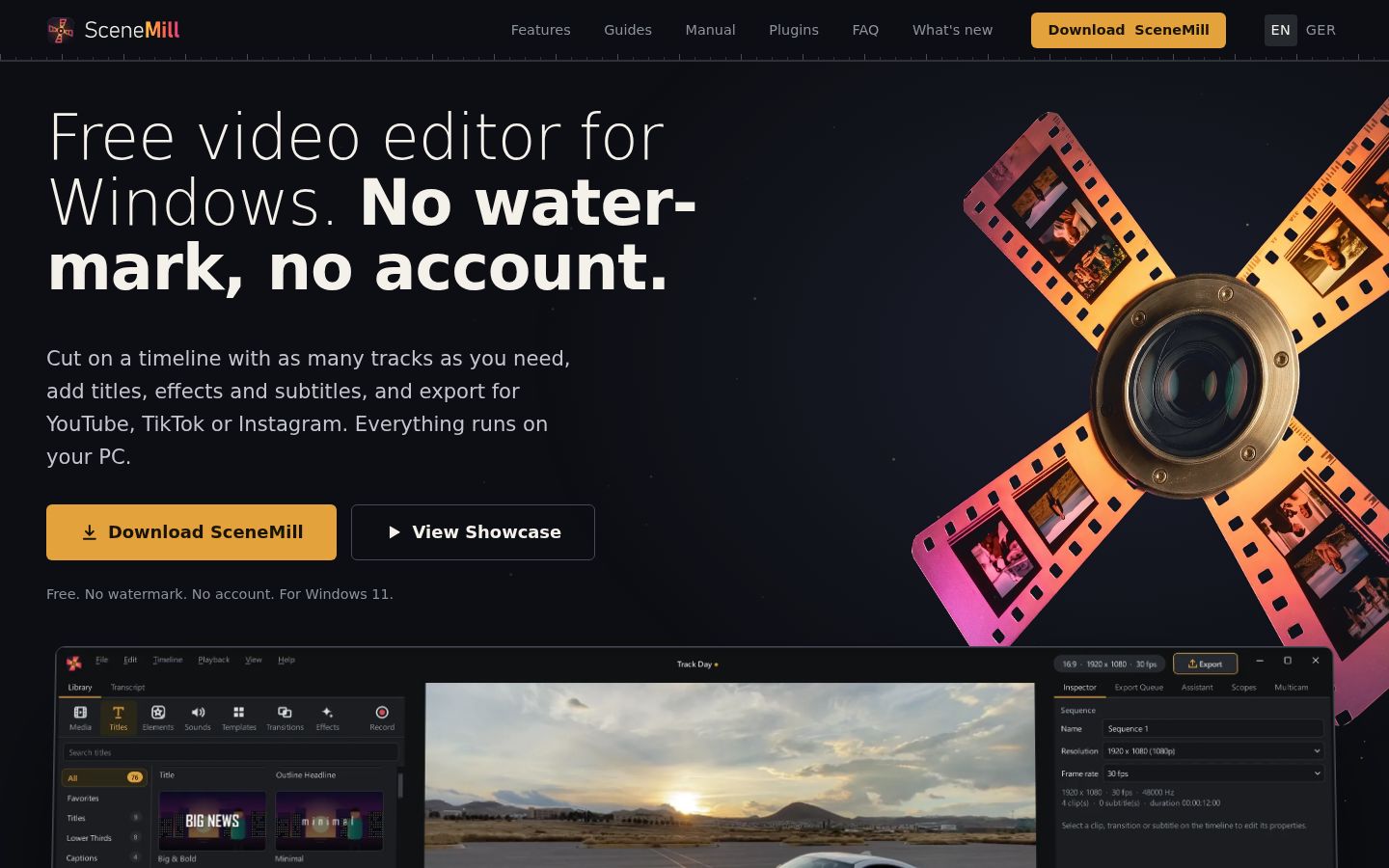
www.scenemillofficial.com

Turn clips, photos and sound into videos, animated GIFs or audio files without uploading your media.

Quick look

Download SceneMill for Windows 11 or 64-bit Linux; it is free, needs no account and exports without watermarks. Import video, photos and audio, arrange and trim them on a multitrack timeline, then add titles, transitions, effects, animation and sound before exporting.

Read the how-to
FreeGitHub projectSelf-hostedWeb app

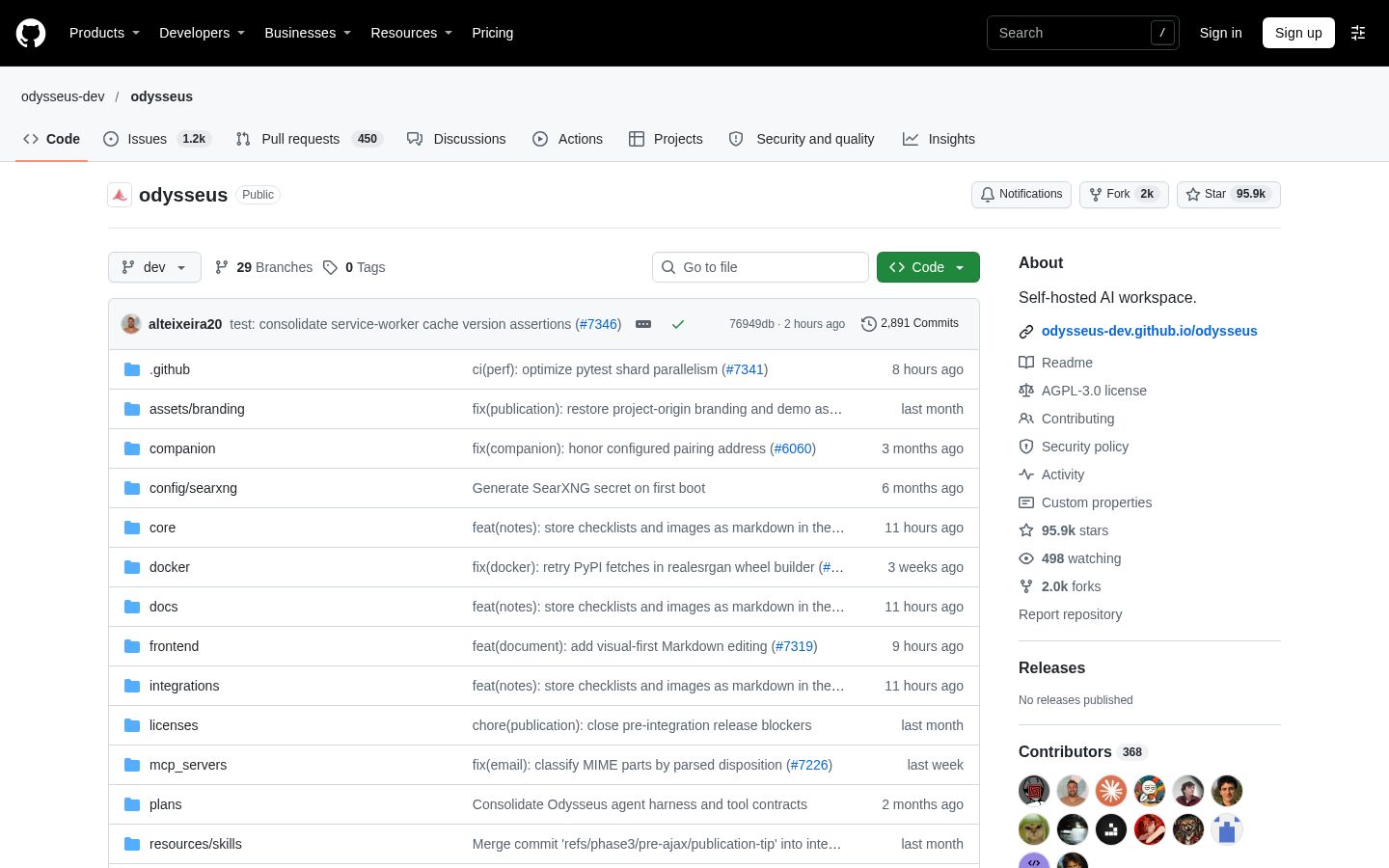
github.com/odysseus-dev/odysseus

Connect your own model endpoints to a browser workspace with agents, writing tools and personal organization features.

Quick look

Odysseus is a free, self-hosted browser workspace installed with Docker or natively. It connects to your model endpoints for chat and agents with tools, memory and reusable skills, research reports, model comparisons, document editing, email assistance, notes, tasks and calendars.

Read the how-to

Free + paid extrasWeb appOnline serviceGitHub projectApp to installSelf-hostedPlugin

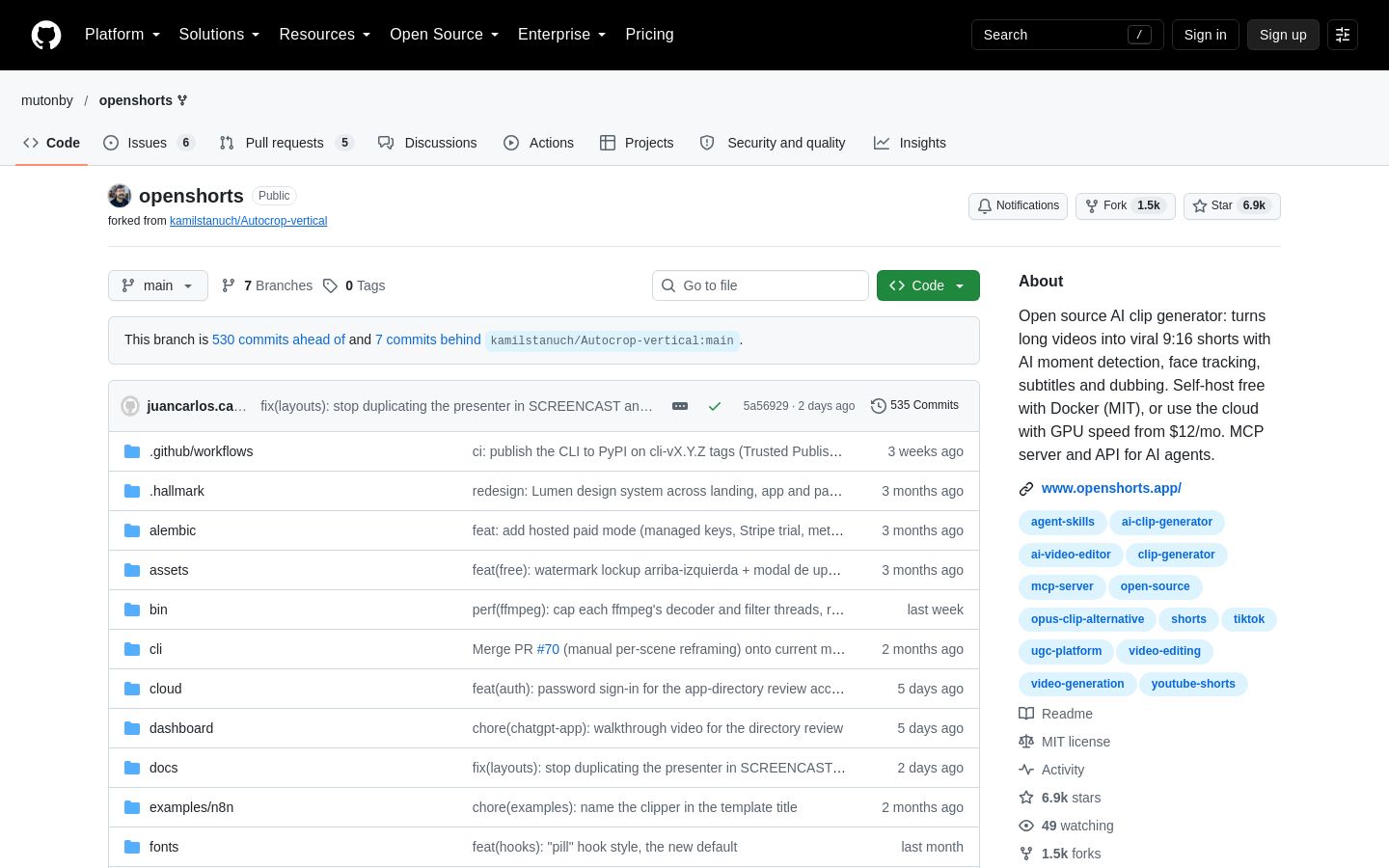
github.com/mutonby/openshorts

Podcasts, interviews and streams can become short clips with automatic moment selection, reframing and subtitles.

Quick look

OpenShorts turns uploaded videos or YouTube links into captioned vertical clips, supports dubbing, makes marketing videos with AI actors from product descriptions or URLs, and generates YouTube thumbnails, titles and descriptions. It also schedules social posts and supports automation through MCP and an API.

Read the how-to

Free + paid extrasWeb app

www.STLBuddy.com

Check how filament, electricity, printer wear and failed prints contribute to an estimate before pricing a project.

Quick look

STL Buddy is a browser toolbox for making and customizing printable models, converting SVG artwork into STL, creating images, and planning print sales with cost and profit calculators. You can browse tools, models or images for a project.

Read the how-to

Free + paid extrasWeb app

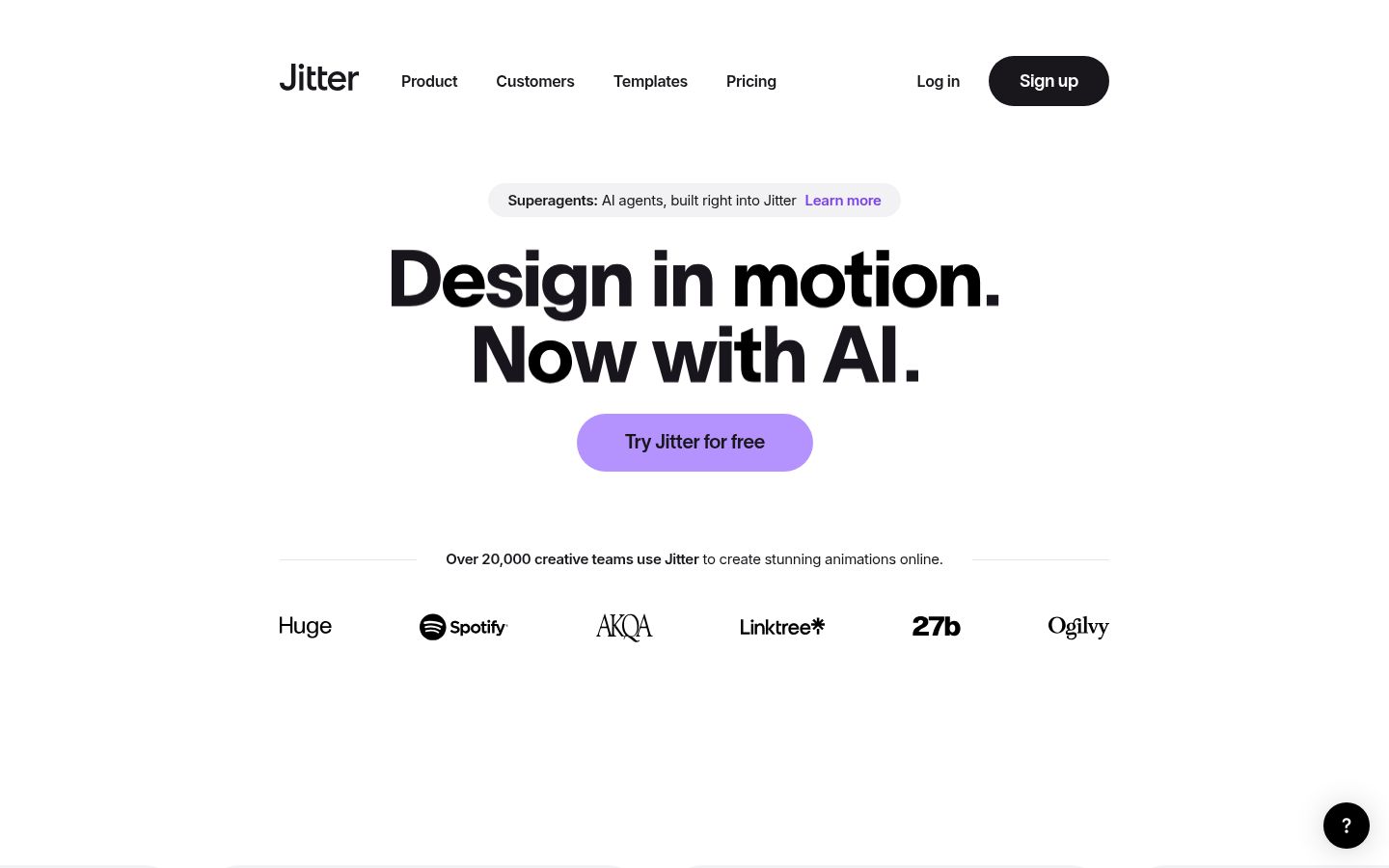
www.Jitter.video

Start from an animated template, then use the timeline or AI to change it for your project.

Quick look

Jitter is a browser motion editor for animating designs, importing Figma work, turning images into videos and collaborating in shared workspaces. Start from a template or your own design, then adjust motion manually or describe it to AI; generated scenes stay editable. AI can also resize, translate and vary animations for campaigns.

Read the how-to

Free + paid extrasWeb app

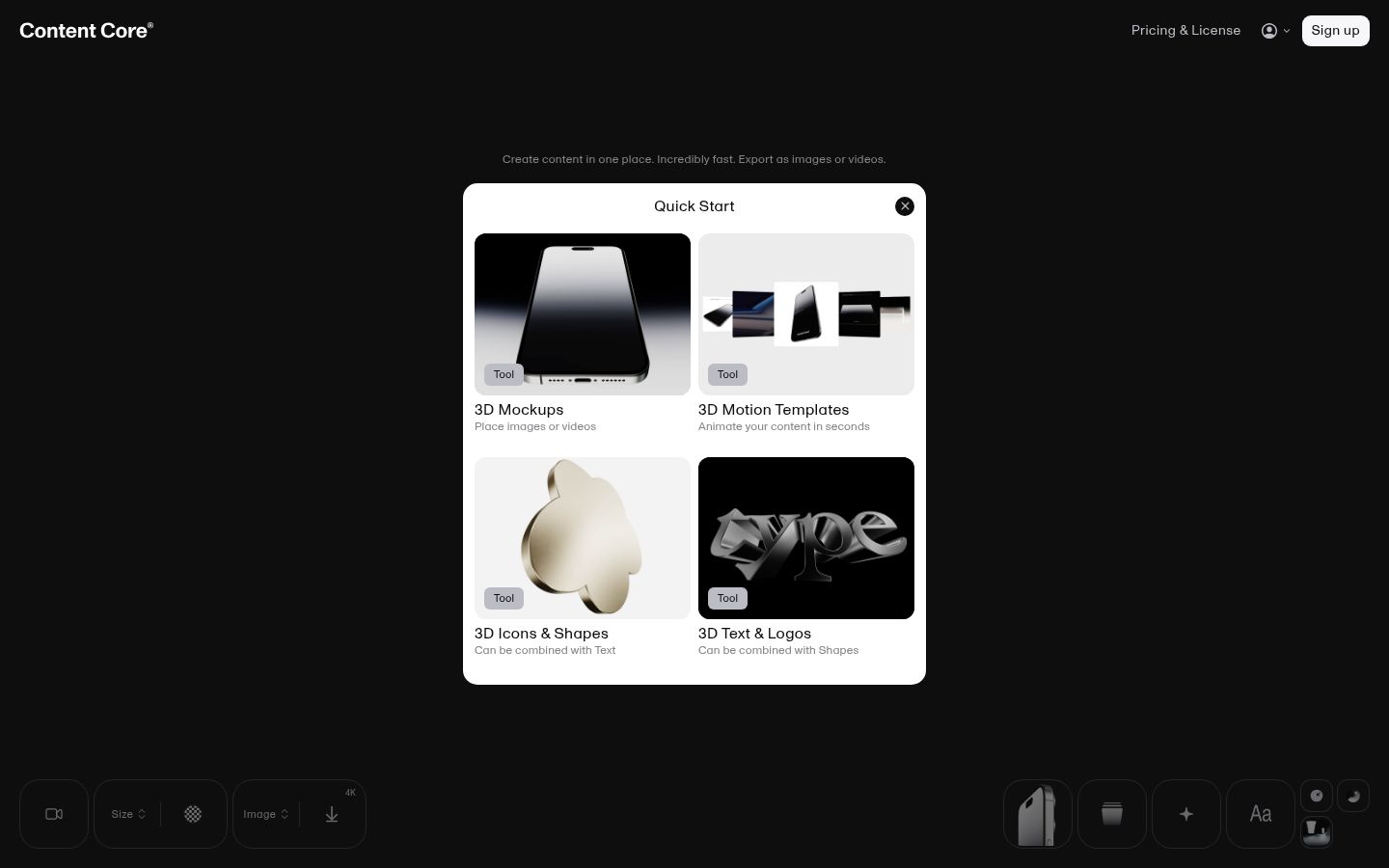
www.ContentCore.xyz

Download rendered images and videos with a free non-commercial license or a paid commercial license.

Quick look

ContentCore runs in your browser: place your images or videos in 3D mockups, animate them with motion templates, or combine 3D icons, shapes, text and logos. Work with the included fonts, materials and environments, then download an image or video.

Read the how-to

Free + paid extrasApp to installWeb app

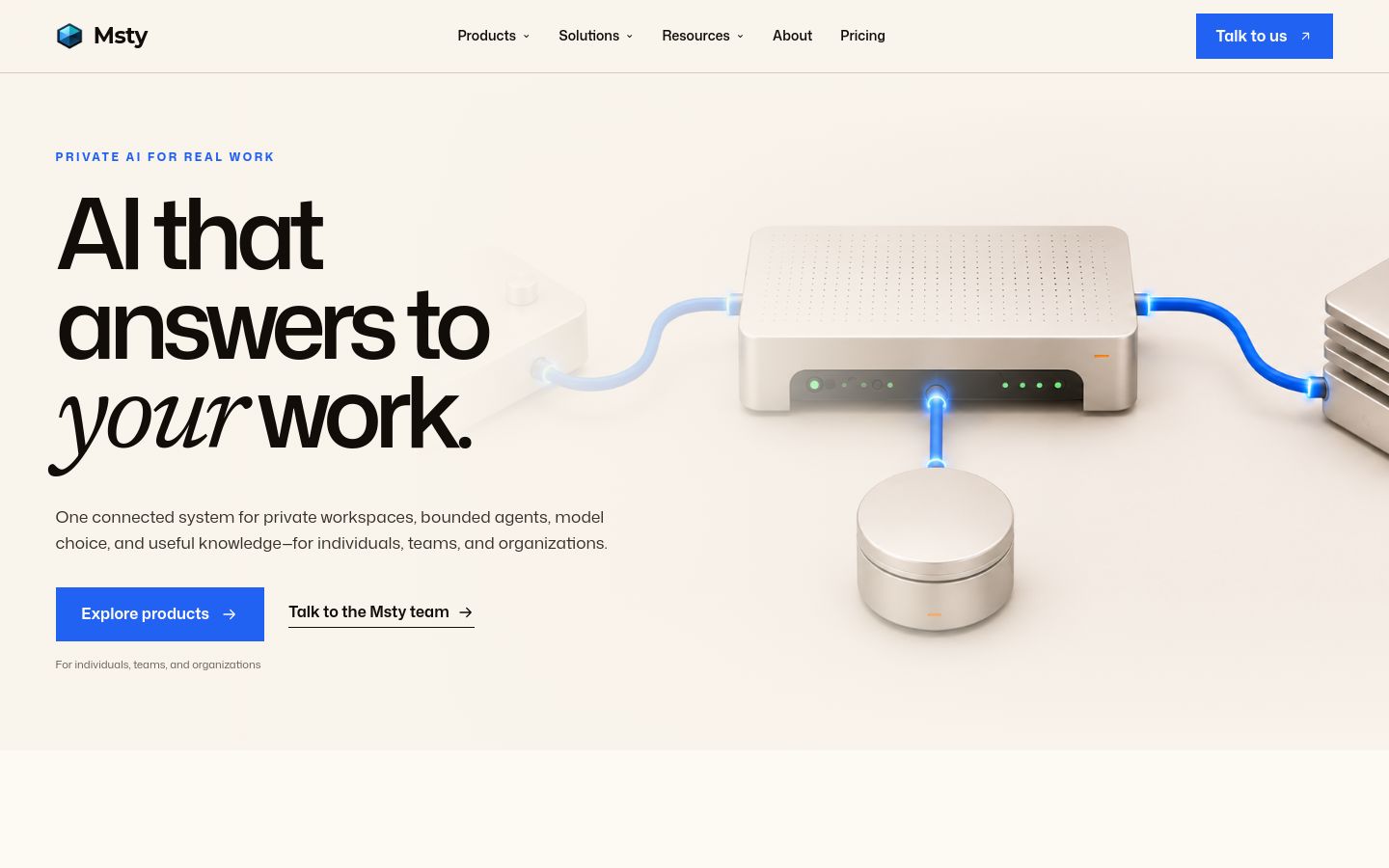
www.Msty.ai

The desktop app can recommend a local model for your hardware and keeps its conversation data on your device.

Quick look

Msty combines an AI workspace, agents, model controls and a knowledge layer. In Studio, connect a local model or online provider for chats, drafting, image creation, document context and tasks handled by agents; personas can answer together. The desktop app starts free on Windows, Mac and Linux; browser access requires a paid Aurum license.

Read the how-to

Free + paid extrasGitHub projectSelf-hostedWeb appApp to install

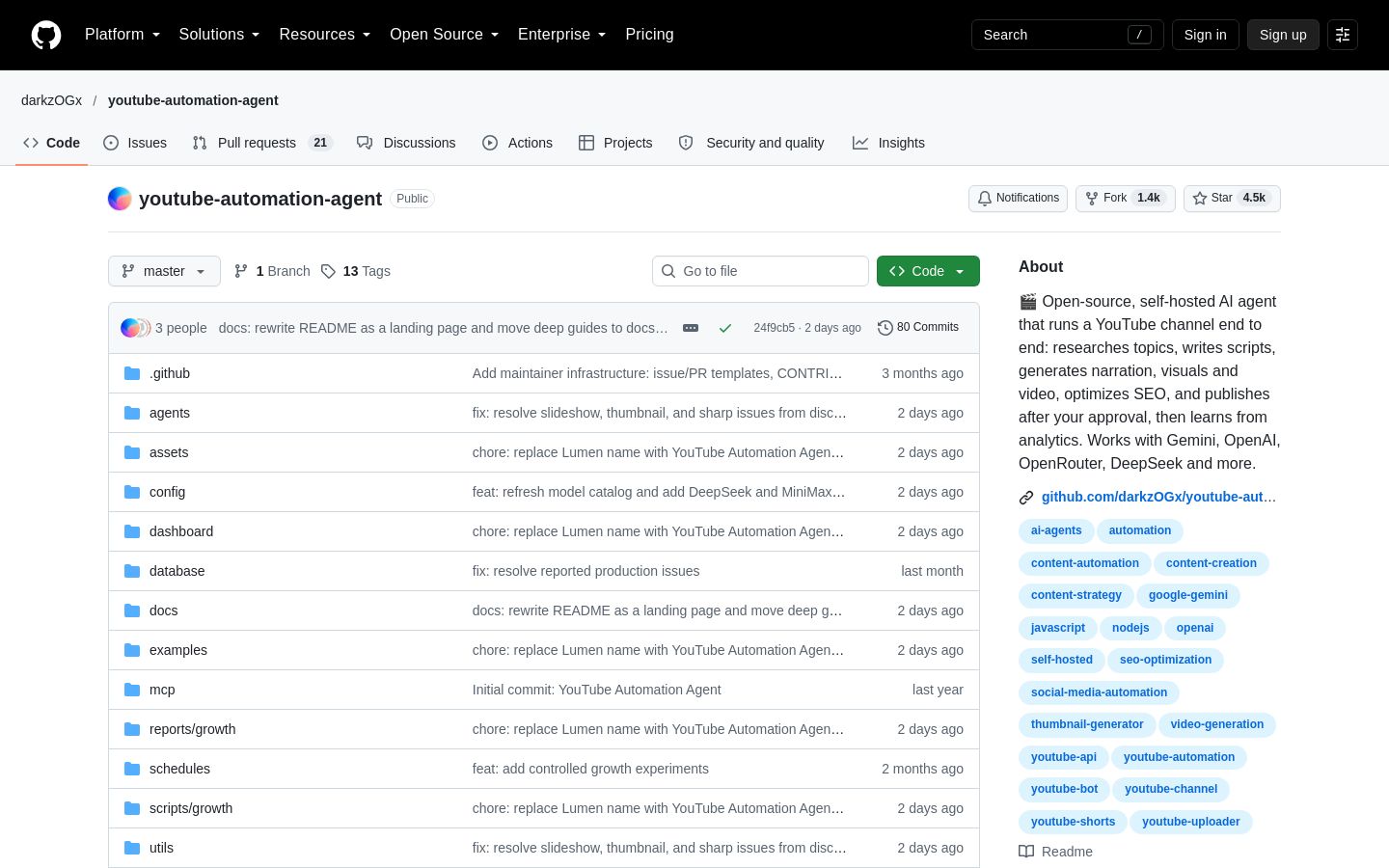
github.com/darkzogx/youtube-automation-agent

Creators can turn a channel brief into MP4s, then check facts, media rights and scheduling in a local dashboard.

Quick look

YouTube Automation Agent runs on your machine with Node.js and Chromium, controlled through a browser dashboard or HTTP API. A channel brief drives topic research, scripts, narration, visuals, thumbnails, search metadata and MP4 production.

Read the how-to

Free + paid extrasWeb appPlugin

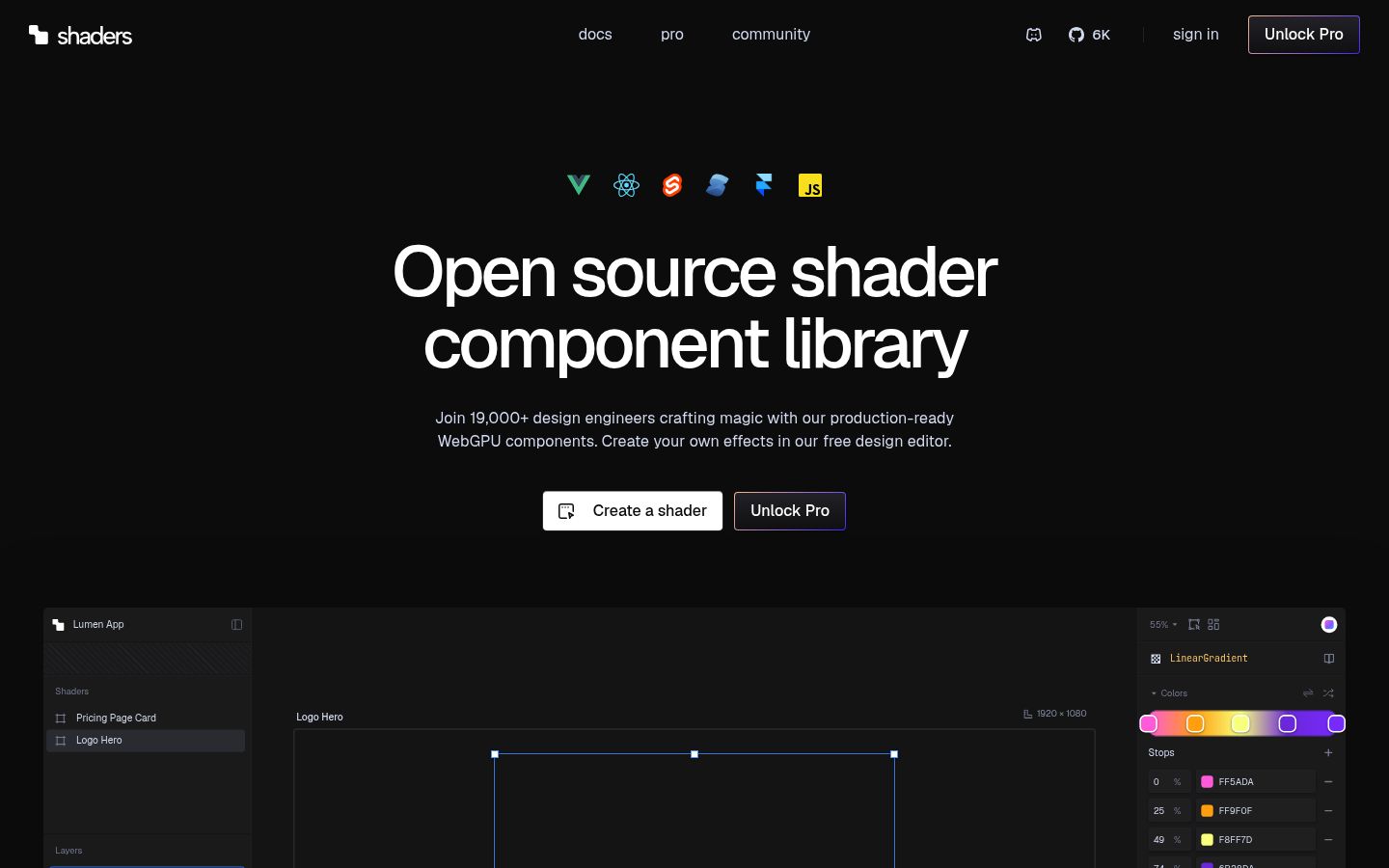
www.Shaders.com

Developers can build effects in a visual editor, then export code for React, Vue, Svelte, Solid or JavaScript.

Quick look

Shaders combines a browser editor with WebGPU components for interactive website effects. Layer components or import images, video and SVGs, then export code for your framework. Its CLI, MCP integration and Framer plugin offer other ways to add designs to projects.

Read the how-to

PaidApp to install

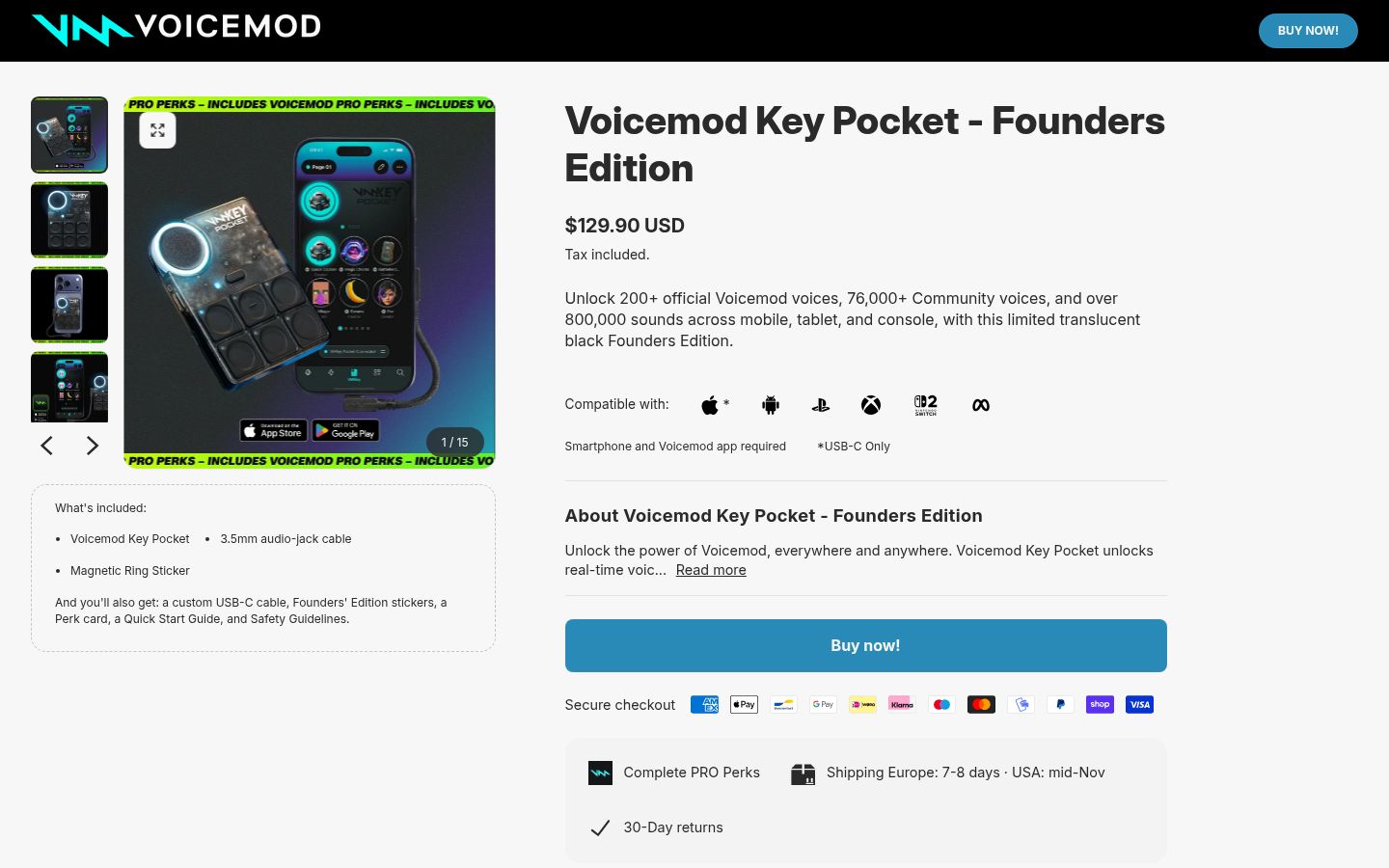
Shop.Voicemod.net

Mobile gamers, console players and creators can route altered speech and sound effects into chats using a phone app and connected headset.

Quick look

Voicemod sells Pocket and console-only adapters for changing your voice live and playing soundboard clips in games, calls and streams. Its iOS or Android app processes audio on your phone, then the hardware routes it to mobile, tablet or console chat. A headset and internet connection are required; your Voicemod account holds the license.

Read the how-to

PaidWeb appOnline service

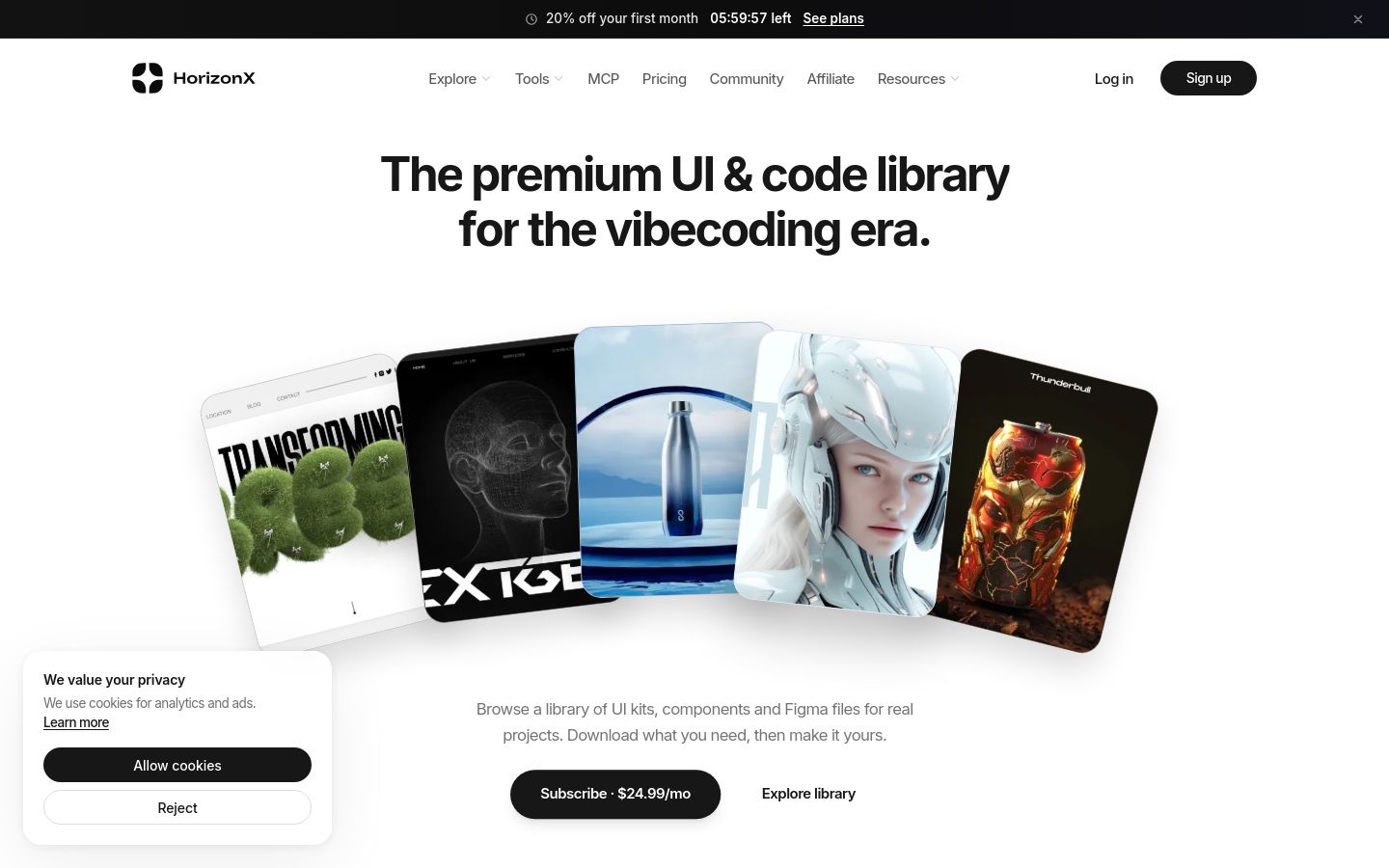
www.HorizonX.so

Designers and developers can adapt existing layouts, interactive components and mockups rather than begin with an empty canvas.

Quick look

HorizonX combines a design library of templates, sections and UI components with browser editors for interactive elements, image and video textures, animated shaders and device mockups. You adapt an existing design or bring your own media, adjust its appearance and export code, editable Figma content, images or video, depending on the asset.

Read the how-to

PaidWeb appPlugin

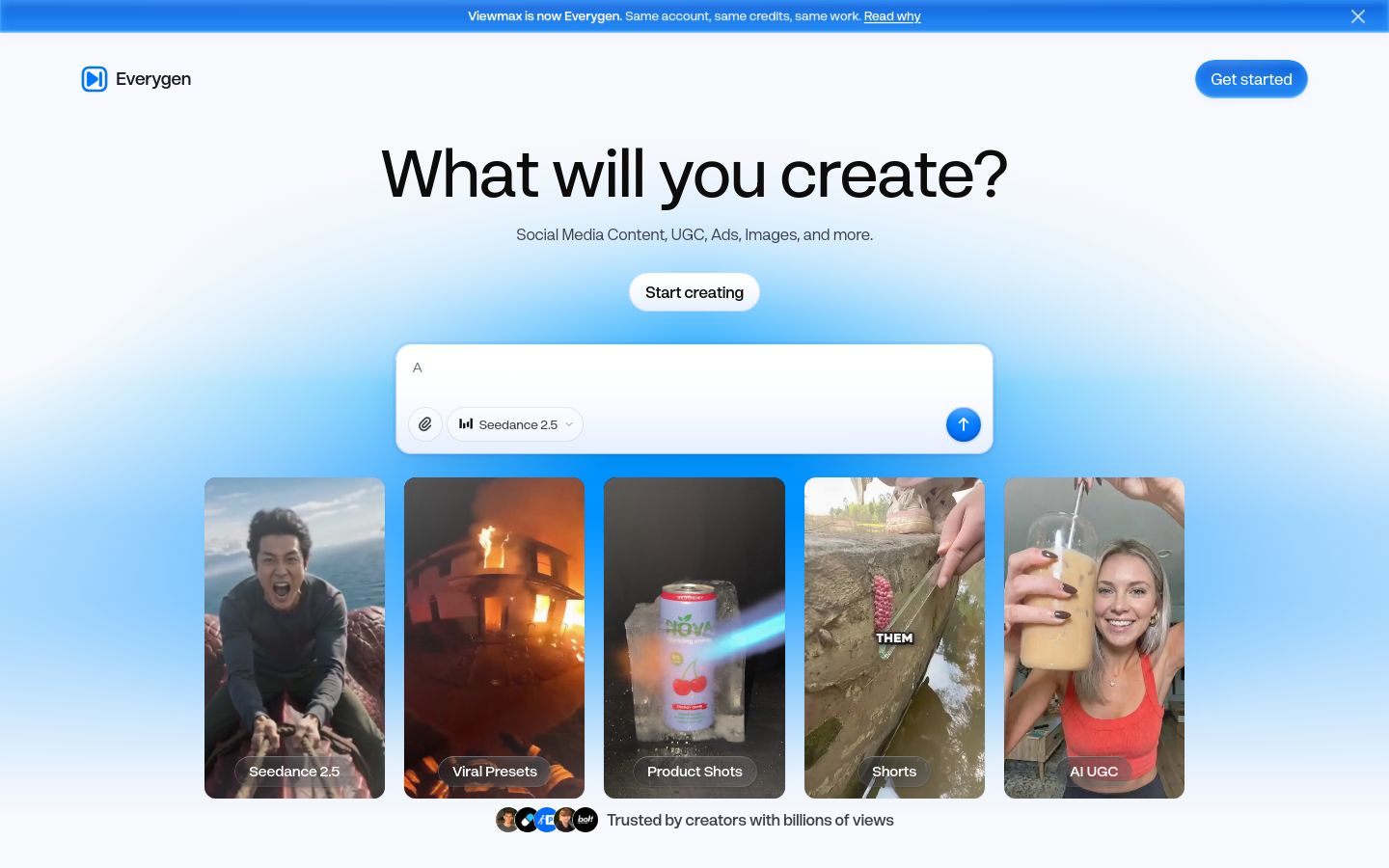
www.Everygen.ai

A shared credit balance covers video generation, voiceovers and captions.

Quick look

Everygen makes AI images and video clips for social posts and ads in a browser workspace, with an MCP connection for Claude and ChatGPT. Describe what you want or supply your own media to generate clips, shorts, ads and scripted avatars. It also provides scriptwriting, voiceovers, voice changes, captions and video editing.

Read the how-to

UnknownGitHub projectApp to install

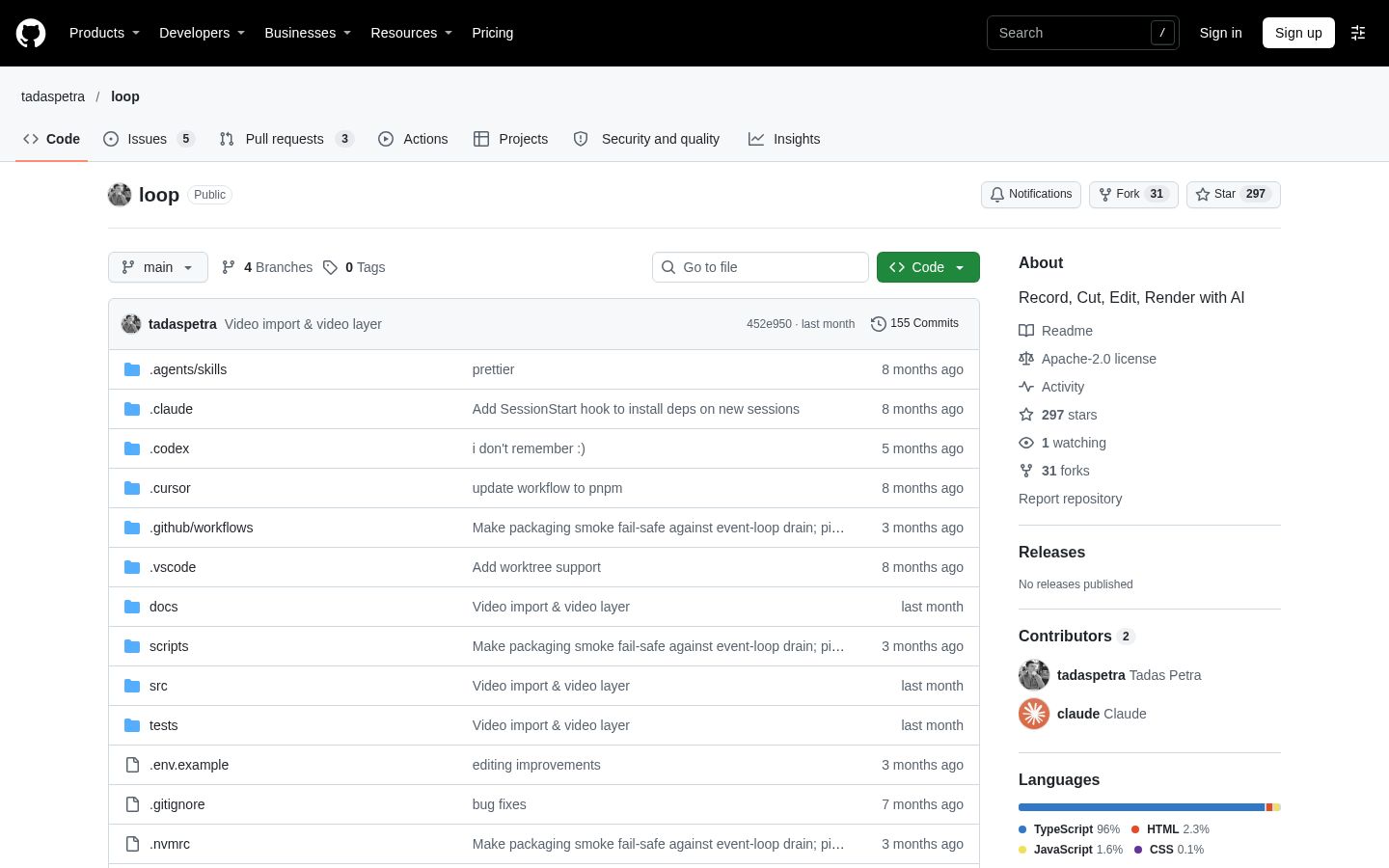
github.com/tadaspetra/loop

For demos and tutorials, spoken content becomes an editable timeline that exports to MP4.

Quick look

loop combines screen recording and transcript-based video editing in a desktop app. Install the GitHub project with Node.js 22 and pnpm 10; live transcription requires your own ElevenLabs API key. Record your screen and microphone, optionally adding a camera, while previewing the combined view and receiving a live transcript.

Read the how-to

UnknownApp to installPlugin

www.OpenMontage.video

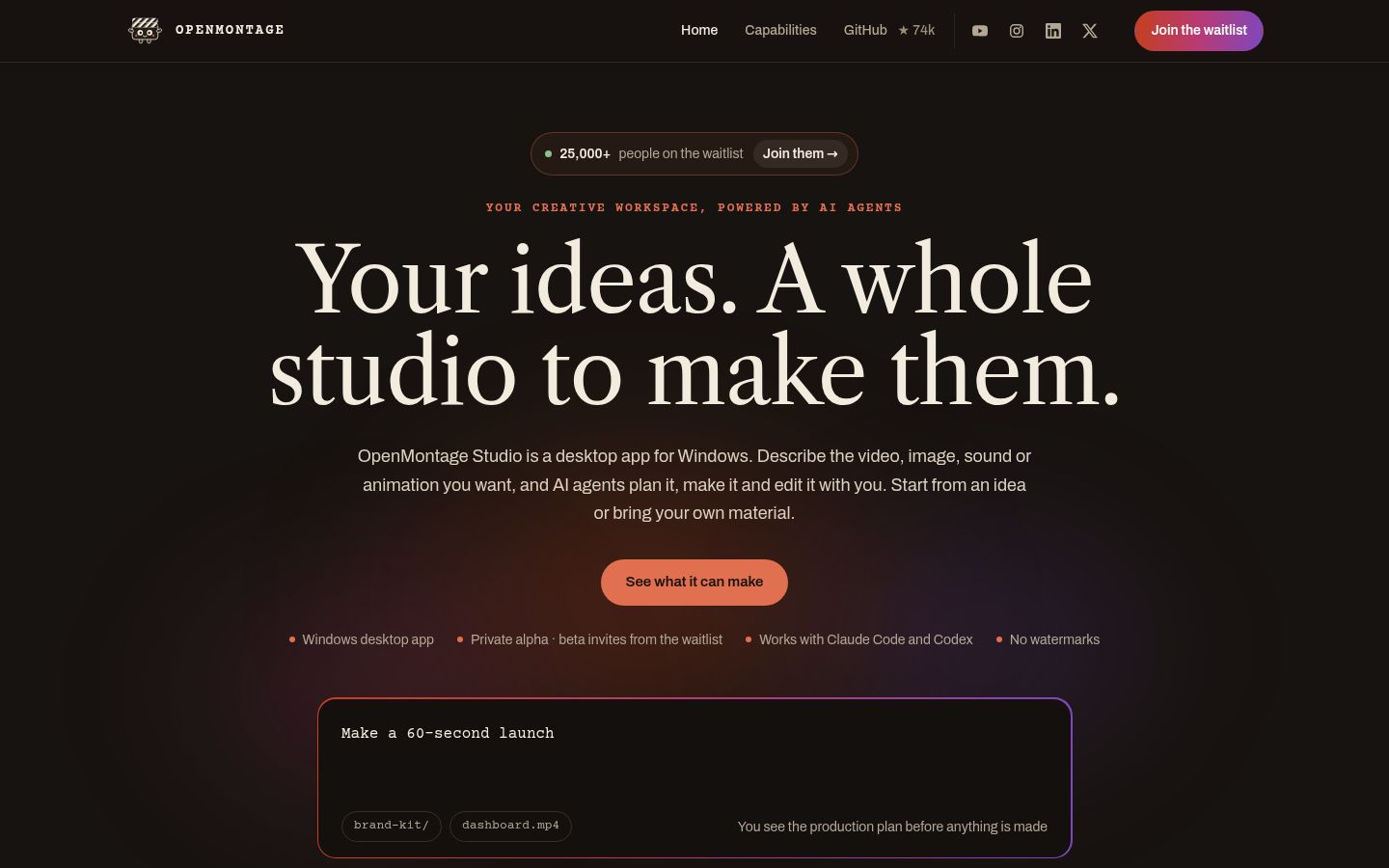
Productions become local files without watermarks; the Windows app is in private alpha with a beta waitlist.

Quick look

OpenMontage Studio is a Windows desktop app in private alpha; join its waitlist for beta access. Describe a production or bring existing material, then review the agent’s plan for video, images, audio, animation and 3D. It also researches and writes scripts, records screens, adjusts colour, repairs footage and repurposes clips.

Read the how-to

UnknownWeb app

www.Swishy.ai

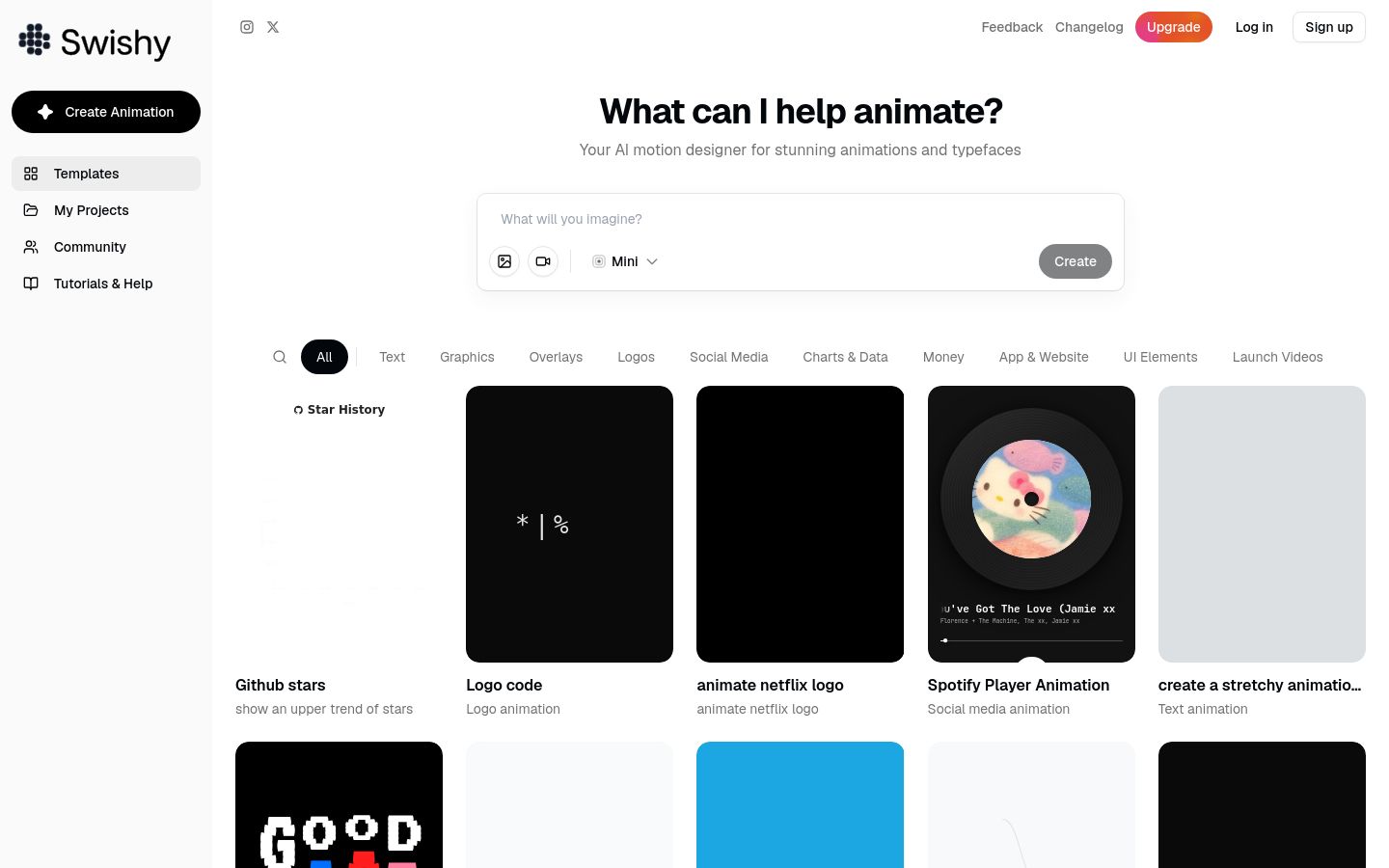
Templates cover logos, charts and social posts, while text effects include typing, fading and bouncing.

Quick look

Swishy makes animations in your browser from a written request or template, with desktop use recommended. It covers text, graphics, overlays, logos, social posts, charts, money effects, app and website demos, interface elements and launch videos. The text-animation page lists previews and MP4, MOV and GIF exports.

Read the how-to

UnknownPlugin

www.isoglow.dev

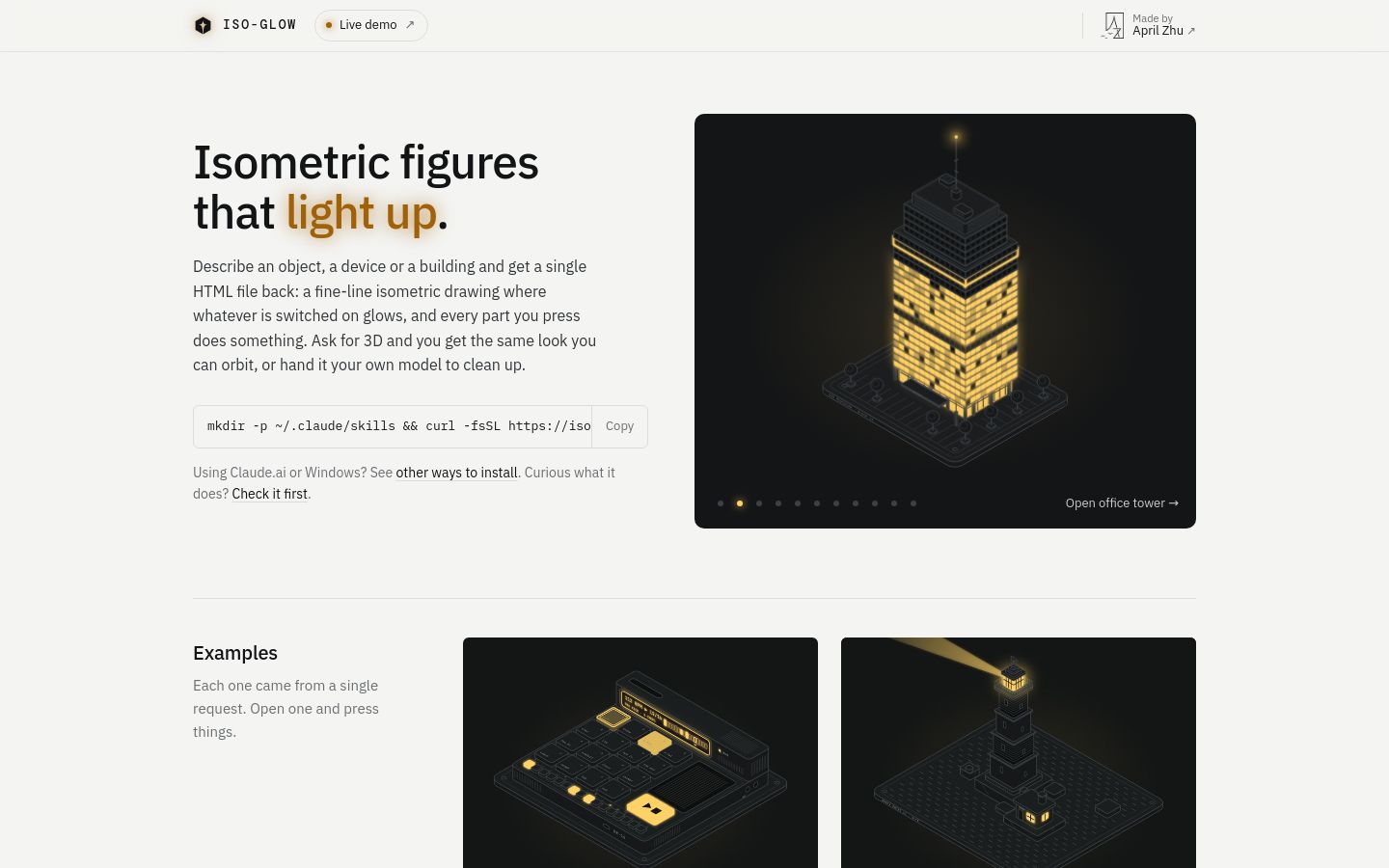
Install the skill files, describe a scene, and open the generated page to try its lights and controls.

Quick look

ISO-GLOW is a downloadable skill for Claude Code or Claude.ai that turns descriptions into interactive isometric HTML drawings with glowing parts. It also makes orbitable 3D scenes, restyles your own .glb models, and offers Lumen illustrations with solid shapes and lighting.

Read the how-to