Latent Finds

Home / AI

AI

37 tools

Fig 1AI terminal
> find a tool_ qwertyuiopasdfghjklzxcvbnm↵
type, then enterready

FreeGitHub projectApp to installSelf-hostedPlugin

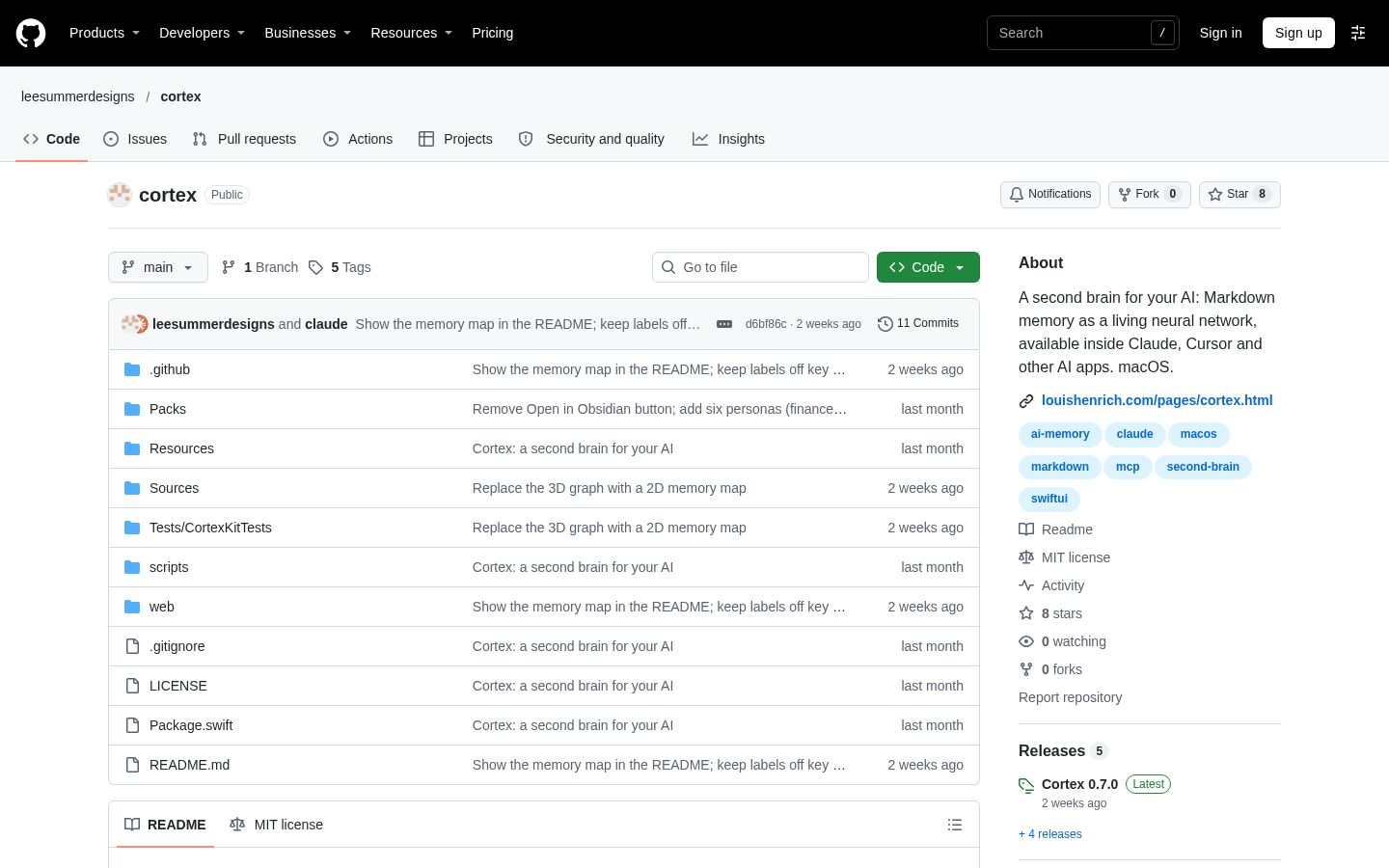
github.com/leesummerdesigns/cortex

A visual graph, reusable personas and an approval inbox help you manage what your AI tools recall and save.

Quick look

Cortex is a free, open-source Mac download that turns a Markdown folder into searchable AI memory and a visual graph. It connects AI apps through MCP, loads core notes, offers personas and knowledge packs, and queues proposed memories for approval.

Read the how-to
FreeGitHub projectSelf-hostedPlugin

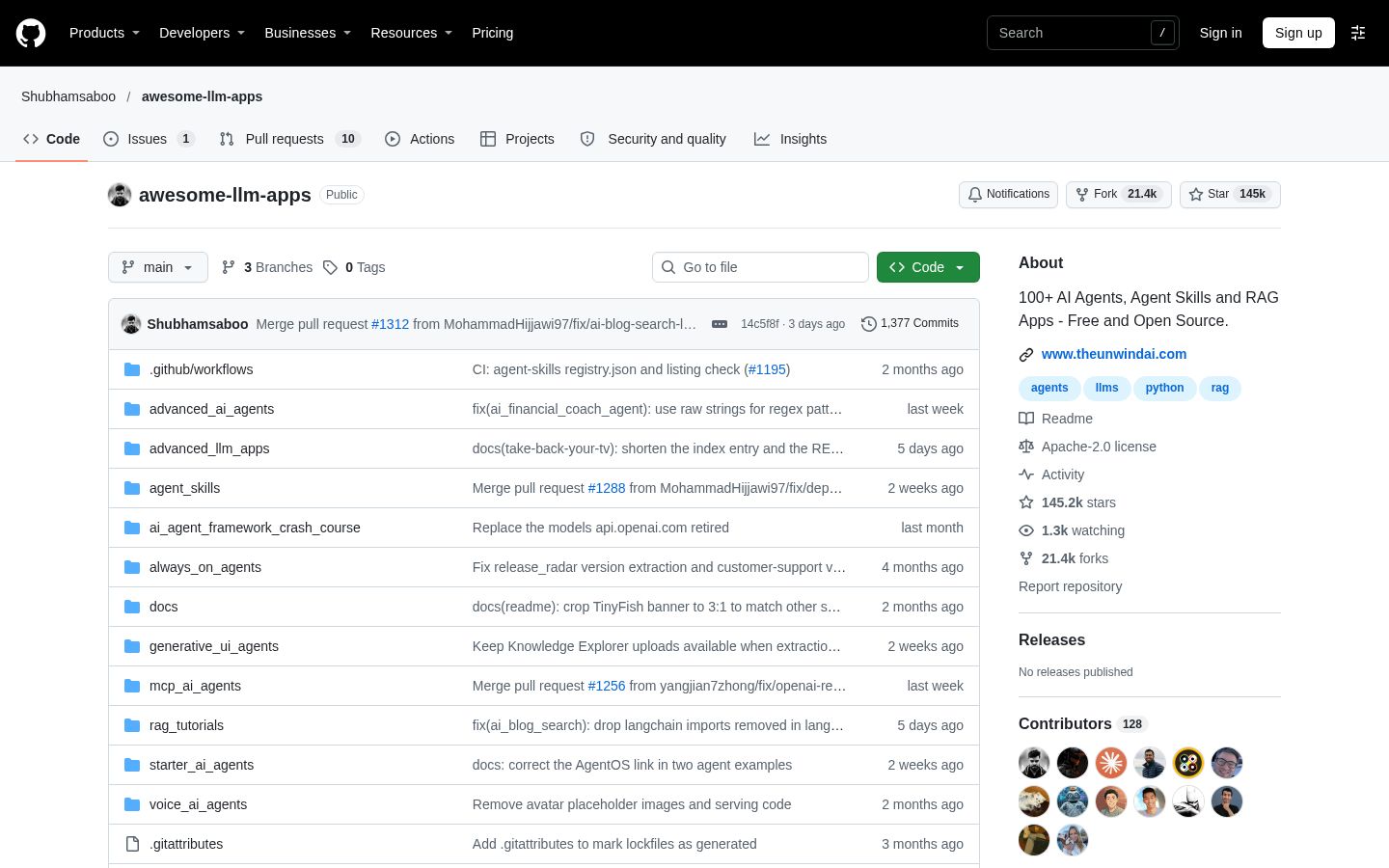
github.com/shubhamsaboo/awesome-llm-apps

Choose an example, install its dependencies and run it locally; requirements differ between projects.

Quick look

Awesome LLM Apps offers free Apache-2.0 code for AI agents and teams, scheduled agents, coding-agent skills, web apps, browser extensions, voice and music tools, interactive interfaces, games, MCP agents connecting outside tools and data, chat with data, document search, chatbots with memory, model tuning and cost optimization, plus framework tutorials.

Read the how-to

FreeGitHub projectPlugin

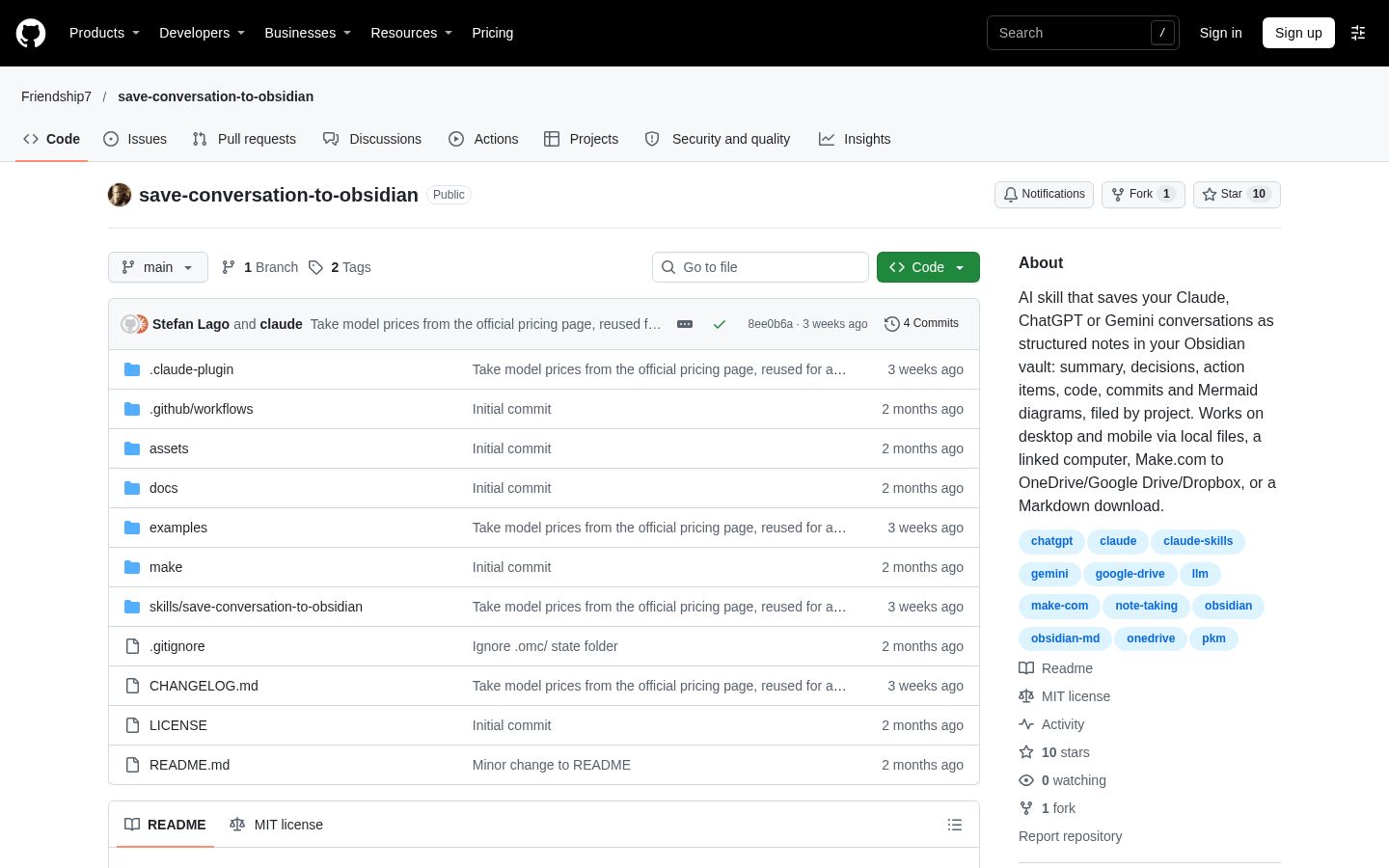
github.com/friendship7/save-conversation-to-obsidian

Keep decisions, code and follow-up tasks from a chat in a Markdown note that can be filed by project.

Quick look

This free MIT-licensed skill turns chats from Claude, ChatGPT, Gemini or coding agents into Obsidian notes filed by project, with summaries, decisions, tasks, code, commits, diagrams and usage estimates. Add it as a skill, plugin or project reference in a desktop, browser or phone assistant, describe your vault setup and request a save.

Read the how-to

FreeGitHub projectPlugin

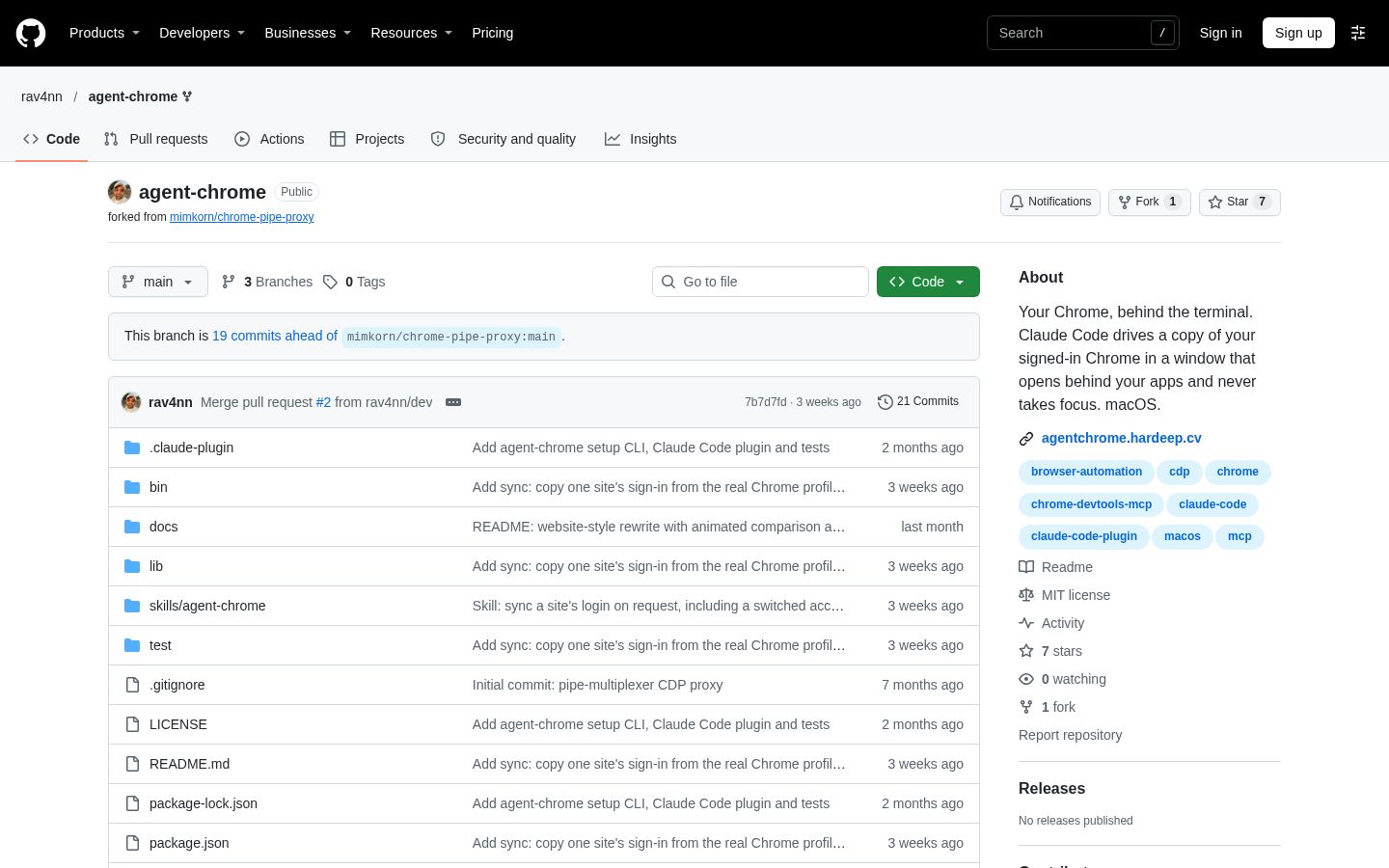
github.com/rav4nn/agent-chrome

Several Claude Code sessions can share a visible browser window while you keep typing in another app.

Quick look

agent-chrome is a free, MIT-licensed Claude Code plugin and local browser proxy for macOS, requiring Google Chrome and Node 18.3 or newer. Install the plugin, quit Chrome so setup can copy a chosen profile with its sign-ins, then start a fresh Claude Code session and describe browser tasks, naming that profile.

Read the how-to

FreeGitHub projectSelf-hostedWeb app

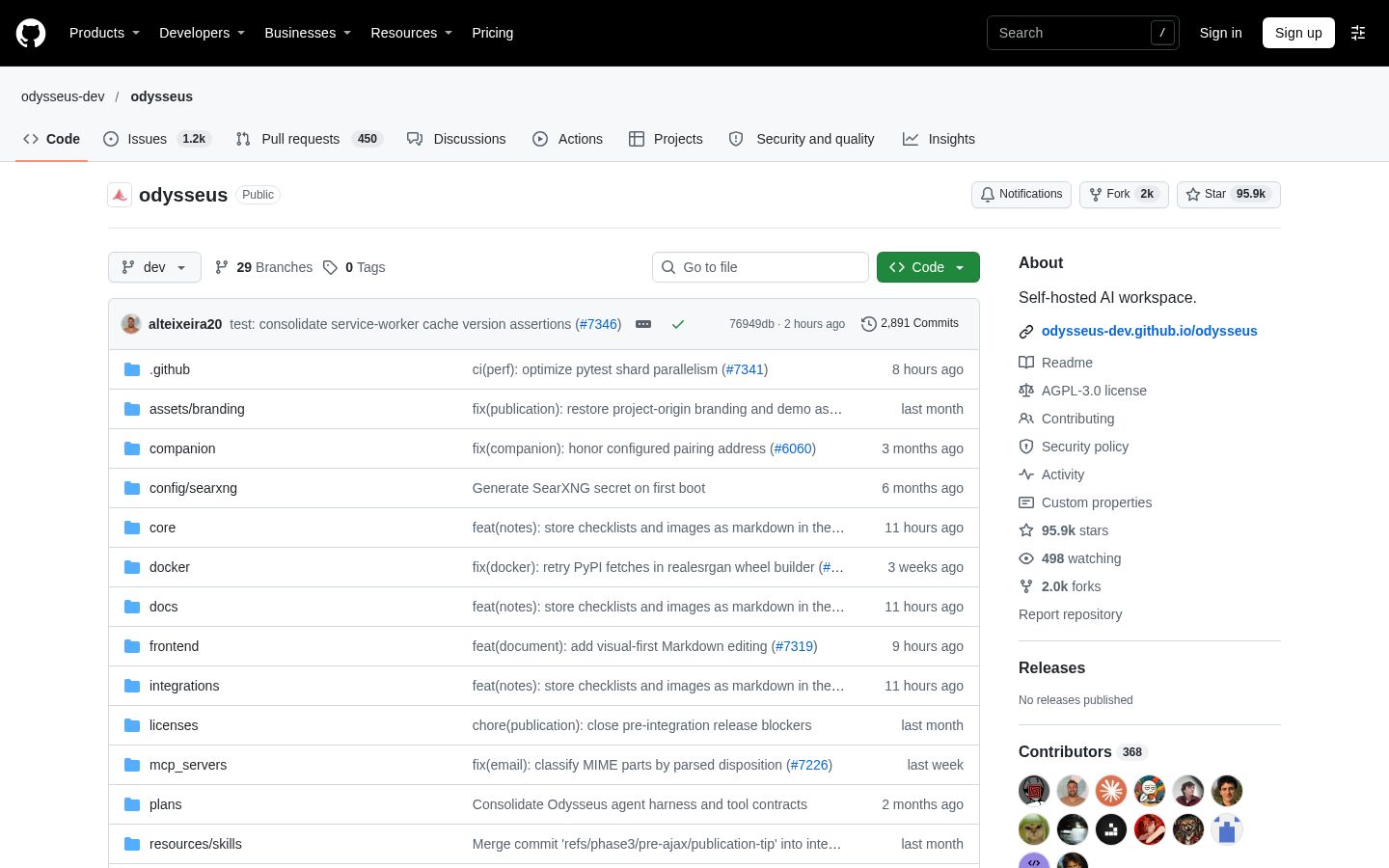
github.com/odysseus-dev/odysseus

Connect your own model endpoints to a browser workspace with agents, writing tools and personal organization features.

Quick look

Odysseus is a free, self-hosted browser workspace installed with Docker or natively. It connects to your model endpoints for chat and agents with tools, memory and reusable skills, research reports, model comparisons, document editing, email assistance, notes, tasks and calendars.

Read the how-to

FreeGitHub projectSelf-hostedPlugin

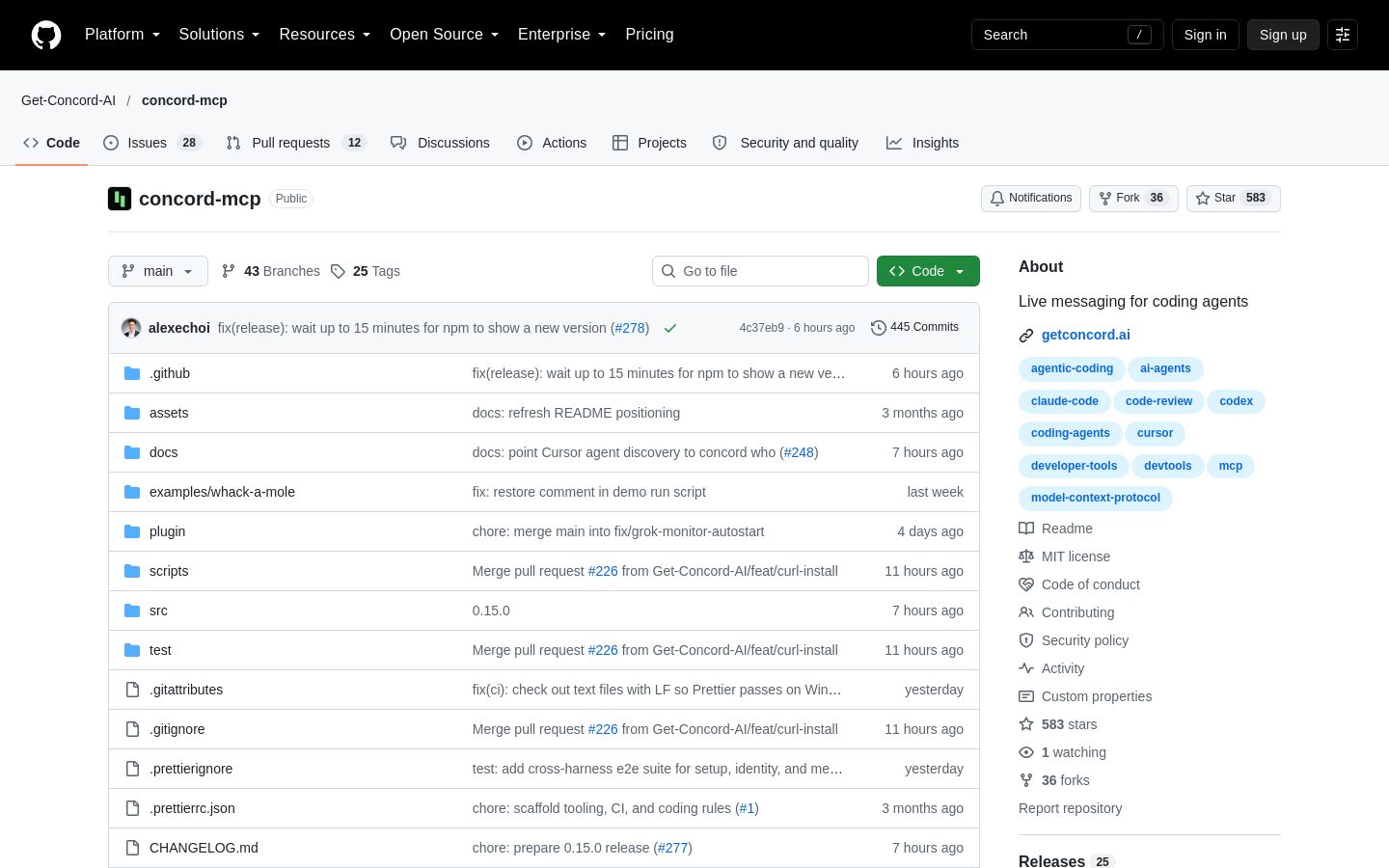
github.com/get-concord-ai/concord-mcp

A shared local workspace records task ownership and handoffs across different coding clients.

Quick look

Concord is a free MIT-licensed MCP server installed locally to connect coding agents working in the same repository. It supports messaging, file claims that flag overlaps, shared task history, ownership transfers and review evidence, with a terminal dashboard for monitoring.

Read the how-to

FreeGitHub projectPlugin

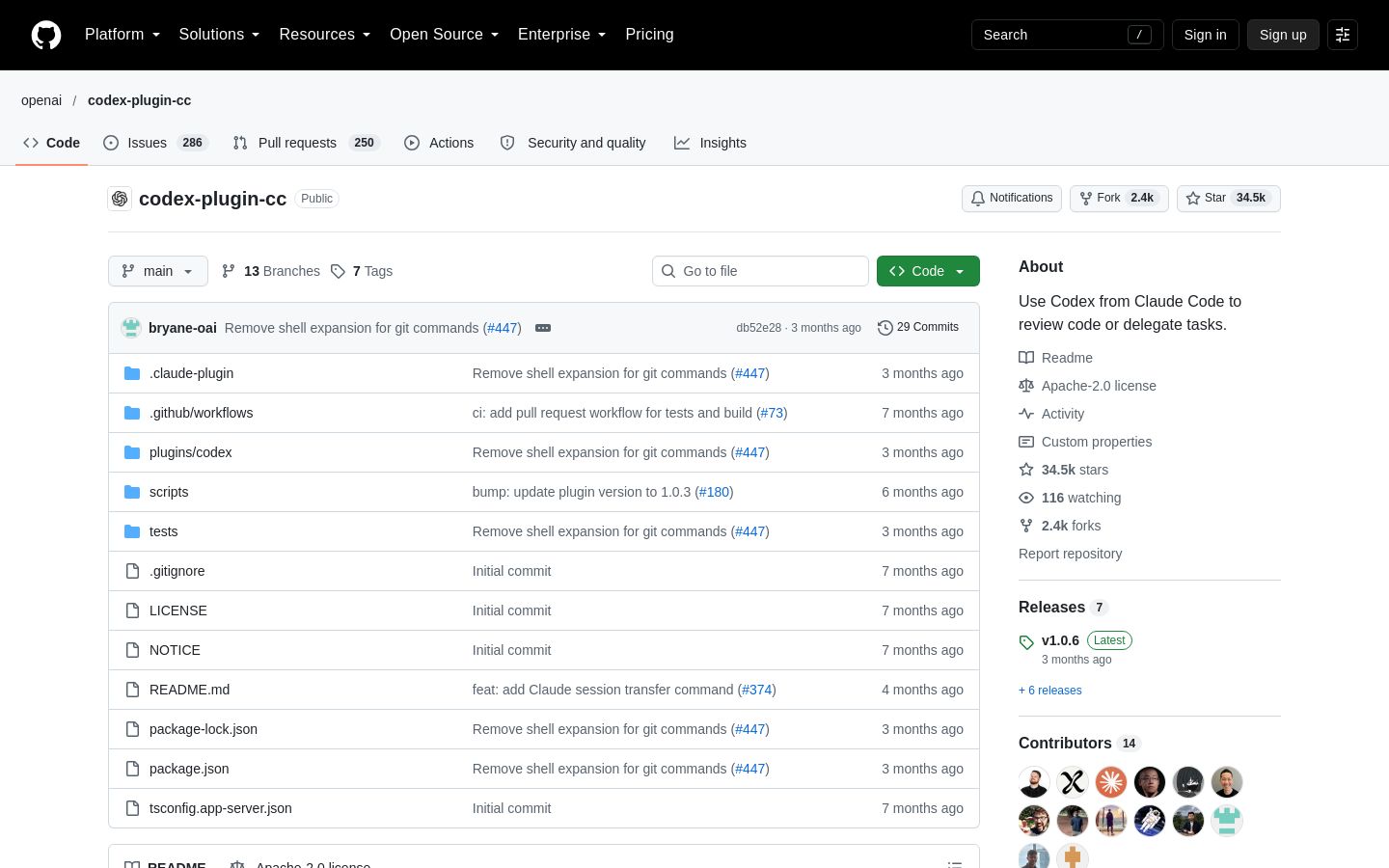
github.com/openai/codex-plugin-cc

Inspect uncommitted edits or compare a branch with main, then retrieve the findings from a background job.

Quick look

This plugin connects Claude Code to a separately installed Codex CLI for read-only code reviews, focused challenges to design decisions, delegated fixes and session handoffs. Install it through Claude Code's plugin marketplace; setup can install Codex and check sign-in. It needs Node.js and Codex access through an eligible ChatGPT account or an API key.

Read the how-to

FreeGitHub projectPlugin

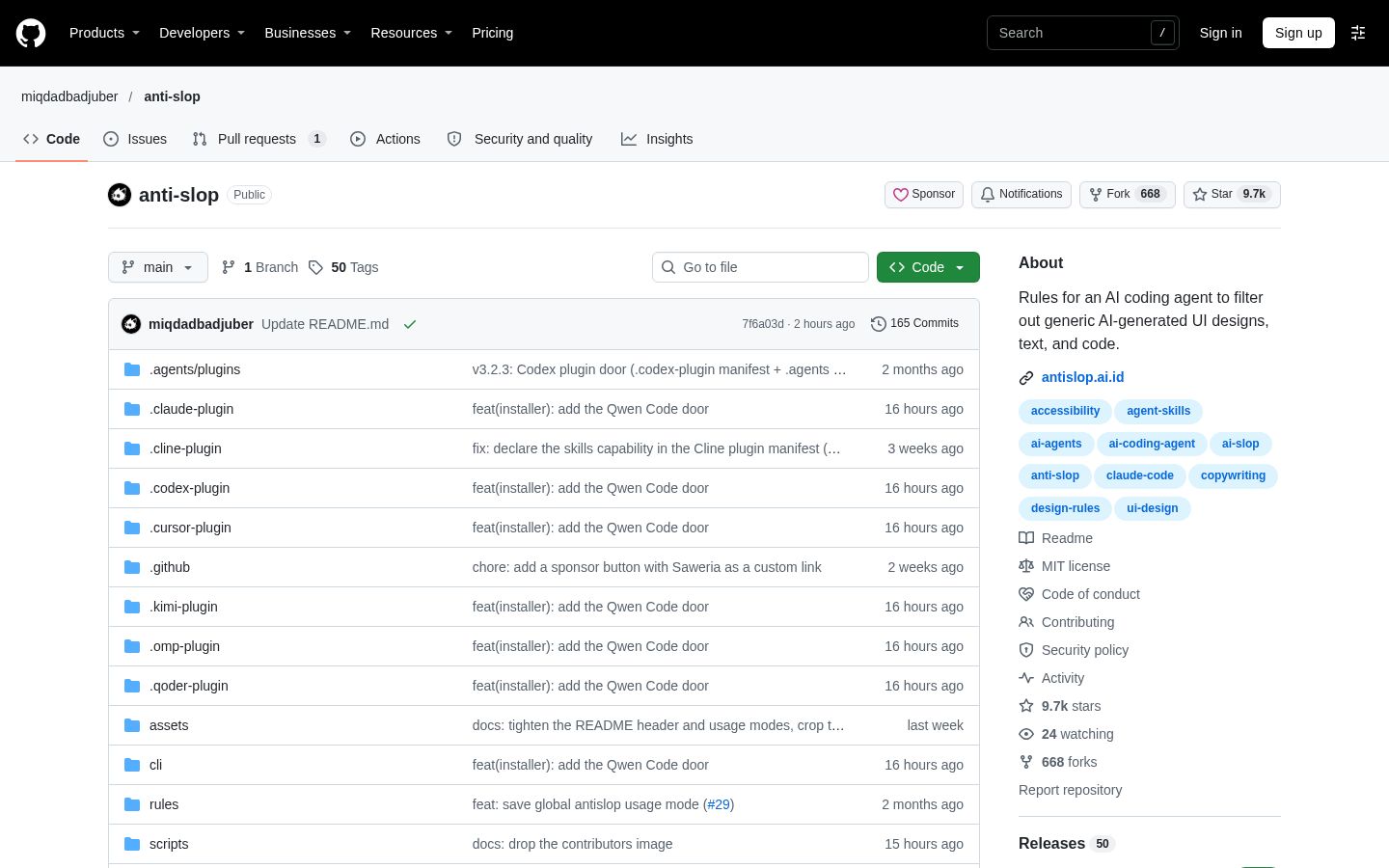
github.com/miqdadbadjuber/anti-slop

A single Markdown file works in a chat; optional skills cover accessibility, mobile layouts and other focused tasks.

Quick look

Anti Slop gives AI assistants rules for UI, copy, accessibility, responsive layouts and code comments. It can guide new work or audit existing output and report problems. Install its skills through the terminal installer or an agent plugin, or give its Markdown file to a browser or phone chat.

Read the how-to

Free + paid extrasGitHub projectSelf-hostedWeb appApp to installPlugin

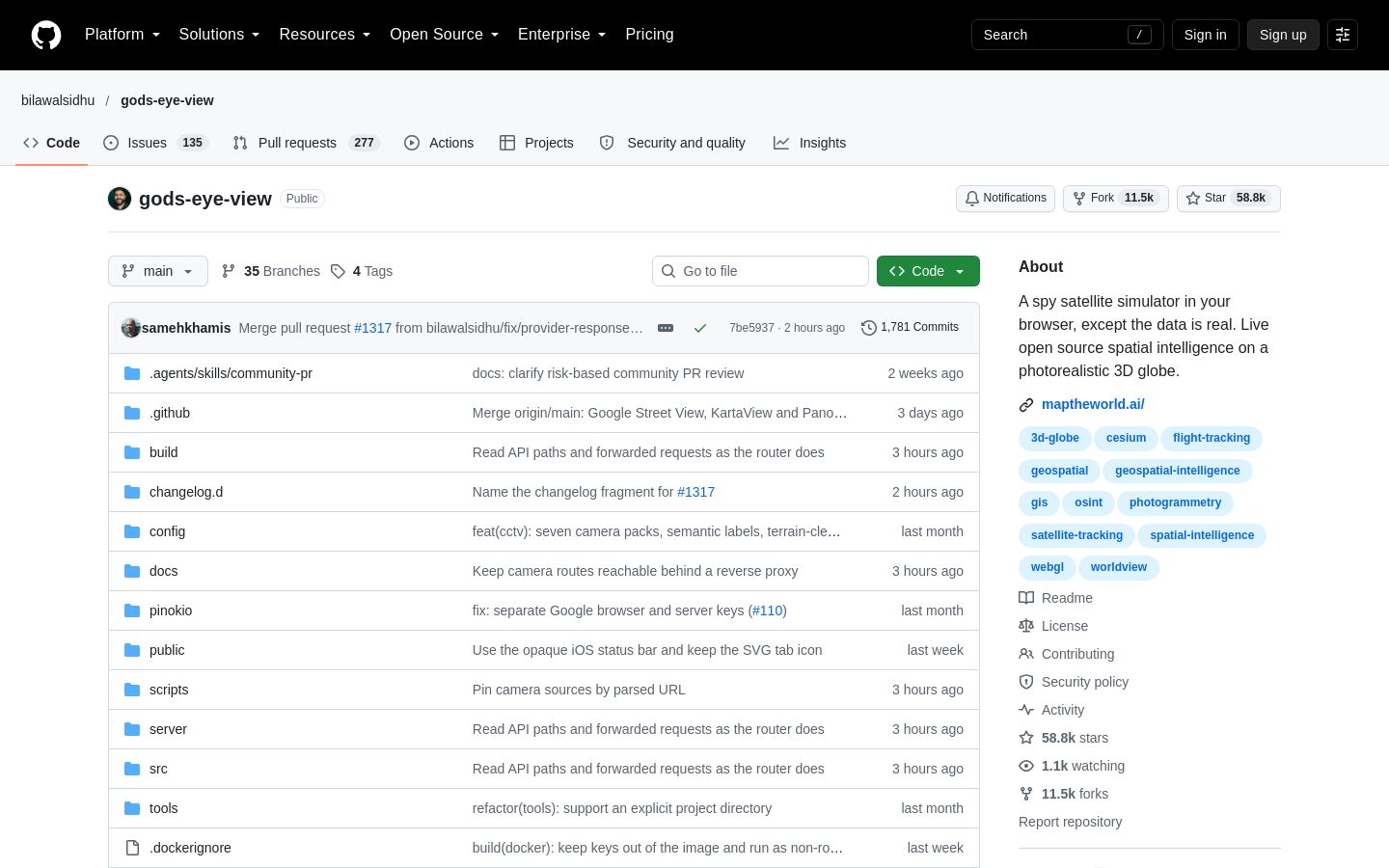
github.com/bilawalsidhu/gods-eye-view

A local browser app combines public data feeds with selectable map layers and optional AI voice control.

Quick look

God’s Eye View runs locally in your browser after installation through Pinokio, Node.js or Docker. Its globe combines flights, ships, satellites, weather, fires, earthquakes, infrastructure, public cameras, street photos, transit and traffic, with radio, routing, cockpit views, annotations and shareable cinematic scenes.

Read the how-to

Free + paid extrasWeb app

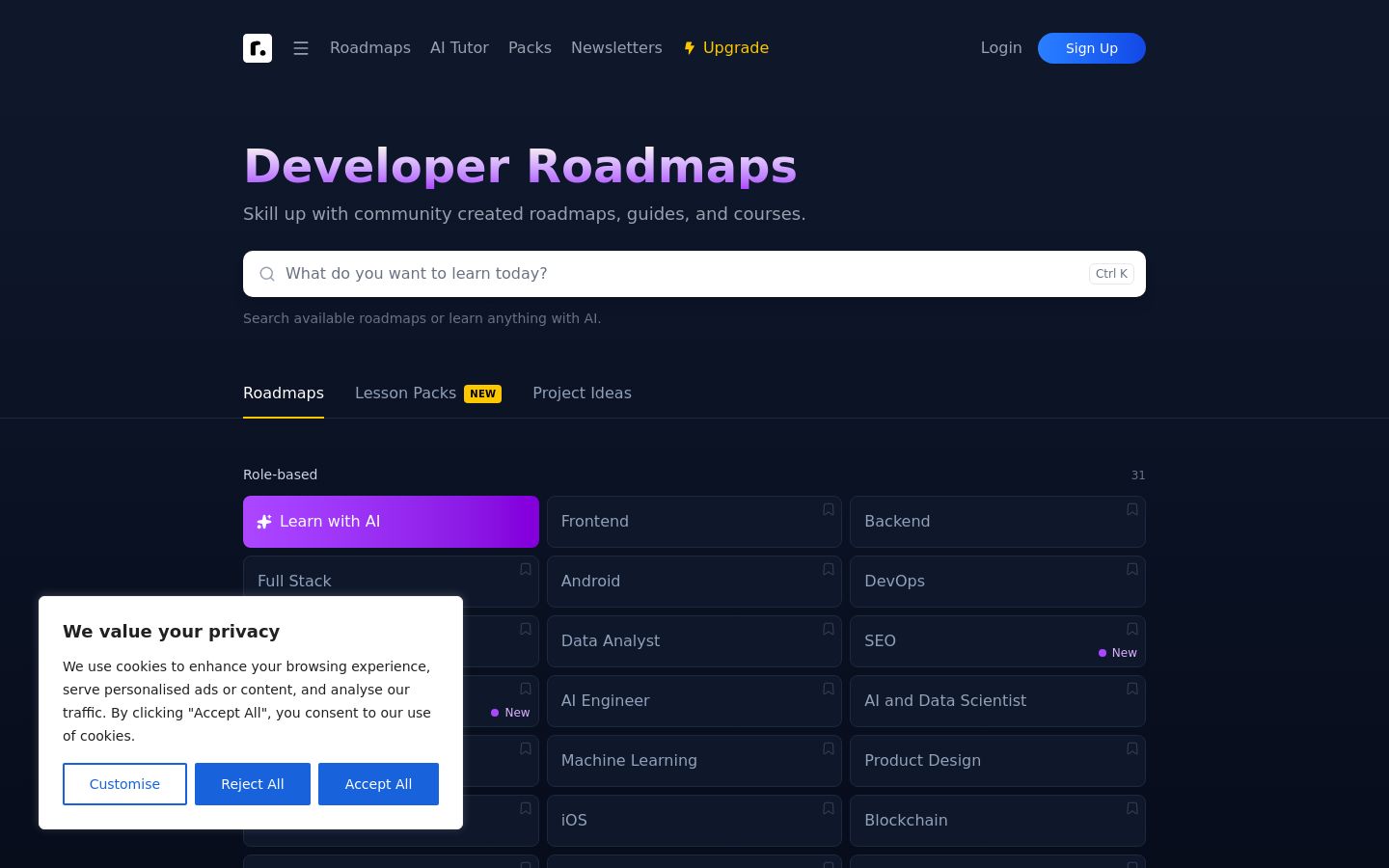
www.roadmap.sh

Developers can use interactive study paths to find learning resources, with AI courses and quizzes available alongside them.

Quick look

roadmap.sh is a browser learning site with interactive career and skill paths, linked resources, progress tracking, project ideas and lesson packs combining explanations with practice projects. Its AI generates courses, guides, roadmaps and quizzes, answers study questions, offers interview practice and gives career guidance.

Read the how-to

Free + paid extrasWeb appOnline serviceGitHub projectApp to installSelf-hostedPlugin

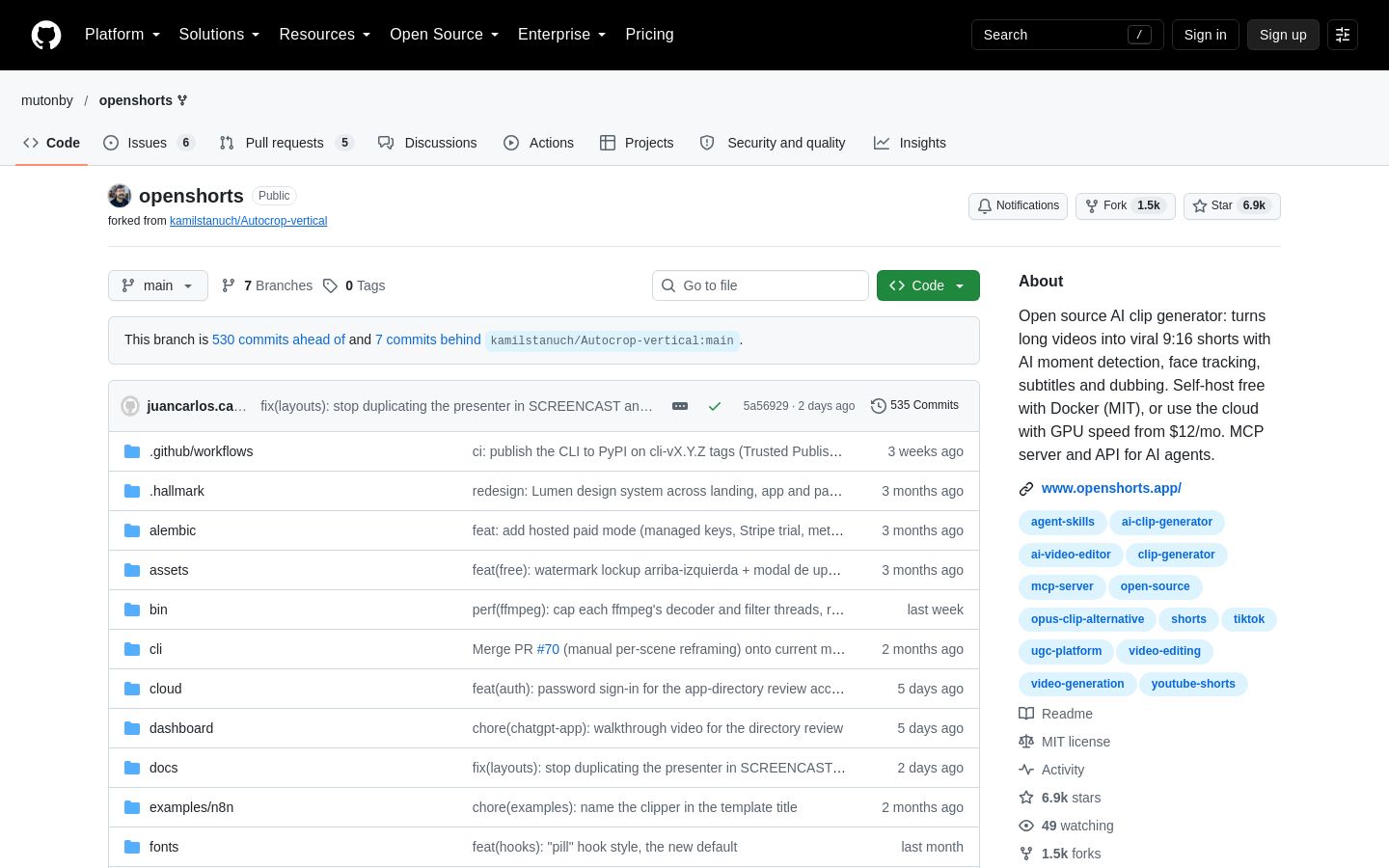
github.com/mutonby/openshorts

Podcasts, interviews and streams can become short clips with automatic moment selection, reframing and subtitles.

Quick look

OpenShorts turns uploaded videos or YouTube links into captioned vertical clips, supports dubbing, makes marketing videos with AI actors from product descriptions or URLs, and generates YouTube thumbnails, titles and descriptions. It also schedules social posts and supports automation through MCP and an API.

Read the how-to

Free + paid extrasWeb app

www.Jitter.video

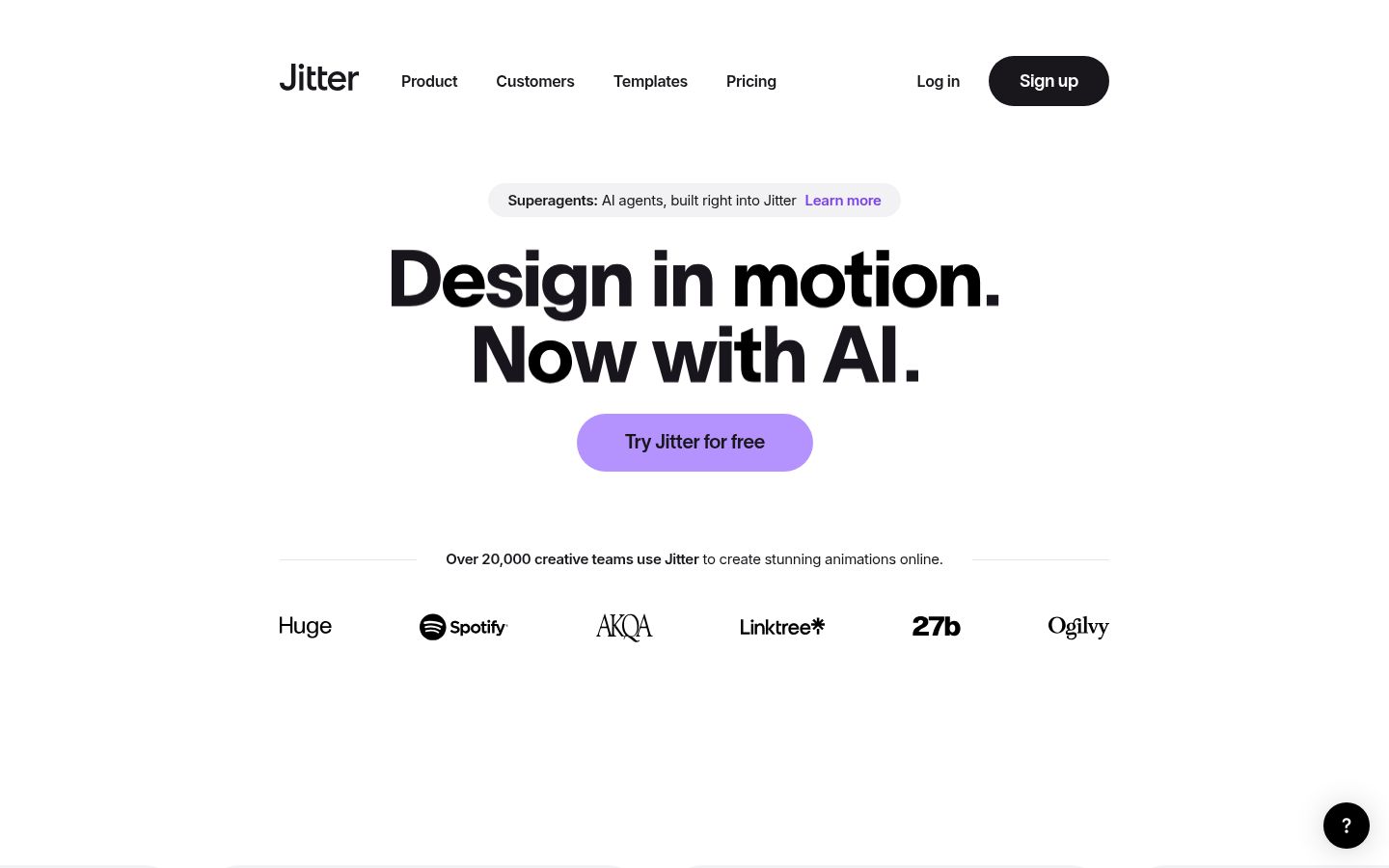
Start from an animated template, then use the timeline or AI to change it for your project.

Quick look

Jitter is a browser motion editor for animating designs, importing Figma work, turning images into videos and collaborating in shared workspaces. Start from a template or your own design, then adjust motion manually or describe it to AI; generated scenes stay editable. AI can also resize, translate and vary animations for campaigns.

Read the how-to

Free + paid extrasApp to installGitHub projectOnline serviceSelf-hosted

www.cmux.com

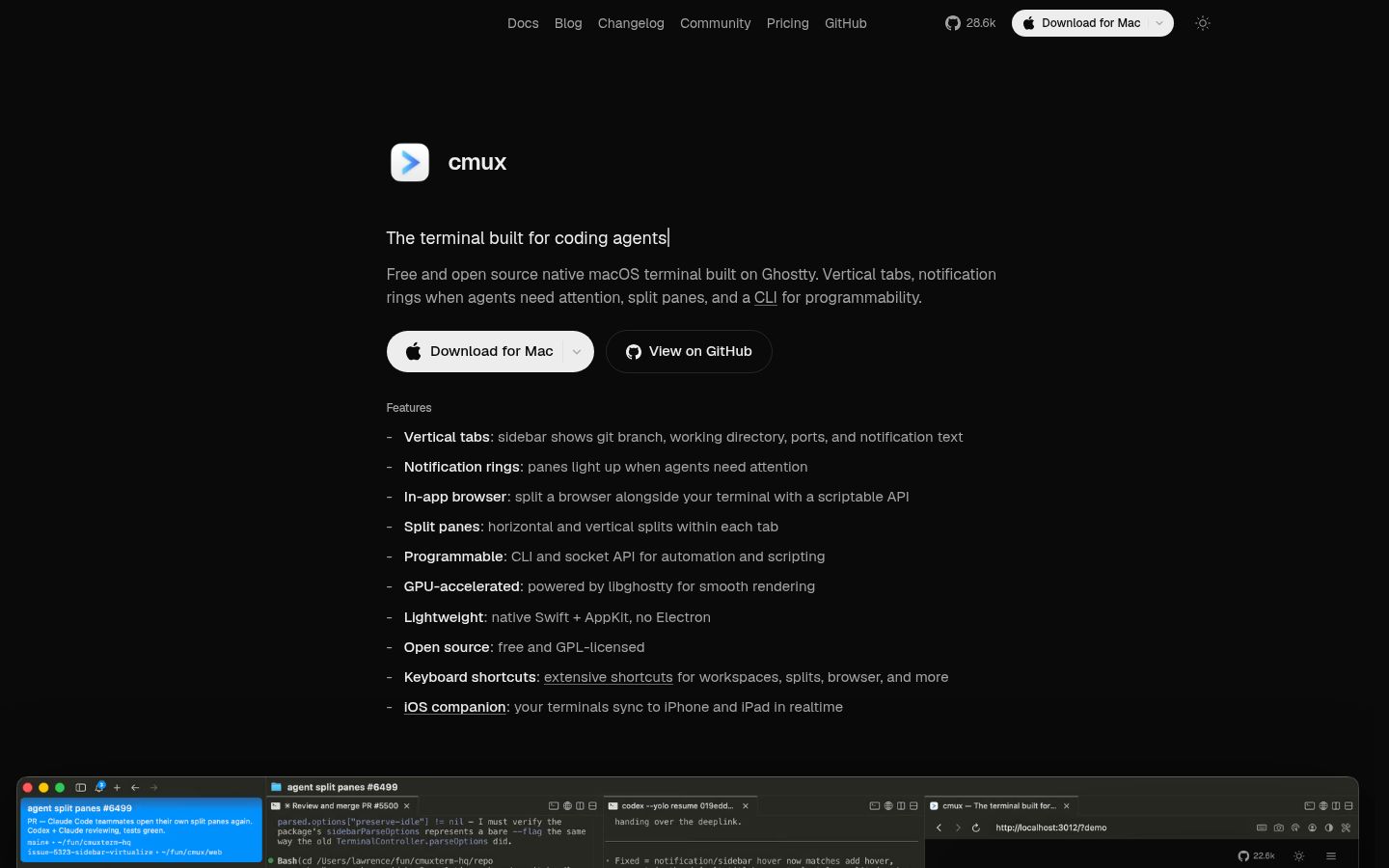
Notifications show which agents need attention, while separate workspaces keep projects and remote sessions organized.

Quick look

Download cmux for macOS 14 or newer, then run terminal tools or coding agents in workspaces with vertical tabs and split panes. Its sidebar tracks project details, and notifications flag agents needing attention. Agent teams get individual panes.

Read the how-to

Free + paid extrasWeb appOnline service

www.Bland.ai

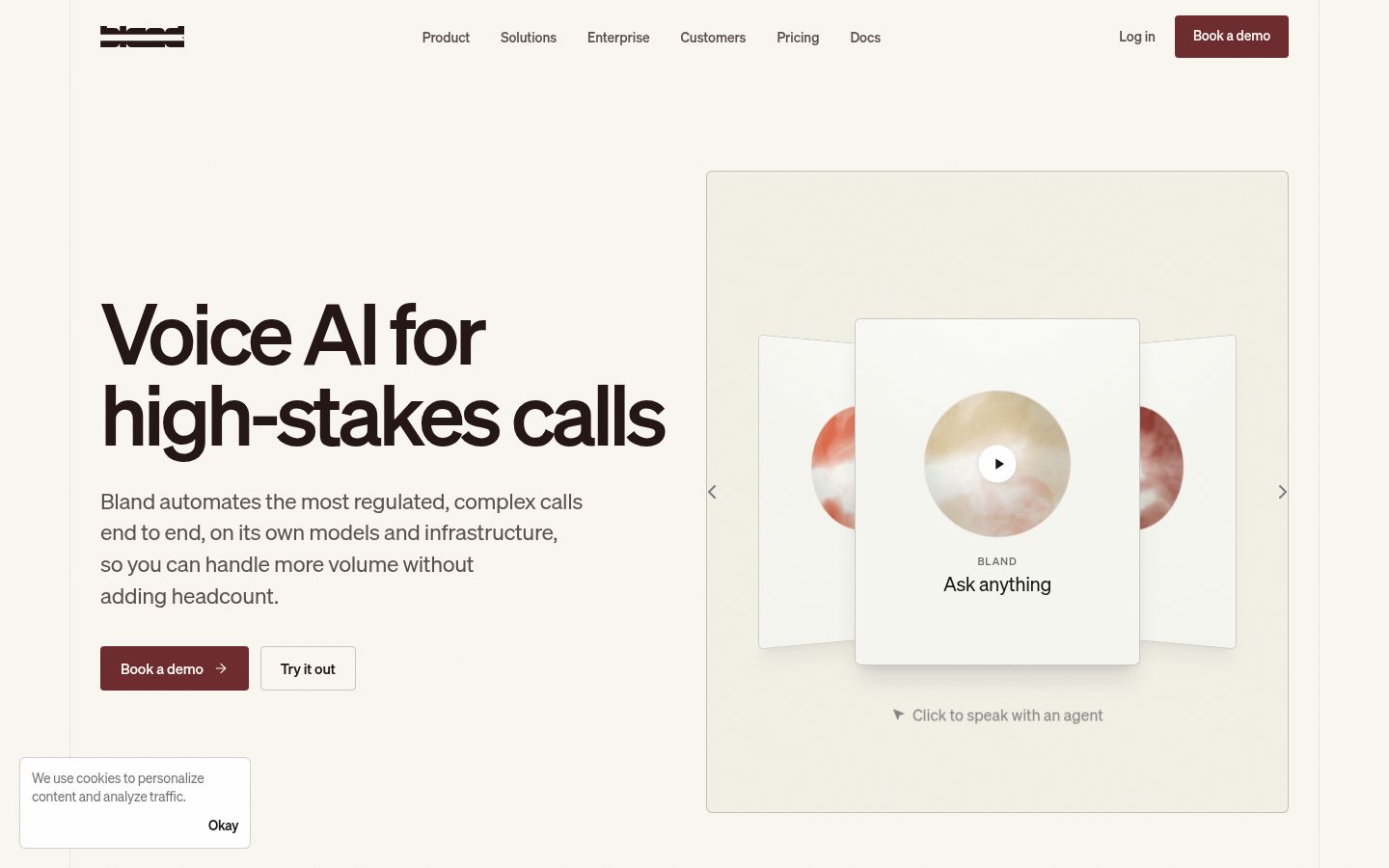
Teams can describe an agent’s job in plain language and test how it handles questions.

Quick look

Bland builds agents for phone, SMS and web conversations, with monitoring across those channels and email. In its hosted browser dashboard, an account lets you describe an agent’s job, supply knowledge and tools, test changes and review conversations with analytics and alerts. API and MCP connections support integration; self-hosting is not offered.

Read the how-to

Free + paid extrasApp to installWeb app

www.Msty.ai

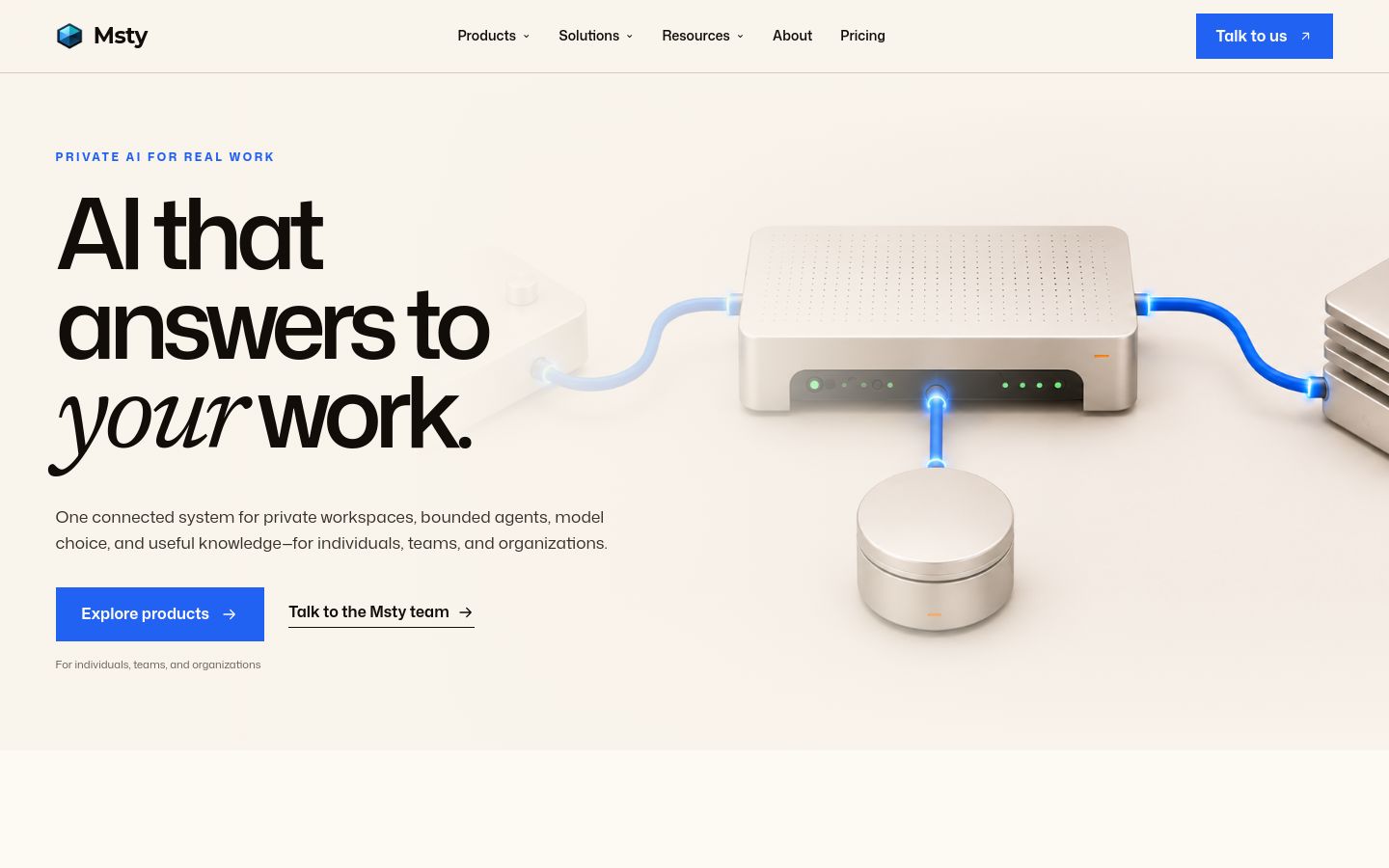
The desktop app can recommend a local model for your hardware and keeps its conversation data on your device.

Quick look

Msty combines an AI workspace, agents, model controls and a knowledge layer. In Studio, connect a local model or online provider for chats, drafting, image creation, document context and tasks handled by agents; personas can answer together. The desktop app starts free on Windows, Mac and Linux; browser access requires a paid Aurum license.

Read the how-to

Free + paid extrasWeb appApp to installPlugin

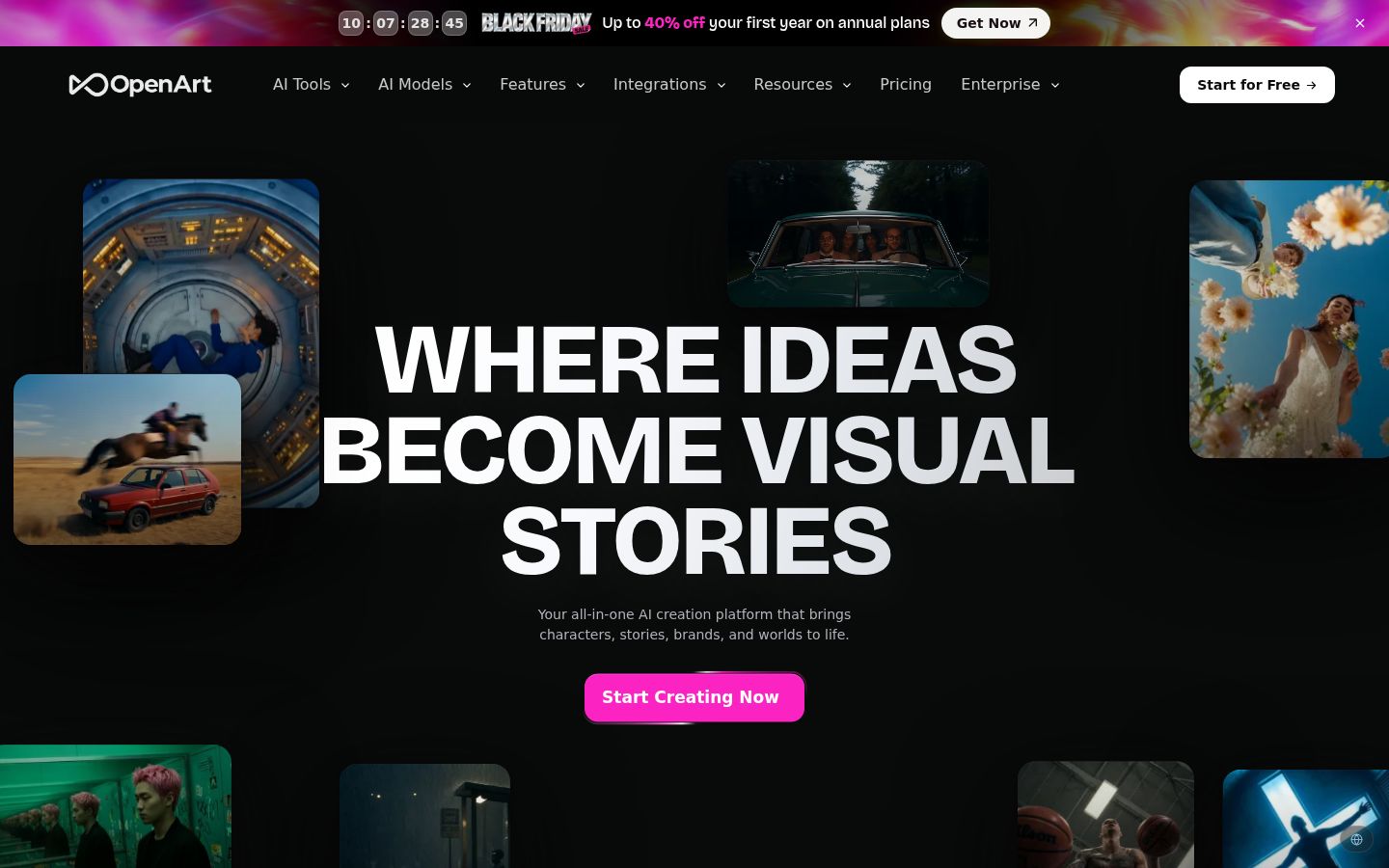
www.OpenArt.ai

Reference images and the Consistent Character feature help preserve a character’s appearance across generations.

Quick look

OpenArt runs in the browser and as a Windows download. It makes AI images, video, music and sound, with tools for image and video edits, consistent characters, story creation and 3D worlds from a single image. Prompts or uploaded references guide generation; you can refine and download results. Every paid plan lists access to OpenArt MCP.

Read the how-to

Free + paid extrasWeb app

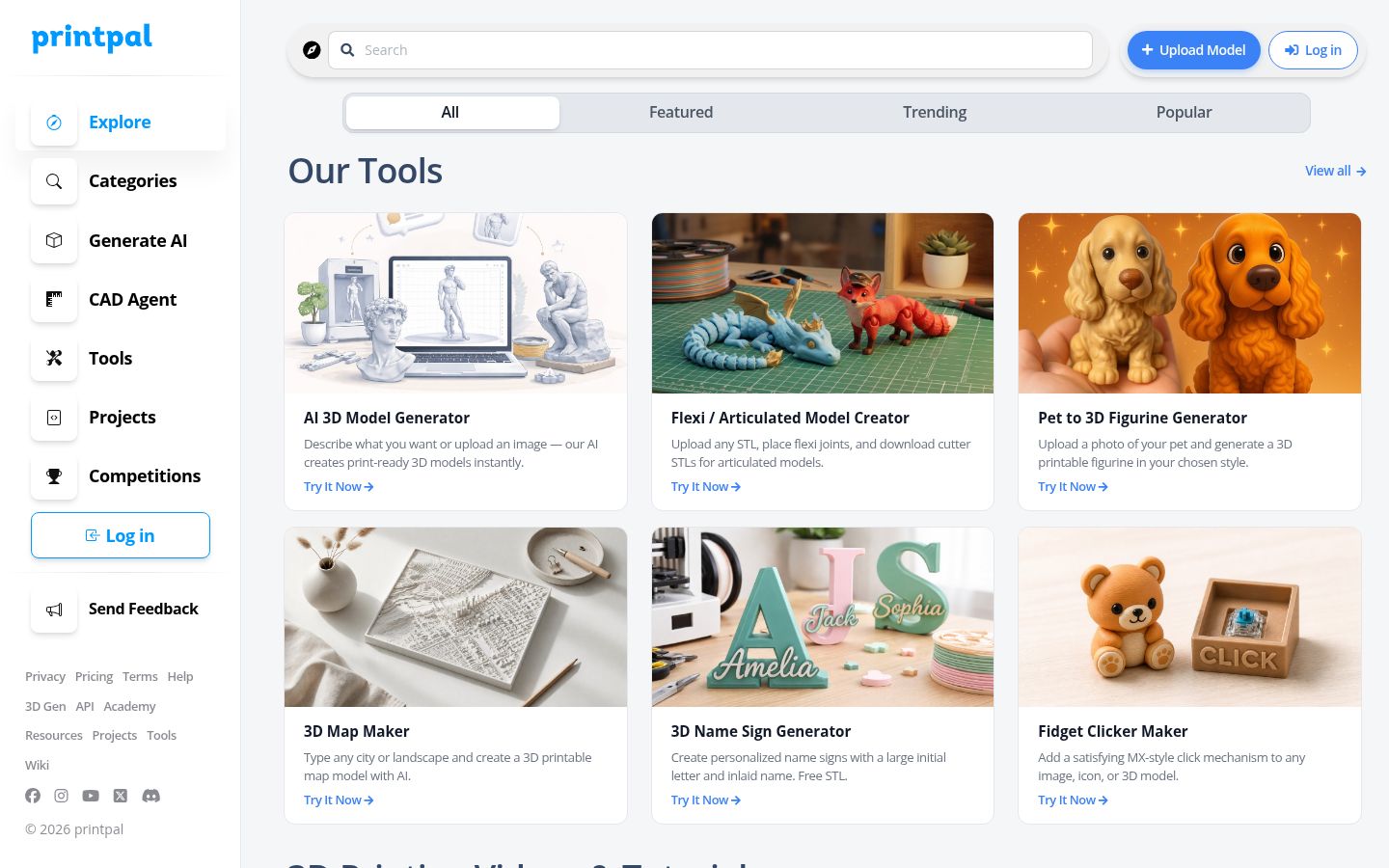
www.PrintPal.io

Make a personalized name sign and export an STL without an account, or use the separate AI generation allowance.

Quick look

PrintPal combines AI generation with browser tools for designing, converting and calculating costs for 3D prints. Most of its 40-plus tools, including the name sign generator, are free to use in a browser without an account. You can also browse, upload and share models in its community library.

Read the how-to

Free + paid extrasGitHub projectSelf-hostedWeb appApp to install

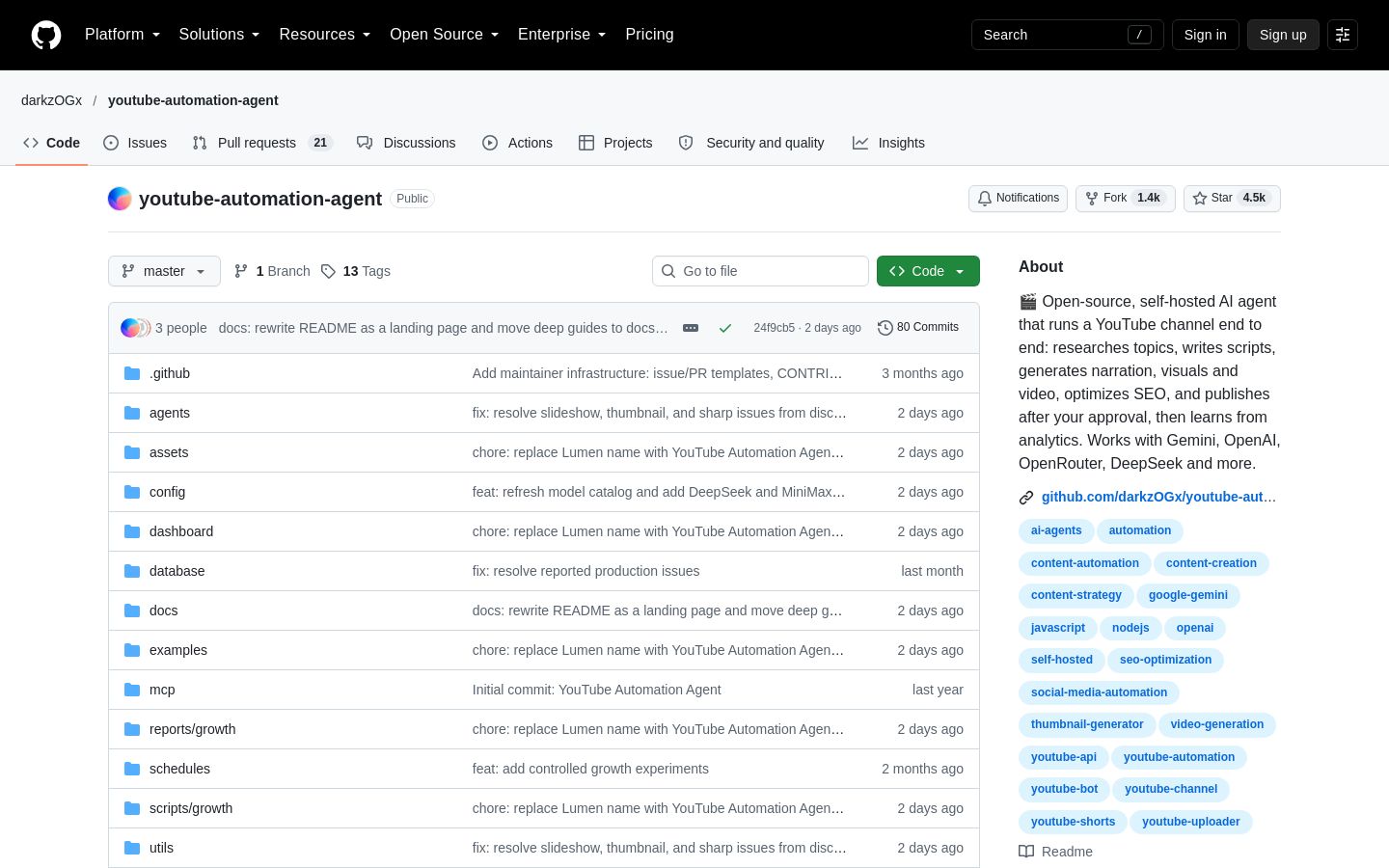
github.com/darkzogx/youtube-automation-agent

Creators can turn a channel brief into MP4s, then check facts, media rights and scheduling in a local dashboard.

Quick look

YouTube Automation Agent runs on your machine with Node.js and Chromium, controlled through a browser dashboard or HTTP API. A channel brief drives topic research, scripts, narration, visuals, thumbnails, search metadata and MP4 production.

Read the how-to

Free + paid extrasWeb app

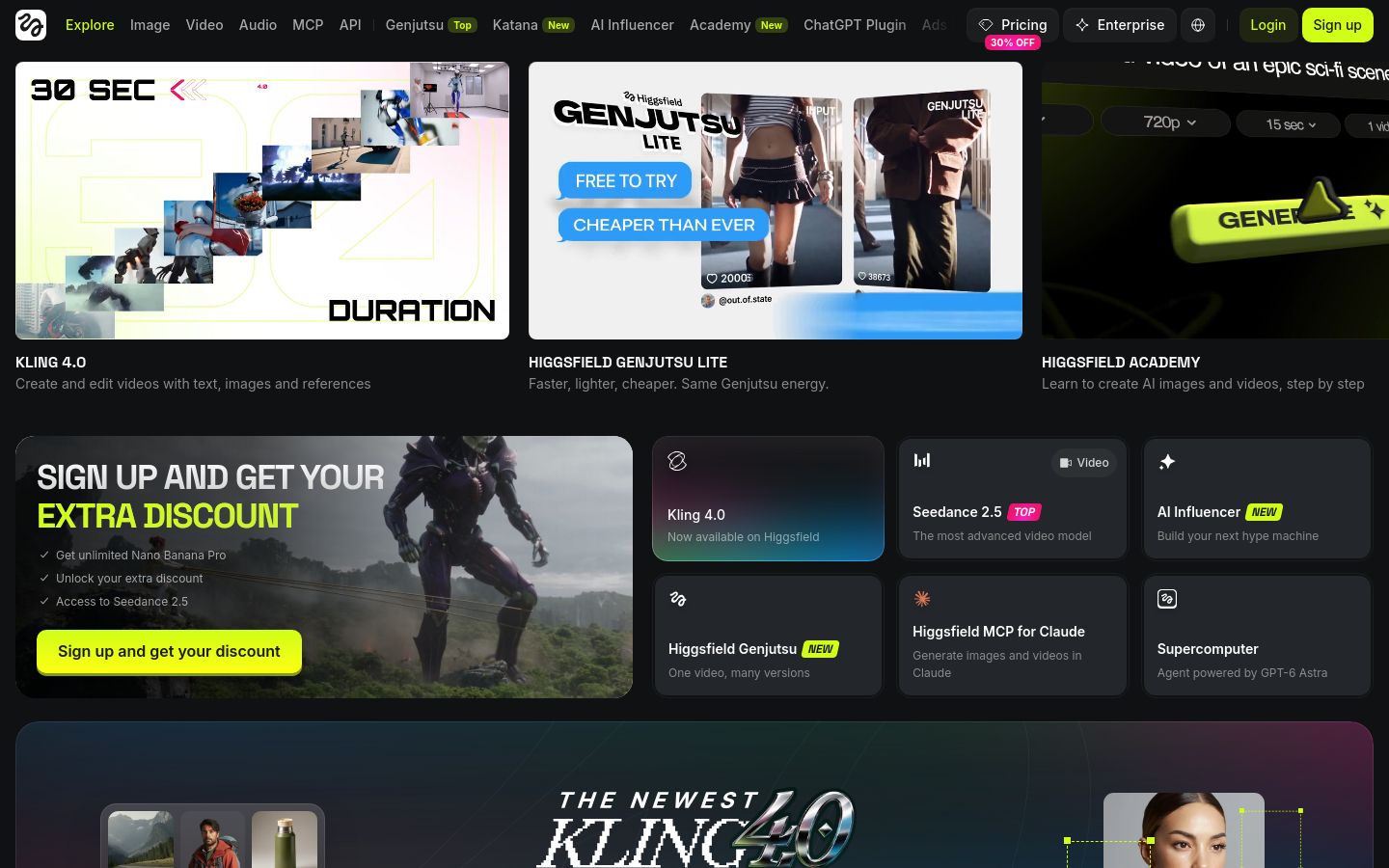
www.Higgsfield.ai

Generated pictures and clips collect in an account library where you can download them or continue editing.

Quick look

Higgsfield is a browser workspace for making AI pictures and videos. Create an account through Sign up, then choose Image or Video and a model suited to your project. Describe the result you want, or supply a reference picture where supported, and adjust the available output settings.

Read the how-to

Free + paid extrasWeb app

www.Krea.ai

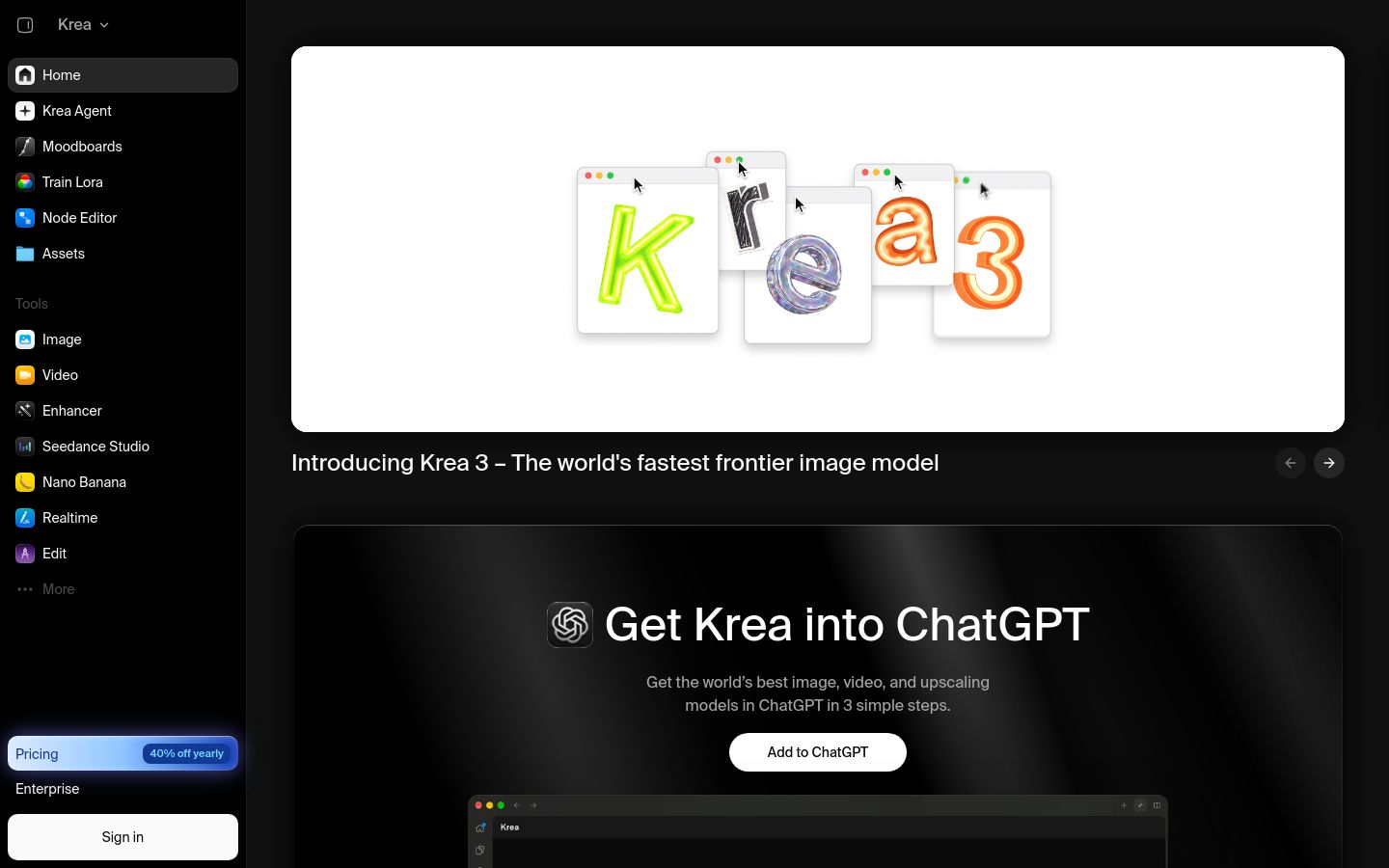
A text prompt can become illustrations, photos or design concepts, with several models available in one workspace.

Quick look

Krea is a browser workspace for making images and videos, editing them and increasing image resolution. Start with a free account and choose Image from the sidebar. Describe the picture you want, pick a model and optionally supply reference images; the available settings depend on the model.

Read the how-to
Free trialWeb appOnline service

www.Capable.run

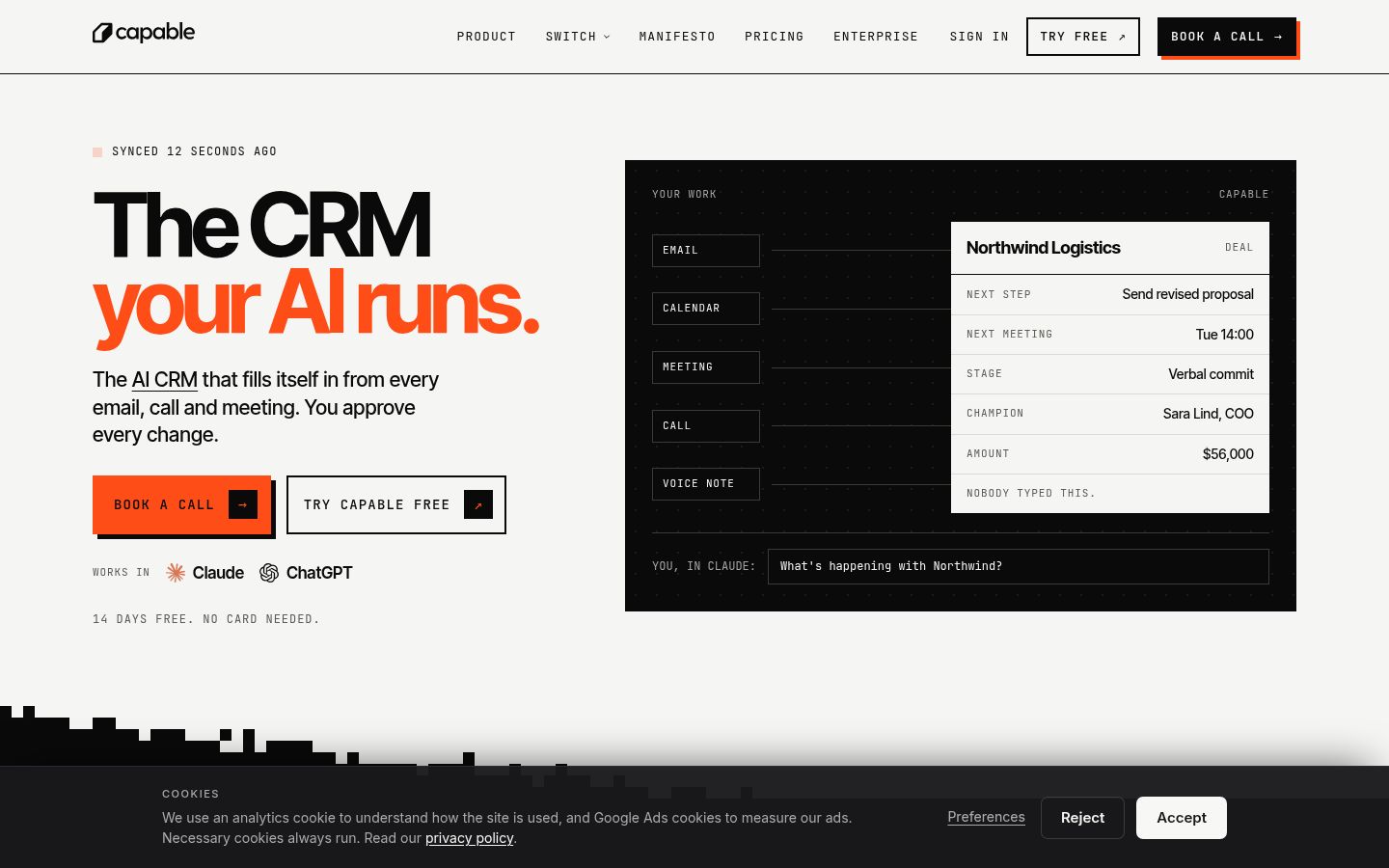
Sales teams can keep account details, opportunities and follow-ups together through Claude, ChatGPT or Capable’s web app.

Quick look

Capable is a browser CRM that turns calls and emails into contacts, deals and tasks; its recorder joins Zoom, Meet, Teams and Webex calls. With an account, use its web app or connect Claude or ChatGPT through MCP; your assistant subscription is separate. It prepares meeting briefs, drafts follow-ups for you to send, and provides pipeline reports on request.

Read the how-to
PaidApp to install

Shop.Voicemod.net

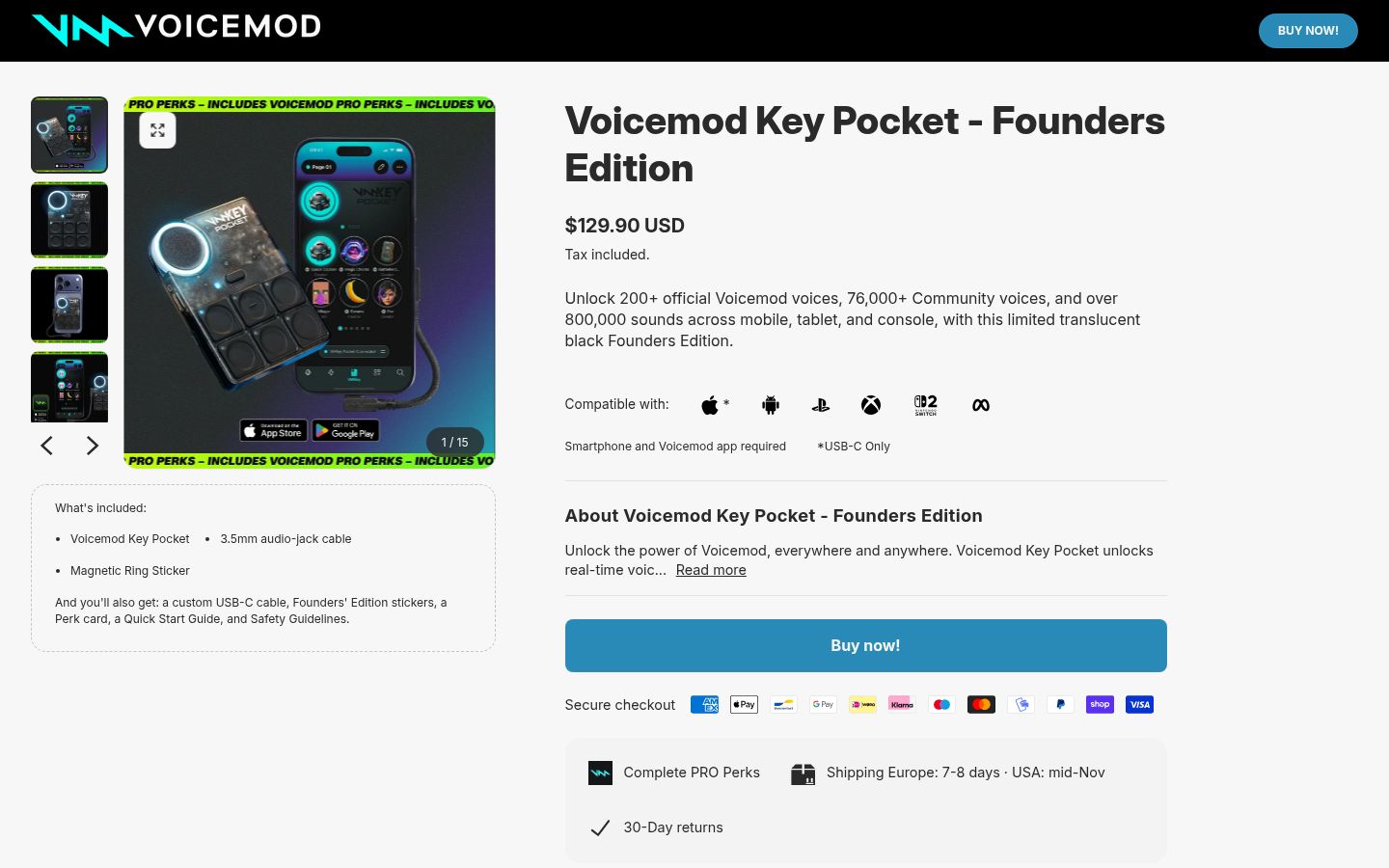
Mobile gamers, console players and creators can route altered speech and sound effects into chats using a phone app and connected headset.

Quick look

Voicemod sells Pocket and console-only adapters for changing your voice live and playing soundboard clips in games, calls and streams. Its iOS or Android app processes audio on your phone, then the hardware routes it to mobile, tablet or console chat. A headset and internet connection are required; your Voicemod account holds the license.

Read the how-to
PaidWeb appOnline service

www.HorizonX.so

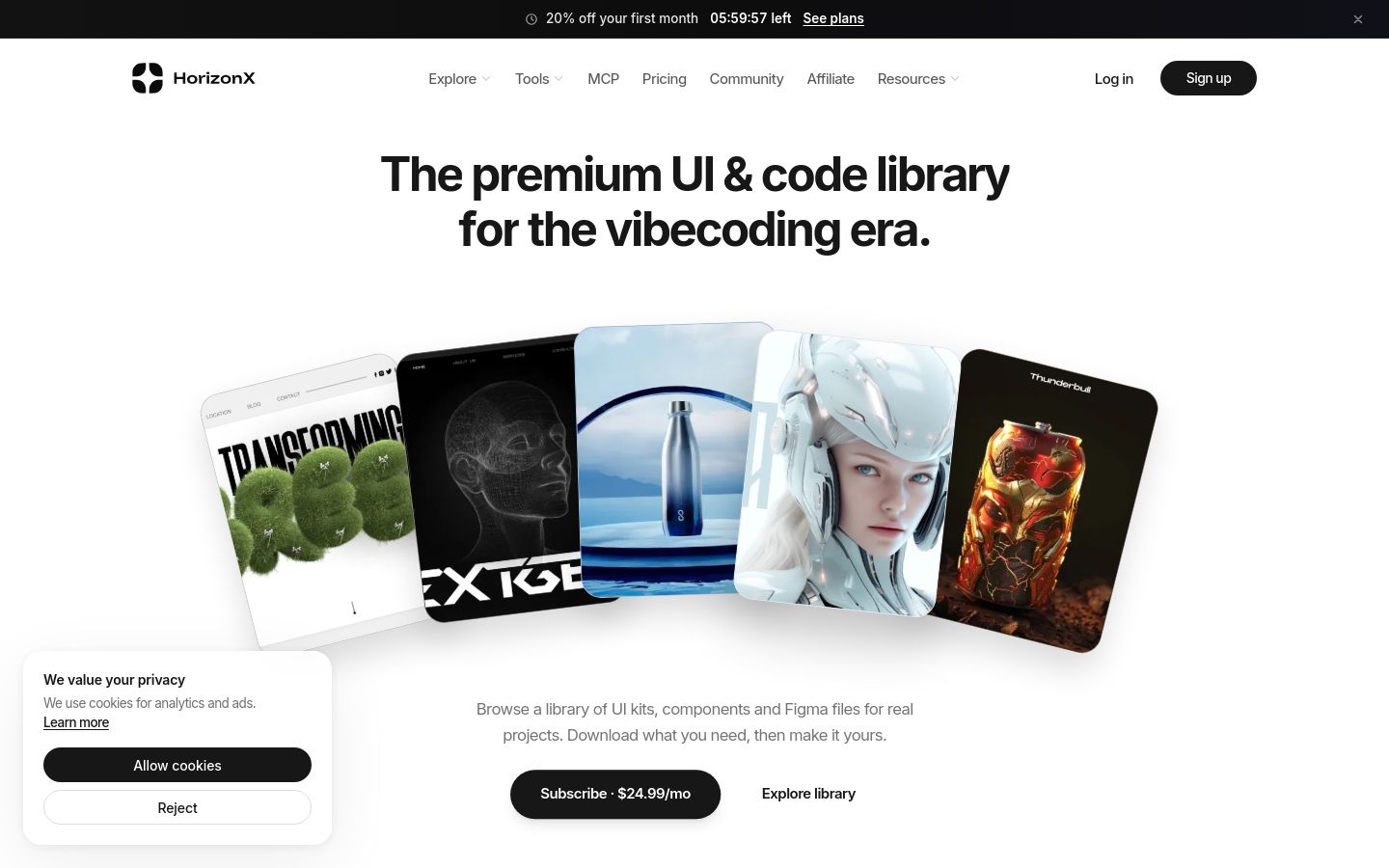
Designers and developers can adapt existing layouts, interactive components and mockups rather than begin with an empty canvas.

Quick look

HorizonX combines a design library of templates, sections and UI components with browser editors for interactive elements, image and video textures, animated shaders and device mockups. You adapt an existing design or bring your own media, adjust its appearance and export code, editable Figma content, images or video, depending on the asset.

Read the how-to
PaidWeb appPlugin

www.Everygen.ai

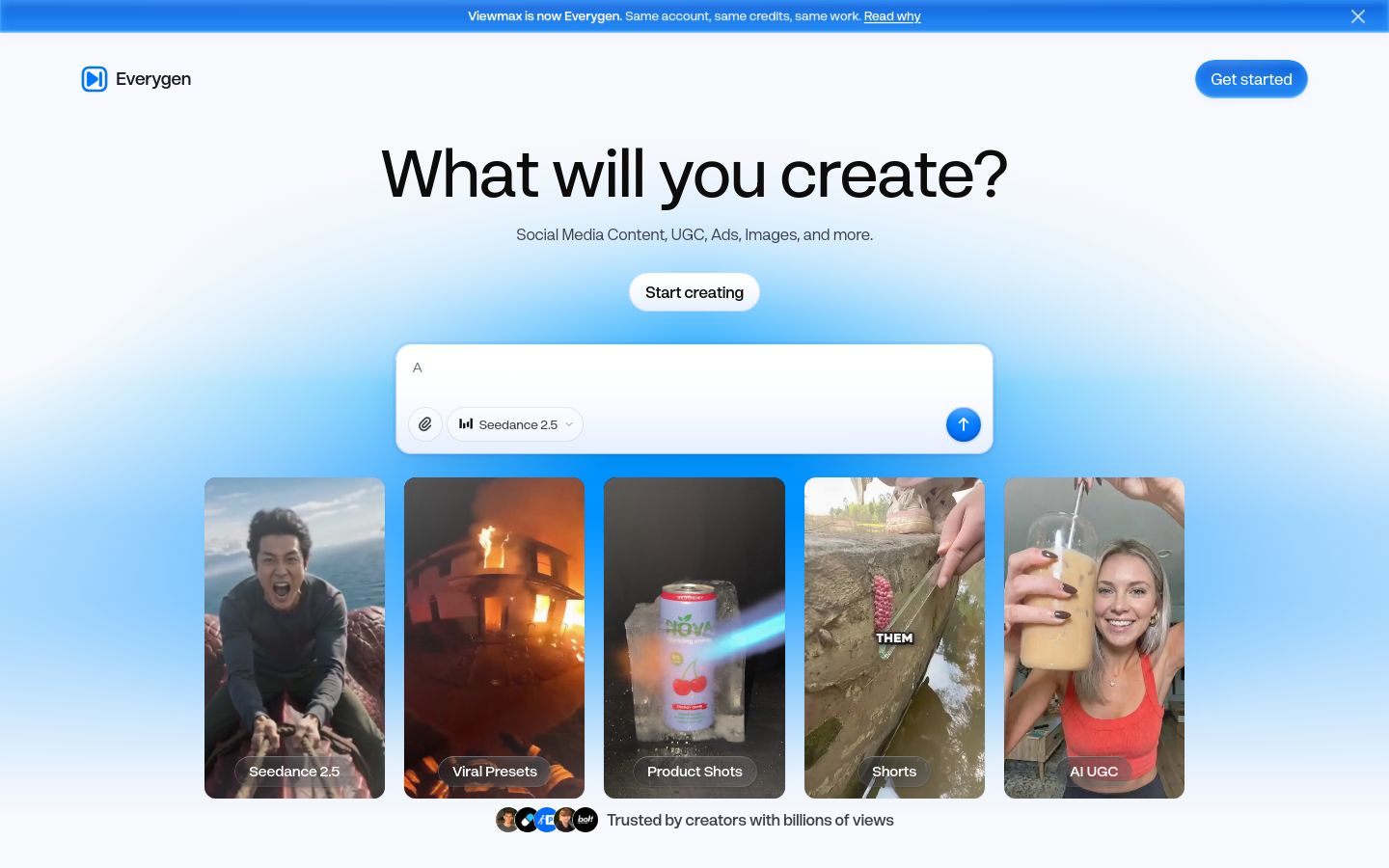
A shared credit balance covers video generation, voiceovers and captions.

Quick look

Everygen makes AI images and video clips for social posts and ads in a browser workspace, with an MCP connection for Claude and ChatGPT. Describe what you want or supply your own media to generate clips, shorts, ads and scripted avatars. It also provides scriptwriting, voiceovers, voice changes, captions and video editing.

Read the how-to
UnknownGitHub projectApp to installSelf-hostedWeb app

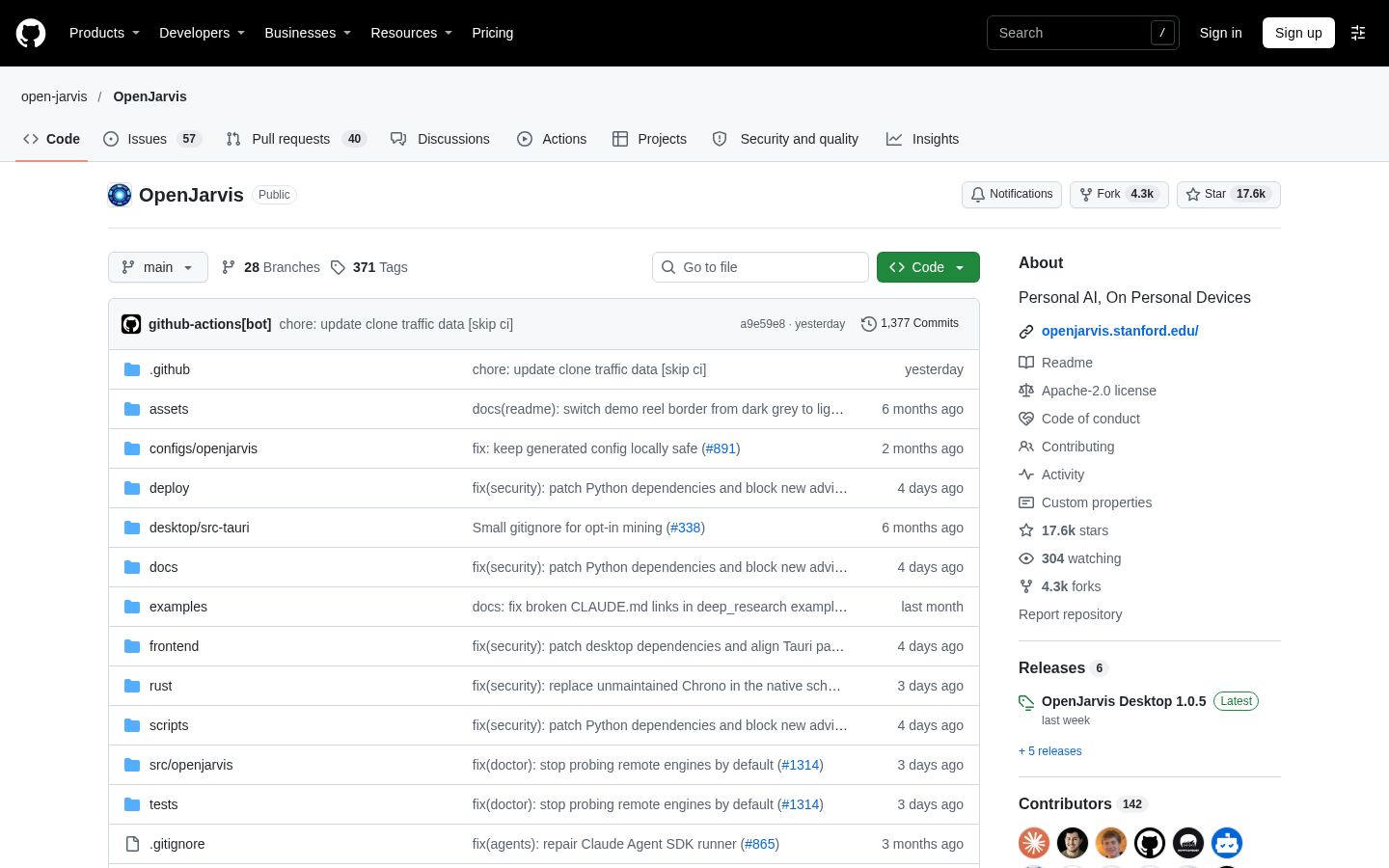
github.com/open-jarvis/openjarvis

Start with terminal chat, then add document retrieval, tools or scheduled agents through the same framework.

Quick look

OpenJarvis runs personal AI locally through a terminal, browser interface or separately downloaded desktop app. You connect a model backend for chat, document search, cited research, code execution, scheduled monitoring and spoken daily briefings. It also manages models and skills, benchmarks efficiency and learns from recorded runs.

Read the how-to
UnknownGitHub projectApp to installSelf-hosted

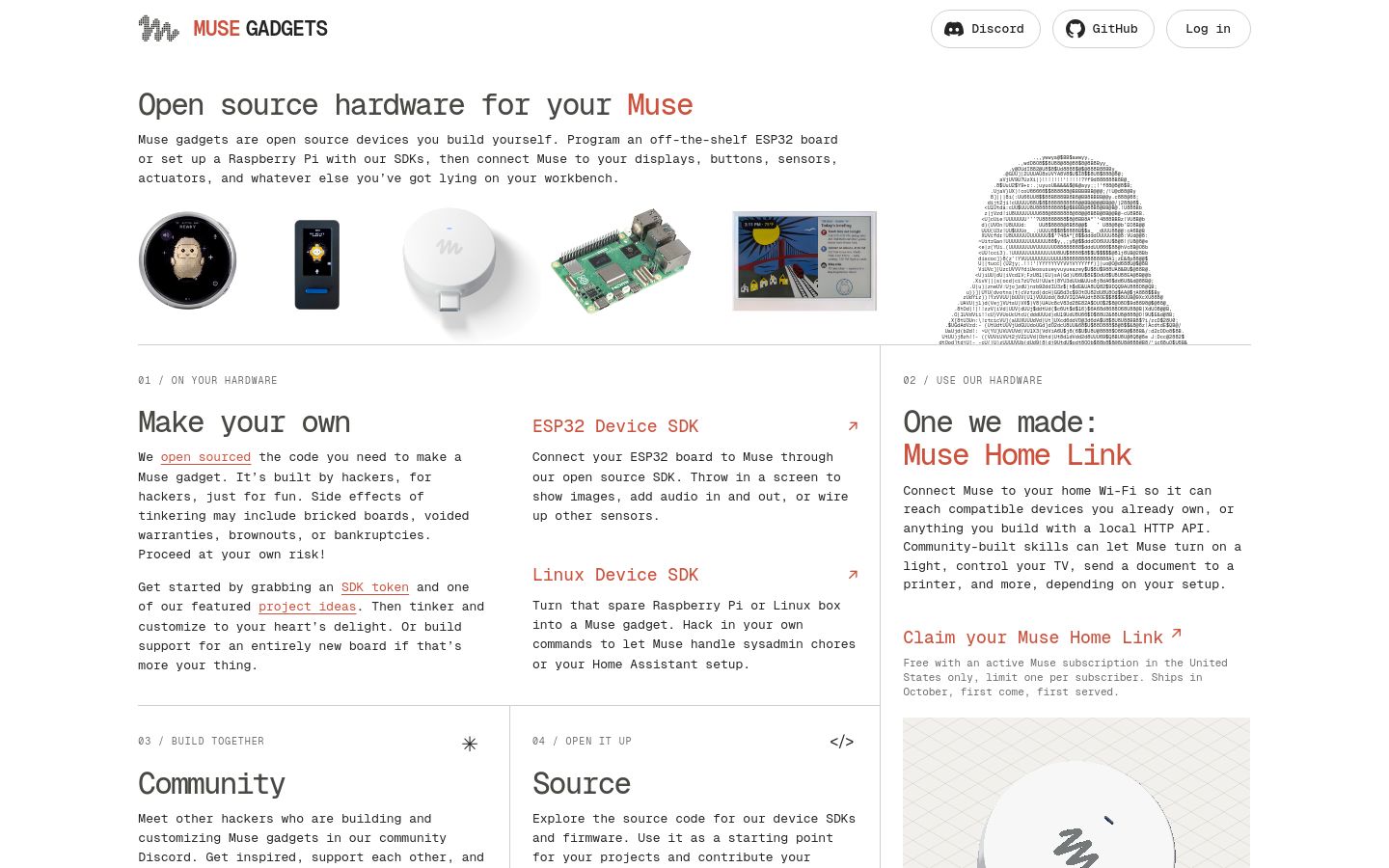
Gadgets.Muse.ai

The Linux SDK lets Muse inspect a Raspberry Pi, execute commands and move files through a paired device.

Quick look

Muse Gadgets offers ESP32 SDKs for screens, audio, sensors and actuators, a Linux SDK for commands and files, and Home Link hardware for compatible Wi-Fi devices. A test app streams phone video to ESP32 displays. DIY devices need SDK installation, your Muse account, a token and pairing through the phone app.

Read the how-to
UnknownGitHub projectApp to install

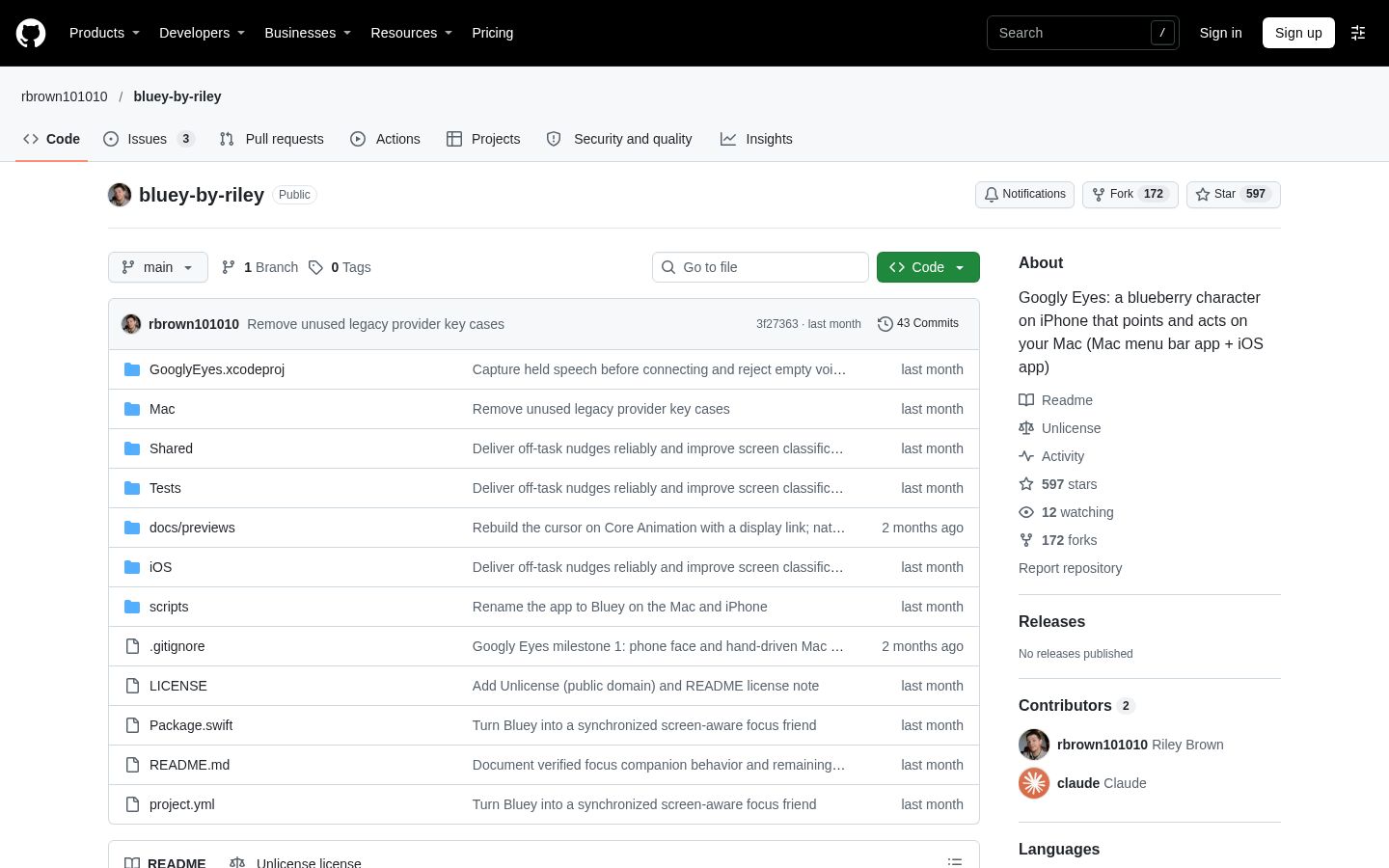
github.com/rbrown101010/googly-eyes

Bluey pairs an iPhone character with a Mac app to watch for distractions and offer a nudge.

Quick look

Build the Mac and iPhone apps from the GitHub project, pair them on the same network and add an OpenAI API key on the Mac. Tell Bluey your task by voice or text to start a focus session. The Mac periodically sends screen captures to OpenAI to check your progress; Bluey can respond with a text bubble, pointer and phone chirp.

Read the how-to
UnknownGitHub projectApp to install

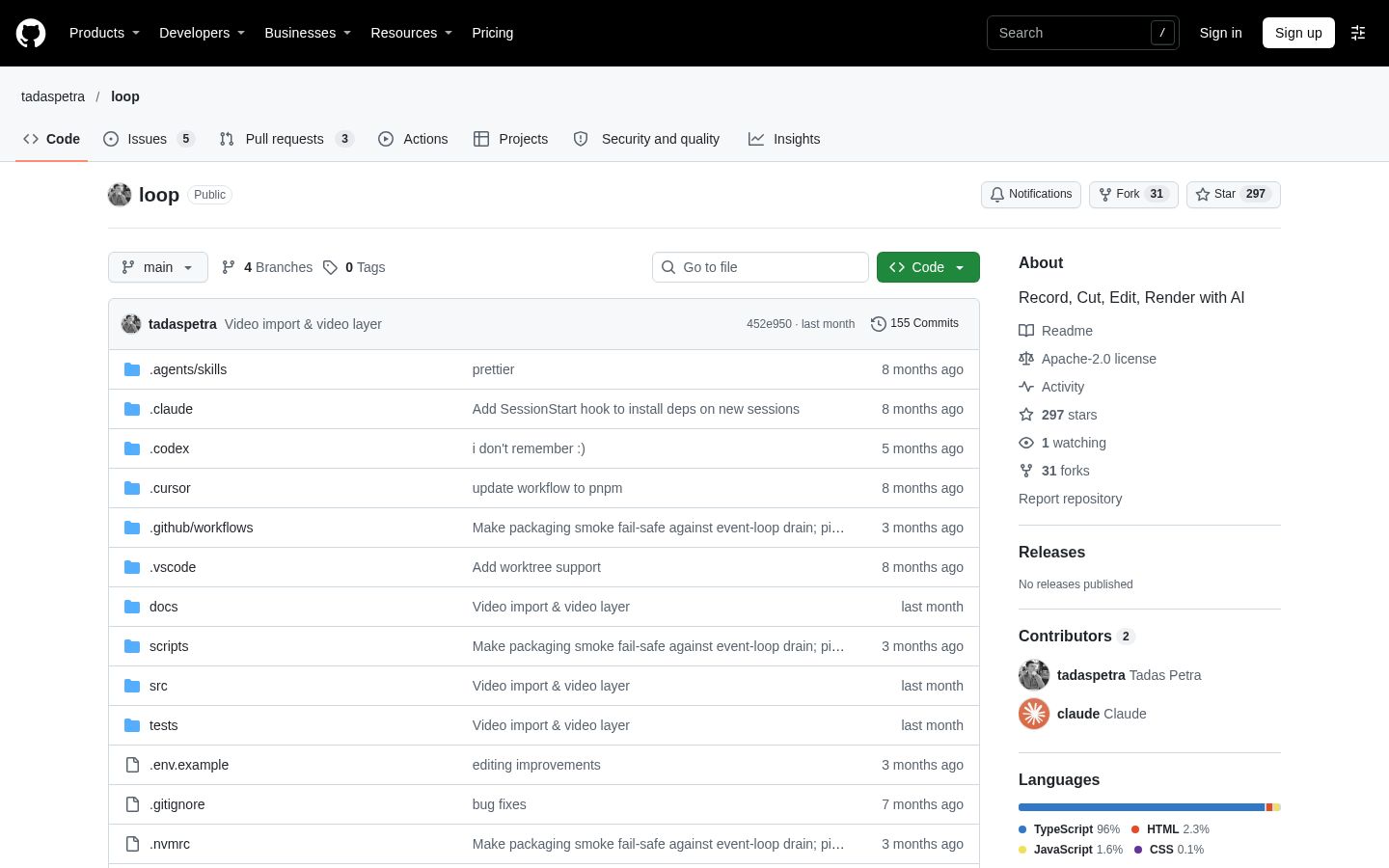
github.com/tadaspetra/loop

For demos and tutorials, spoken content becomes an editable timeline that exports to MP4.

Quick look

loop combines screen recording and transcript-based video editing in a desktop app. Install the GitHub project with Node.js 22 and pnpm 10; live transcription requires your own ElevenLabs API key. Record your screen and microphone, optionally adding a camera, while previewing the combined view and receiving a live transcript.

Read the how-to
UnknownGitHub projectApp to install

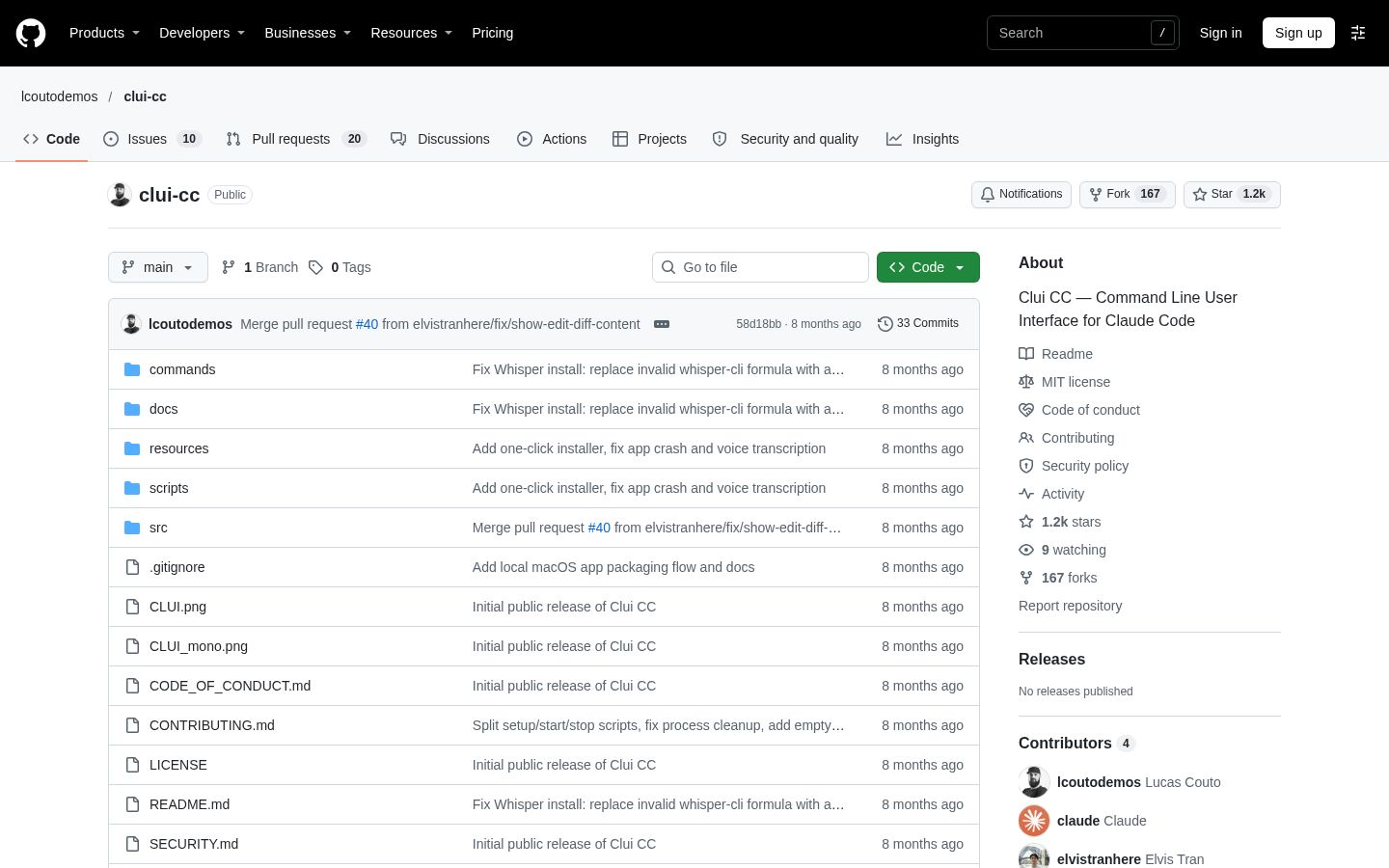
github.com/lcoutodemos/clui-cc

Manage separate conversations, dictate prompts and approve tool requests from a desktop overlay.

Quick look

Clui CC puts Claude Code conversations in a floating Mac desktop overlay. Install it from the GitHub project, using its installer to build the app and add dependencies, including Whisper for local voice input.

Read the how-to
UnknownGitHub projectPlugin

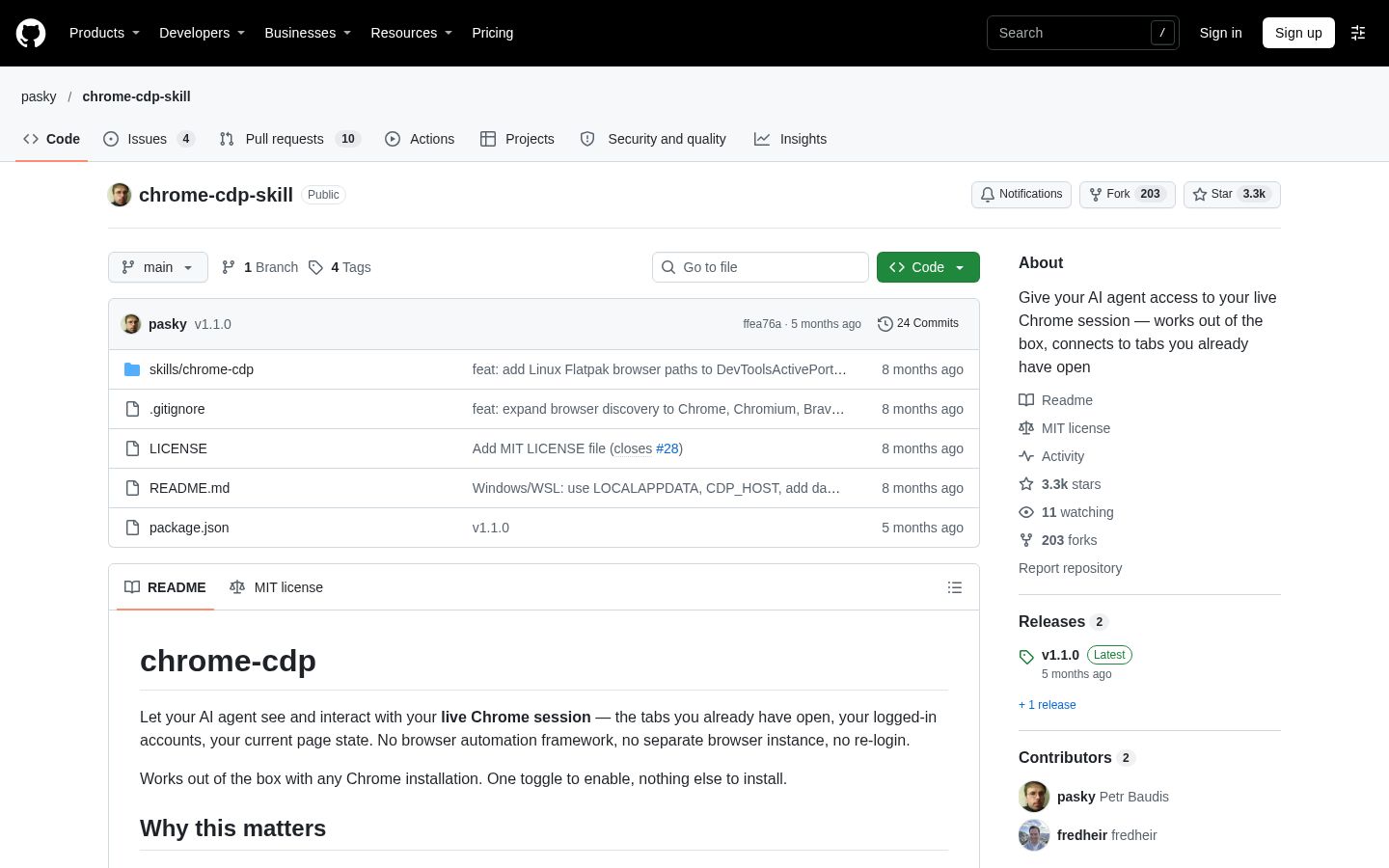
github.com/pasky/chrome-cdp-skill

Agents can work with signed-in pages and unfinished browser workflows without starting a separate browser session.

Quick look

chrome-cdp is an agent skill installed locally from GitHub, requiring Node.js 22 or newer. Add it to your agent’s skills and enable browser remote debugging, then use its command-line interface to select existing tabs, including signed-in pages.

Read the how-to
UnknownApp to installPlugin

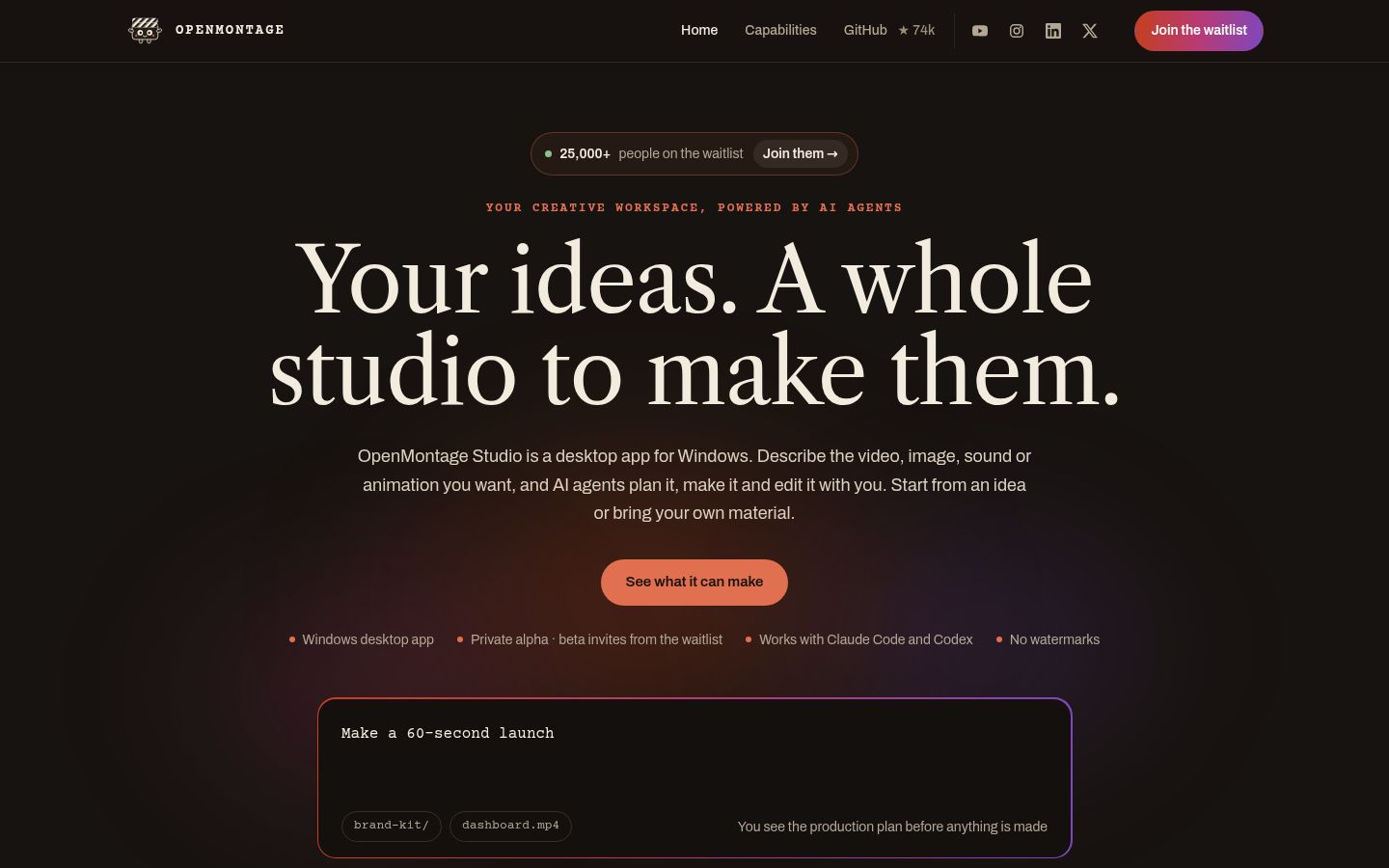
www.OpenMontage.video

Productions become local files without watermarks; the Windows app is in private alpha with a beta waitlist.

Quick look

OpenMontage Studio is a Windows desktop app in private alpha; join its waitlist for beta access. Describe a production or bring existing material, then review the agent’s plan for video, images, audio, animation and 3D. It also researches and writes scripts, records screens, adjusts colour, repairs footage and repurposes clips.

Read the how-to
UnknownGitHub projectApp to install

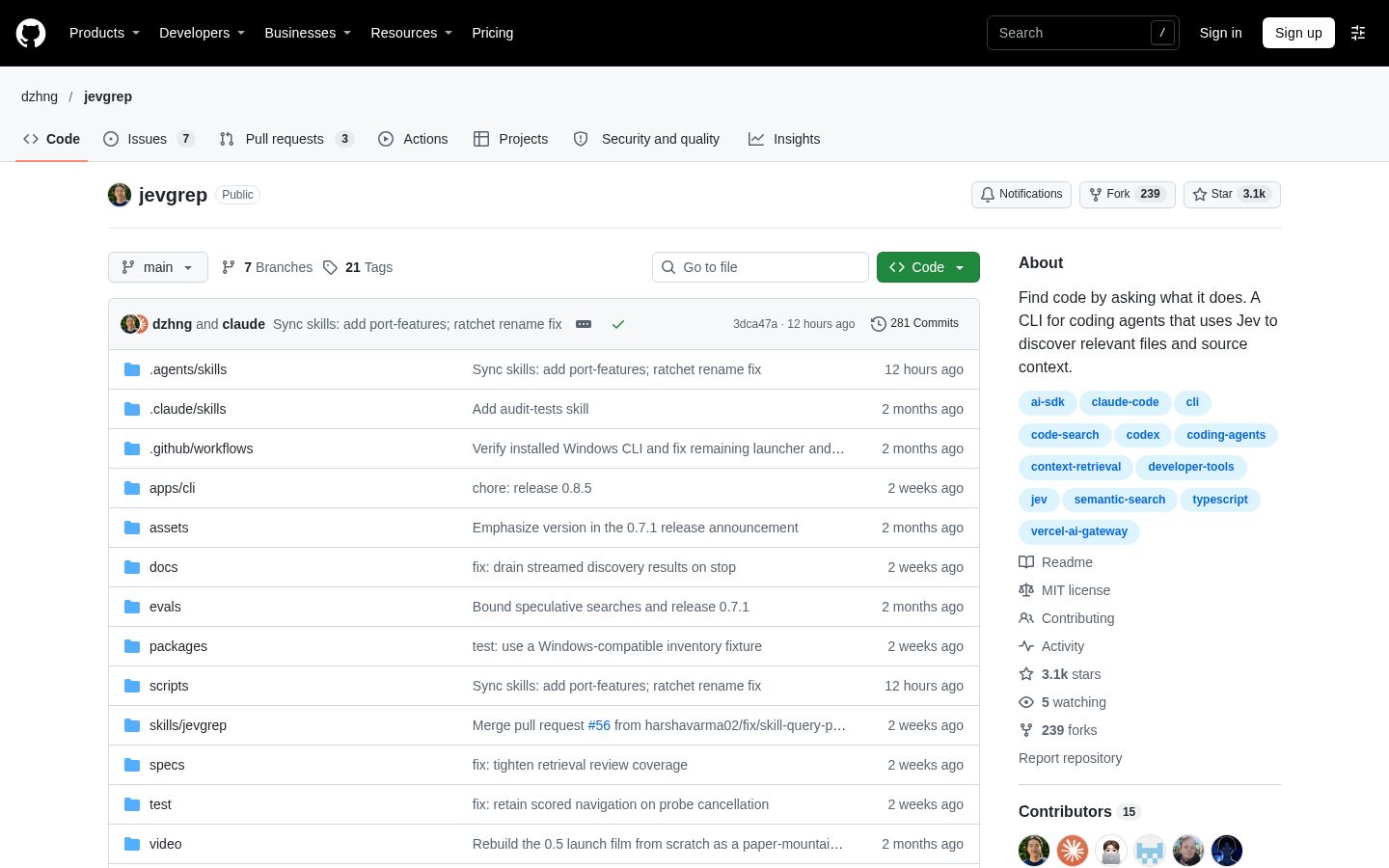
github.com/dzhng/jevgrep

A terminal tool gives coding agents file locations and source excerpts from unfamiliar repositories.

Quick look

Install Jevgrep as a local command-line tool on Windows, Mac or Linux with Node.js 22.20 or newer; agent setup also needs its companion skill and a provider API key. Ask a question about a repository or folder to receive file locations and code excerpts for your coding agent to read before making changes.

Read the how-to
UnknownWeb app

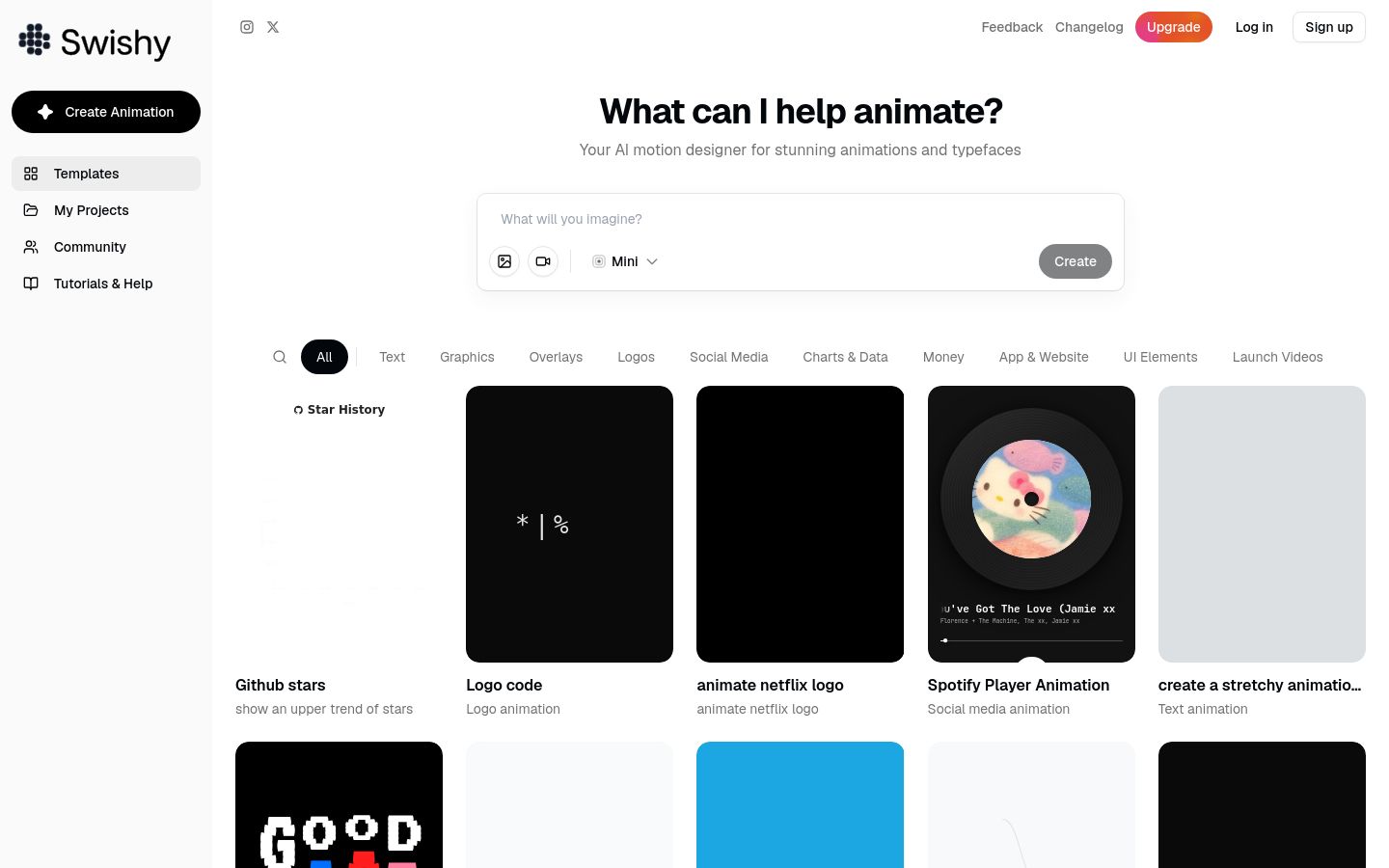
www.Swishy.ai

Templates cover logos, charts and social posts, while text effects include typing, fading and bouncing.

Quick look

Swishy makes animations in your browser from a written request or template, with desktop use recommended. It covers text, graphics, overlays, logos, social posts, charts, money effects, app and website demos, interface elements and launch videos. The text-animation page lists previews and MP4, MOV and GIF exports.

Read the how-to
UnknownPlugin

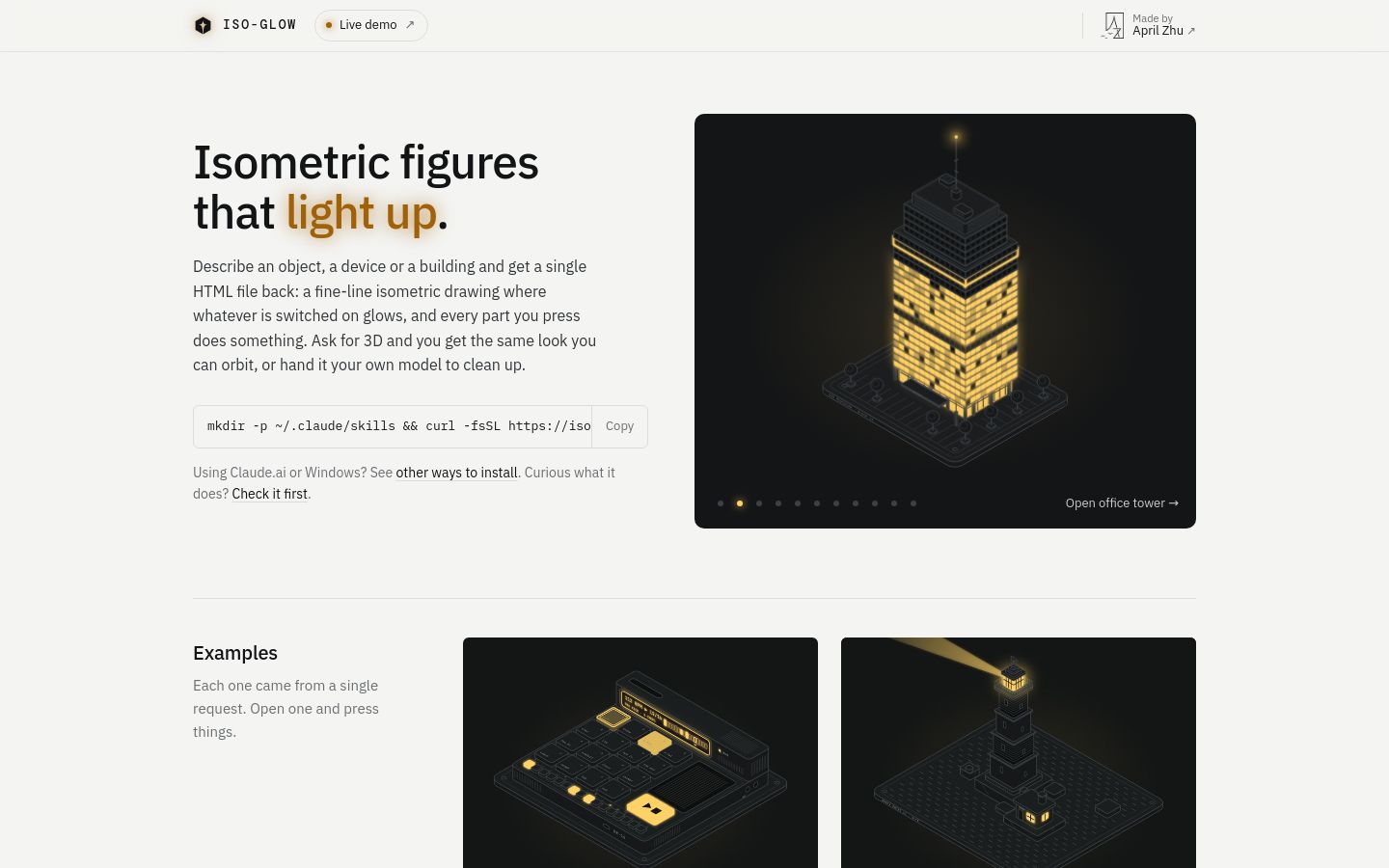
www.isoglow.dev

Install the skill files, describe a scene, and open the generated page to try its lights and controls.

Quick look

ISO-GLOW is a downloadable skill for Claude Code or Claude.ai that turns descriptions into interactive isometric HTML drawings with glowing parts. It also makes orbitable 3D scenes, restyles your own .glb models, and offers Lumen illustrations with solid shapes and lighting.

Read the how-to

UnknownWeb app

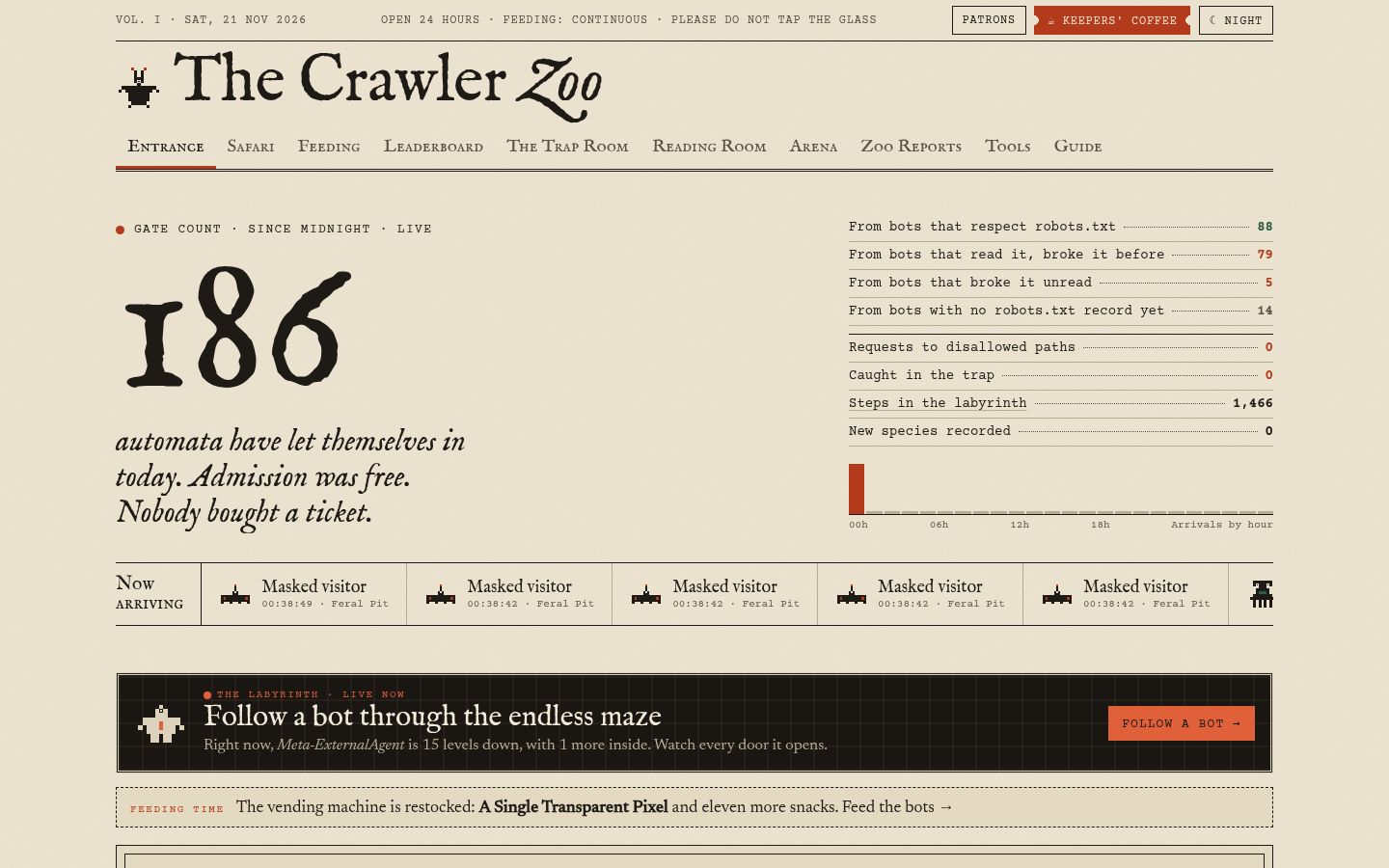
www.CrawlerZoo.com

Site owners can identify crawler operators, inspect bot behavior and generate a robots.txt file for their own site.

Quick look

Crawler Zoo runs in your browser, turning its visiting crawlers into creatures with rankings and operator profiles. It also exposes impostors and rule-breaking bots, maps their maze journeys, offers bot games and lets visitors leave text for crawlers. The Reading Room tracks bots reading files including robots.txt and llms.txt.

Read the how-to

UnknownGitHub projectApp to installSelf-hostedPlugin

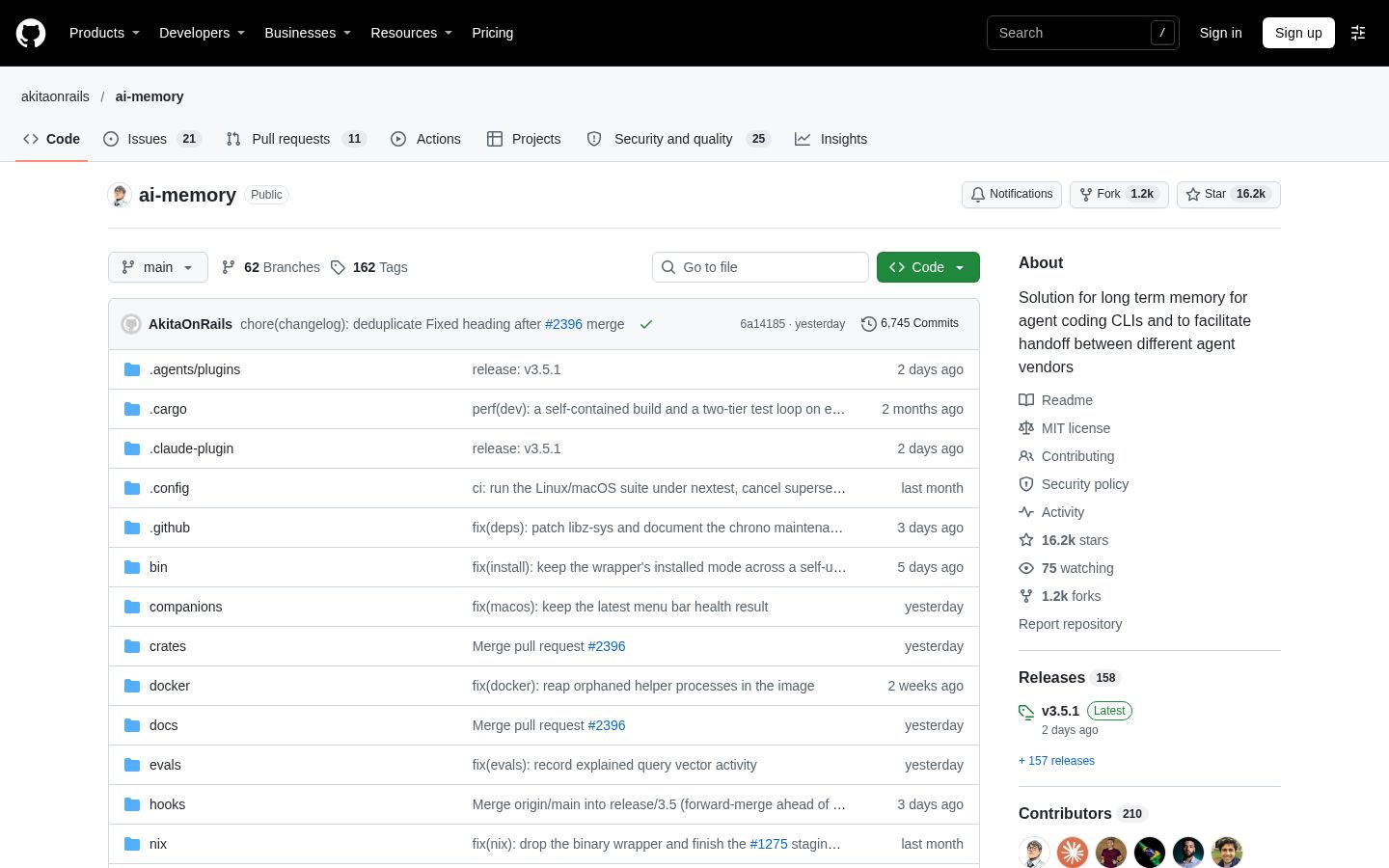
github.com/akitaonrails/ai-memory

Developers can keep searchable Markdown notes and pass unfinished coding work between agents such as Claude Code and Codex.

Quick look

ai-memory is an installed memory server that connects coding agents through hooks and MCP. It captures sessions into searchable Markdown notes, carries handoffs between agents and machines, shares project knowledge with teammates, and remembers preferences across projects.

Read the how-to

UnknownWeb appGitHub projectApp to installSelf-hosted

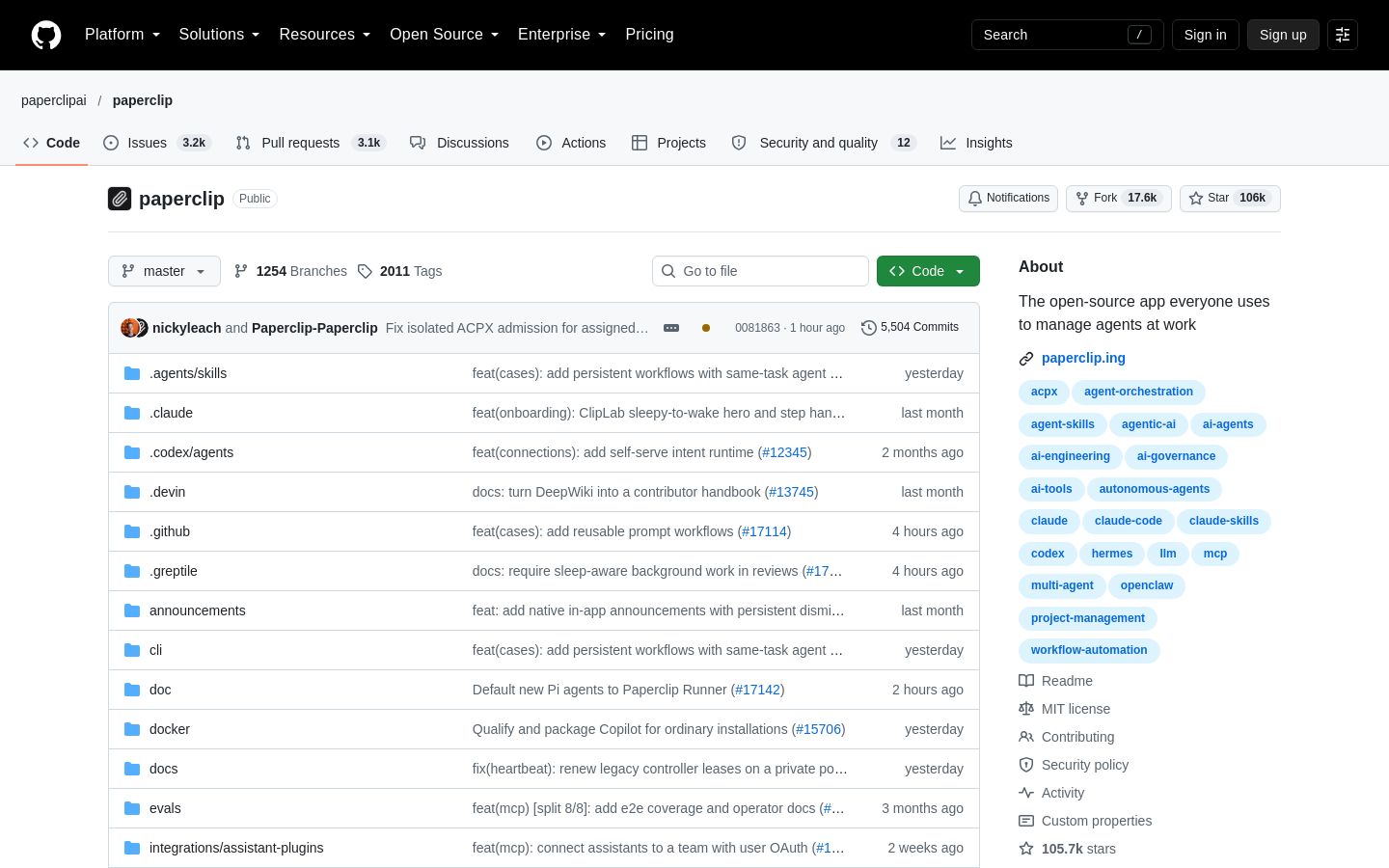
github.com/paperclipai/paperclip

For people coordinating several agents, a self-hosted dashboard keeps assignments, spending and work history together.

Quick look

Paperclip runs on your computer or server, with a browser dashboard for organizing AI teams around goals. You connect agent runtimes, assign tasks and review their output. It combines reporting lines, approvals, budgets, schedules, shared skills and evaluations, app connections, workspaces, secrets, plugins, experimental agent chat, work history and…

Read the how-to